


What's New in Adobe Premiere 26.3 - June 2026
What's New in Adobe Premiere 26.3
Premiere Pro 26.3 is here, bringing new tools for social video creators, improved Firefly workflows, and new creative effects for editors who want more control over their visuals.
Single-Word Captions
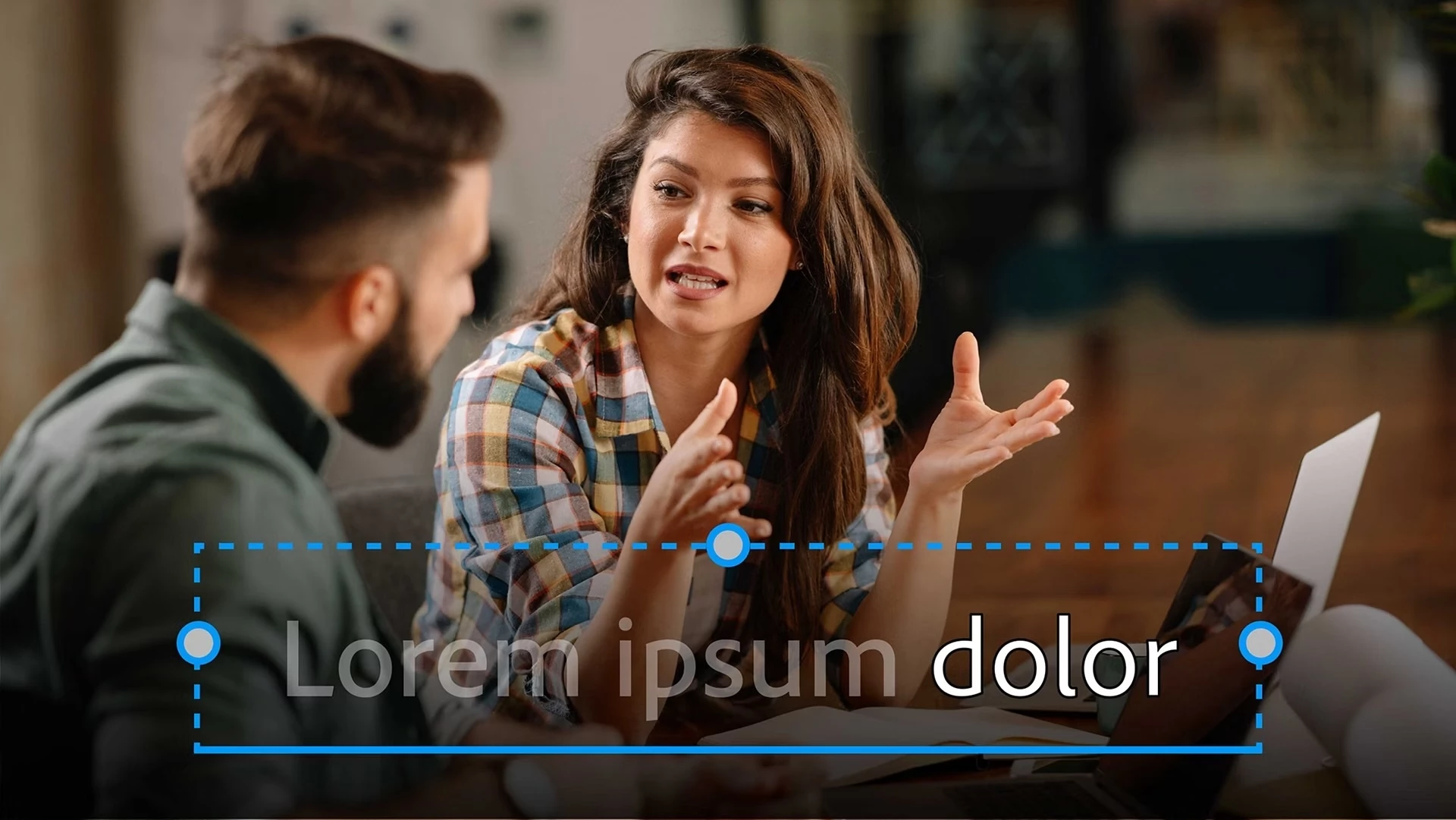
If you've been manually splitting captions to create that one-word-at-a-time style popular on Reels, Shorts, and TikTok, you can finally stop.
Premiere can now generate single-word captions directly from a transcript. Simply choose Single Word when creating captions, and Premiere automatically synchronizes each word to your audio. Customize the styling, export your captions, and you're ready to publish.
For social-first creators, this is easily one of the most-requested additions in recent memory.
Learn more about how to create single-word animated captions ›
Faster and More Resilient Object Masking
Object Masking continues to improve in 26.3.
This release introduces:
-
Faster mask tracking performance
-
New Restore Mask Data functionality for recovering object mask information after project transfers
-
Improved reliability for complex masking workflows
If you regularly blur faces, isolate subjects, or create targeted corrections, this is one of the most meaningful under-the-hood improvements in the release.
Productions Upgrades: From Hours to Minutes
For editors working with large Productions, this may be the biggest update in 26.3.
Premiere now uses a just-in-time upgrade workflow. Instead of opening and resaving every project during an upgrade, Premiere upgrades projects only when they're opened.
The result? Production upgrades that could previously take hours—or longer—can now complete in minutes.
Automatically Create Sequences from Firefly Boards
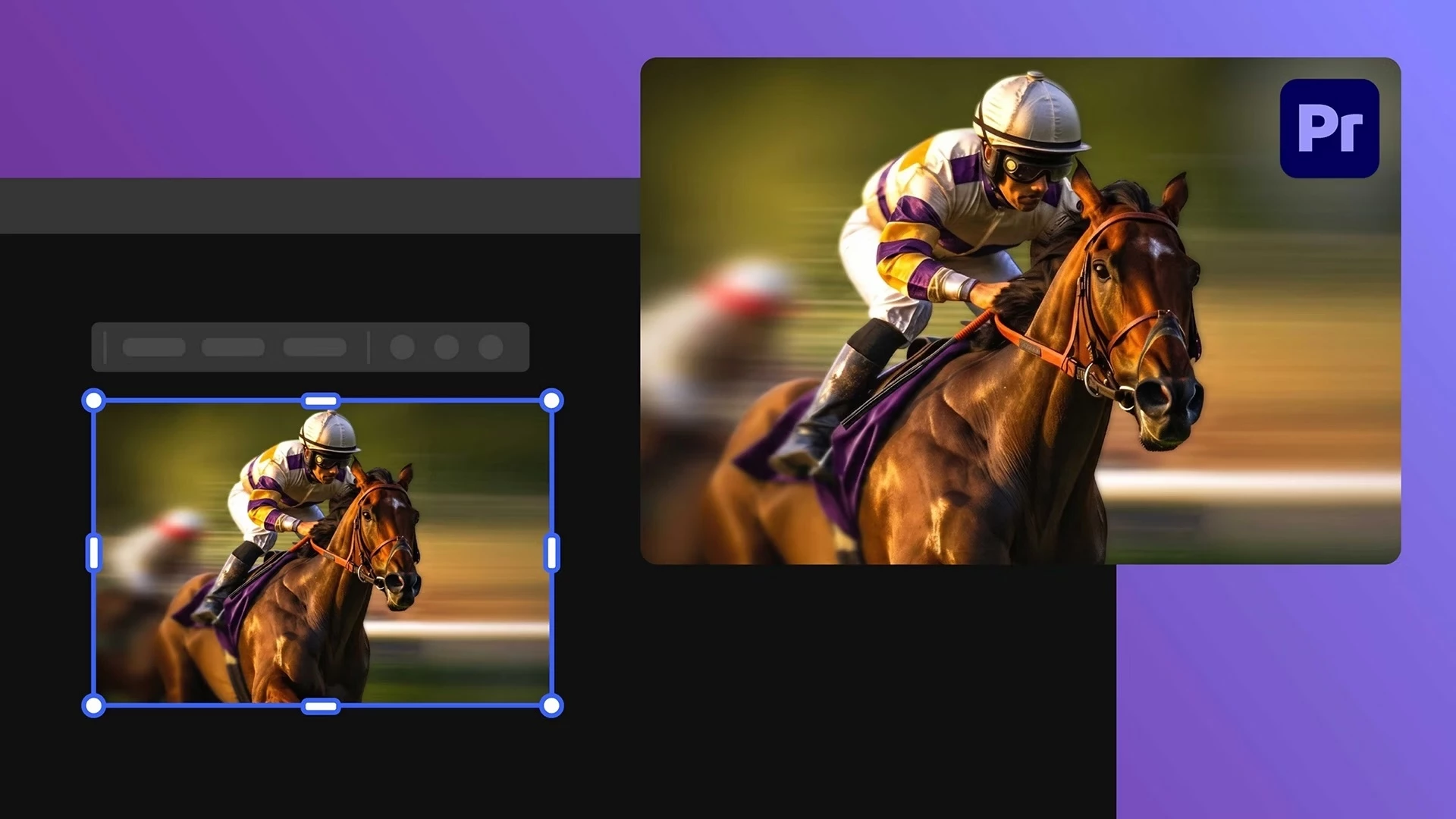
If you use Firefly Boards to plan your edits, Premiere can now do some of the assembly work for you.
When importing multiple assets from Boards, Premiere can automatically create a sequence using the same order you selected in Boards, helping you move from concept to timeline with fewer manual steps.
Learn more about automatic sequence creation ›
Workflow Improvements You'll Appreciate
This release includes several smaller improvements that can make a big difference in day-to-day editing:
-
New Timeline preference that lets you control whether Premiere automatically creates additional audio tracks when editing clips into a sequence
-
Significantly faster workspace switching
-
VRAM compatibility warnings to help identify underpowered systems before they become a problem
-
Adobe Stock licensing directly from the Stock panel
New Creative Tools
New Shape Dissolve Transition

Create customizable geometric transitions with control over shape, motion, feathering, and timing.
From subtle wipes to stylized motion graphics transitions, Shape Dissolve gives editors a new creative option for connecting shots.
Learn more about modern transitions ›
New Magnify Effect

Need viewers to focus on a specific detail?
The new Magnify effect creates a customizable magnifying lens with controls for zoom, shape, borders, shadows, edge softness, and lens distortion. It even includes a Surprise Me option for quickly exploring different looks.
Learn more about modern effects ›
New in Premiere Beta
Smarter Object Masking
Premiere Beta introduces a new segmentation model that can identify foreground objects, background objects, and smaller scene elements that were previously difficult to select.
Complex masks that once required manual work can often be created with a single click, making Object Masking even more powerful.
ARRI Core Codec Support
Beta users can also test support for ARRI's next-generation ARRI Core codec, including workflows designed for extremely high frame-rate capture with the Alexa 35 Extreme camera.
Notable Fixes
Premiere Pro 26.3 also includes numerous fixes and stability improvements, including:
-
Improved reliability for Object Mask workflows
-
Fixes for transcription issues on some Intel Arc systems
-
Program Monitor stability improvements
-
Better handling of HEVC and H.264 media imports
-
Fixes for caption exports, media relinking, and Production workflows
-
Improved compatibility with long-form and compressed media
-
Audio export and audio ducking reliability improvements
As always, review the full release notes before updating active projects.
Single-Word Captions will probably get the most attention, but the sleeper hits in this release may be the Object Masking and Productions improvements.
Which feature will have the biggest impact on your workflow?


 AdChoices