



What's New in Adobe Premiere 26.5 - September 2026

Premiere 26.5 launches with a focus on what matters most: getting powerful creative tools into your hands faster, making your workflows more reliable, and keeping you focused on storytelling instead of technical troubleshooting. Whether you're working with AI-generated media, managing complex camera workflows, or pushing the boundaries of what's possible in post, this release brings concrete improvements across the board.
Generate Media Directly in Your Timeline

The new Generative Media Tool lets you create video and sound effects from text prompts without leaving Premiere. Describe what you need—a 3-second transition, ambient forest sounds, or an effects shot—and the tool generates it as an editable clip you can refine directly in your sequence. You choose from Adobe Firefly and partner AI models, use existing frames as visual references, and iterate without switching applications.
This matters because it collapses the gap between creative intent and execution. Instead of exporting clips to external tools and re-importing, you stay in the timeline. Instead of hunting for stock media or building effects from scratch, you prompt and go.
Learn more about the Generative Media Tool ›
Build Sequences from Transcripts with Paper Edit

New in this release: Paper Edit lets you assemble rough cuts directly from your transcript. Open the Text panel, select the sentences or dialogue you want to keep, and preview your selections before creating a new sequence. It's built for interviews, podcasts, and dialogue-heavy edits where the transcript is your blueprint.
Why this changes things: No more scrubbing through footage to find the moments you want. Your edit plan is already written—now you can build it in seconds.
Expanded Camera Support and Professional Workflows
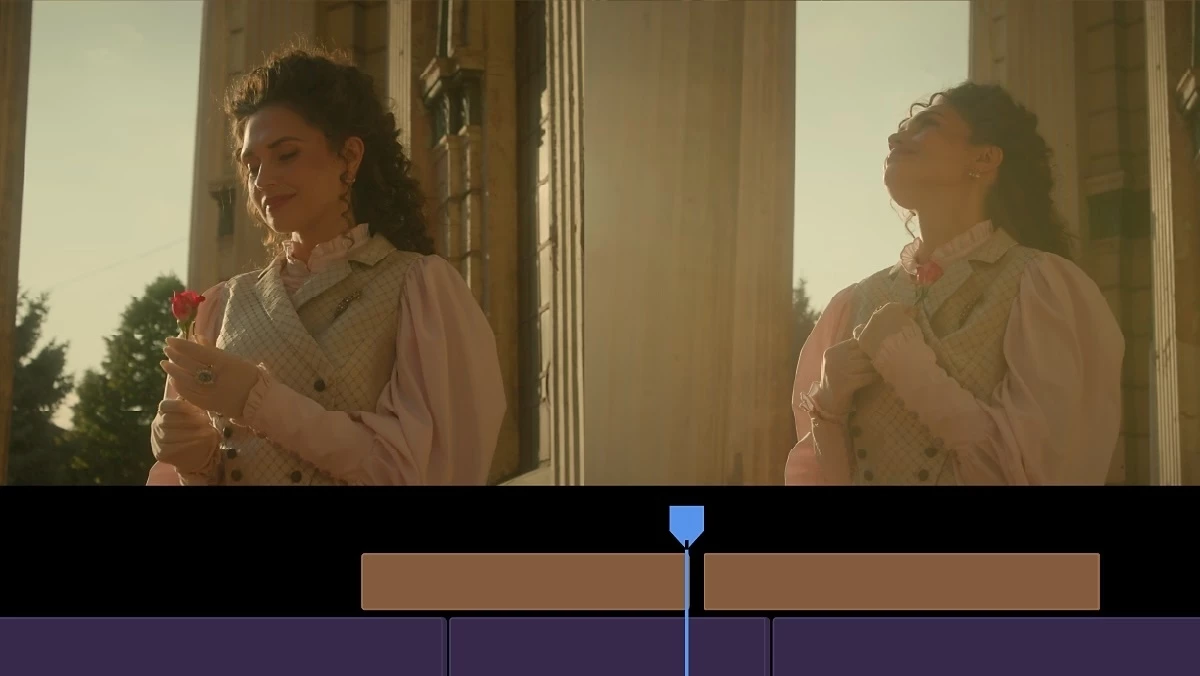
Premiere now supports Sony FX5 cameras with XAVC and XOCN media, including 32-bit float Hi-Res audio—bringing cinema-quality audio directly into your timeline alongside your other media. You're also getting enhanced ProRes RAW support and new ARRICORE compatibility for ALEXA 35 Xtreme cameras.
The pattern here: Premiere is keeping pace with the cameras professionals actually use. Bring footage in, edit immediately, no format surprises.
NVIDIA Blackwell GPUs now support hardware-accelerated 4:2:2 10-bit decoding for AVC and HEVC in MXF, which means faster, smoother playback on professional hardware. And the improved Match Source feature now handles audio channels and sample rates automatically, with smart downmixing and warnings when a format can't support your source audio.
All-new ProRes RAW support for major performance gains
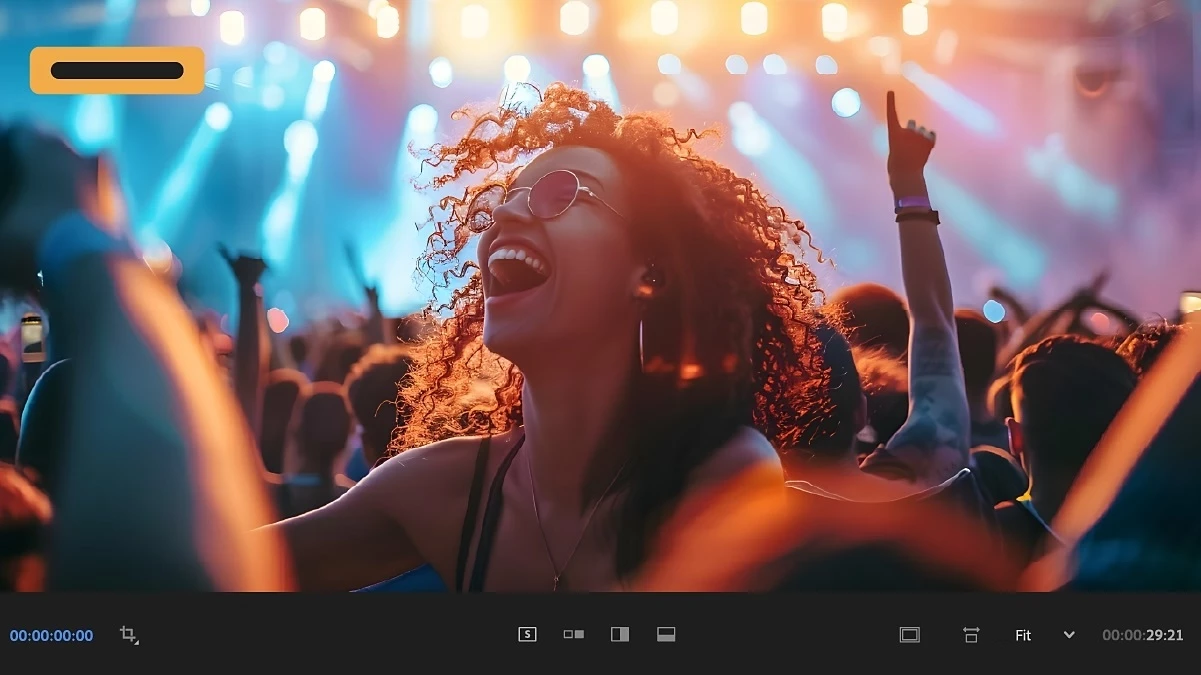
Enhanced compatibility makes it easier to bring ProRes RAW footage into your editing workflow in Premiere.
Match audio settings automatically with Match Source

Match Source now includes your source's audio channels and sample rate, with automatic downmixing and warnings when a format can't support the source's channel layout.
Smarter Masking

Object Mask gets meaningful new controls. Choose between Sharp mode for crisp edges on distinct objects, or Smooth mode for delicate details like hair and fabric. A new Sharpness slider lets you fine-tune soft edges without re-tracking, and expanded object detection now recognizes significantly more selectable objects per scene—props, backgrounds, layered subjects that couldn't be detected before.
Learn more about Object Masking
New Effects

You're also getting customizable cinematic flares with the updated Lens Flare, more precise creative control with Twirl, and improved Mosaic Softness for natural-looking results. Existing projects stay unchanged—these are additive improvements. And Generative Extend now supports resolutions from 360p to 4K UHD, any aspect ratio, and interlaced or non-square-pixel footage.
Learn more about the effects ›
Extend more media with Generative Extend

Generative Extend now supports more source media, including resolutions from 360p to 4K UHD, any aspect ratio, and interlaced or non-square-pixel footage.
Learn more about Generative Extend ›
Support ARRICORE for ALEXA 35 Xtreme

Bring ARRICORE media from ALEXA 35 Xtreme cameras directly into your editing workflow. Expanded support makes it easier to work with footage from this latest ARRI camera workflow in Premiere.
Updated hardware-accelerated playback on NVIDIA Blackwell

Premiere now supports hardware 4:2:2 10-bit decoding for AVC and HEVC in MXF on NVIDIA Blackwell GPUs.
What This Means for Your Workflow
The throughline across 26.5 is getting better tools and more dependable workflows. Smoother timeline performance. More reliable media handling. Better support for professional production environments. Faster access to diagnostic information when things don't work as expected. All backed by ongoing improvements in quality and stability.
Whether you're exploring AI-powered generation, integrating footage from the latest professional cameras, or refining your masking work, there's something here to streamline your process.
Ready to try them? Start with the Generative Media Tool on your next project—describe what you need and see what it creates. Test Paper Edit on a transcript-heavy edit. Explore the enhanced masking controls. These features are designed to integrate seamlessly into your existing workflow, so take them for a spin and see what sticks.
What's the first feature in Premiere 26.5 you're going to test?
 AdChoices