




New HSL mask in Premiere Desktop
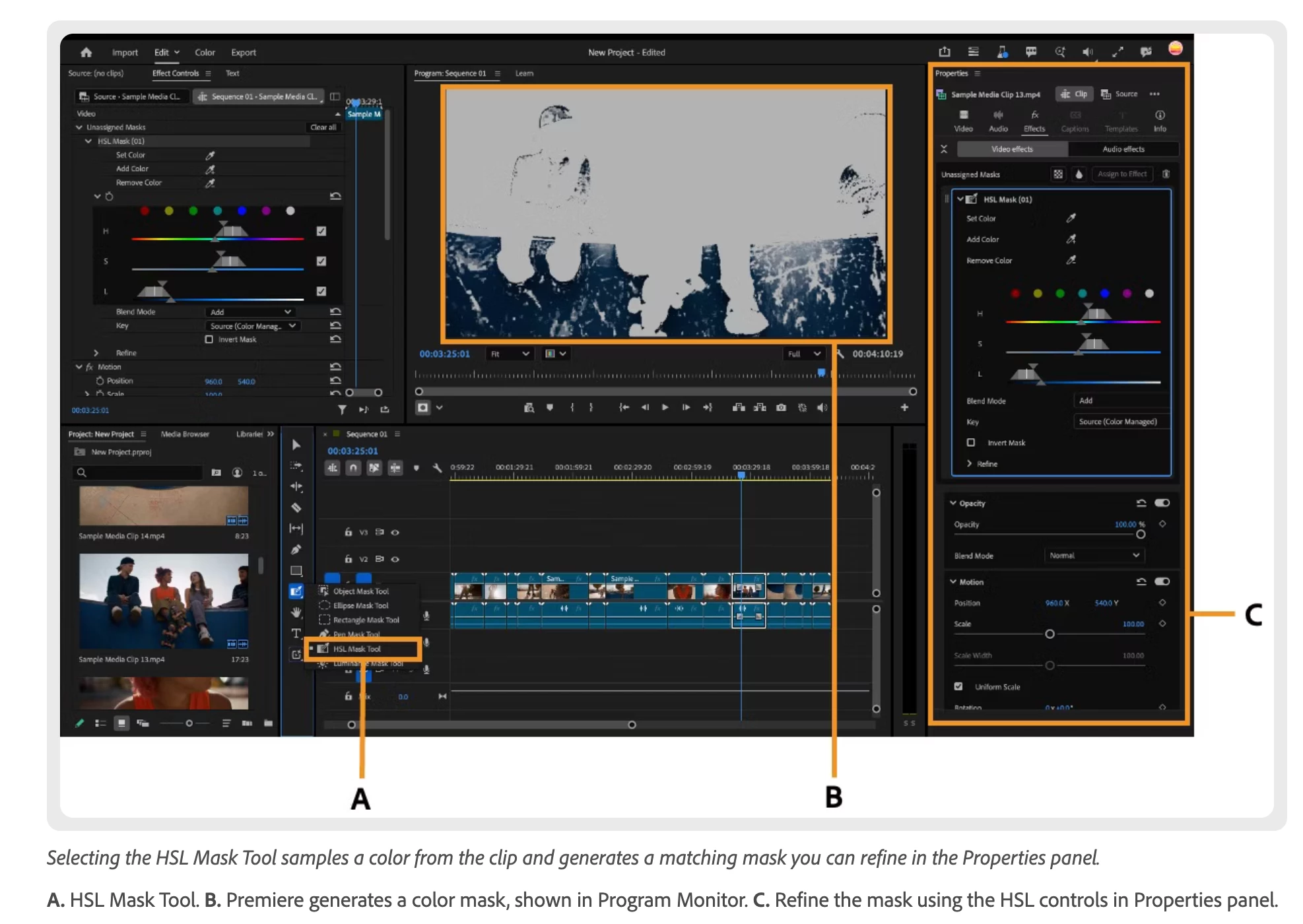
The HSL Mask Tool and Luminance Mask Tool let you create a mask based on color or brightness in your footage, rather than drawing a shape by hand. Sample a color or luminance range directly from the frame and Premiere generates the mask for you. This differs from HSL Secondary, which isolates a color for grading rather than creating a mask you can apply to any effect.
To create a mask, long press the mask icon in the toolbar and select HSL Mask or Luminance Mask. Then click on the area of your clip in the Program Monitor that contains the color or brightness range you want to mask.
Masks created with these tools appear in the Properties panel under the effect they are attached to, and work in both Edit mode and Color Mode. You can adjust the range at any time, invert the mask, or combine it with other masks on the same clip.
 AdChoices