



Now in Beta: ARRIRAW Color management support in Adobe Premiere Pro
ARRIRAW is one of the most popular formats used for professional video production.
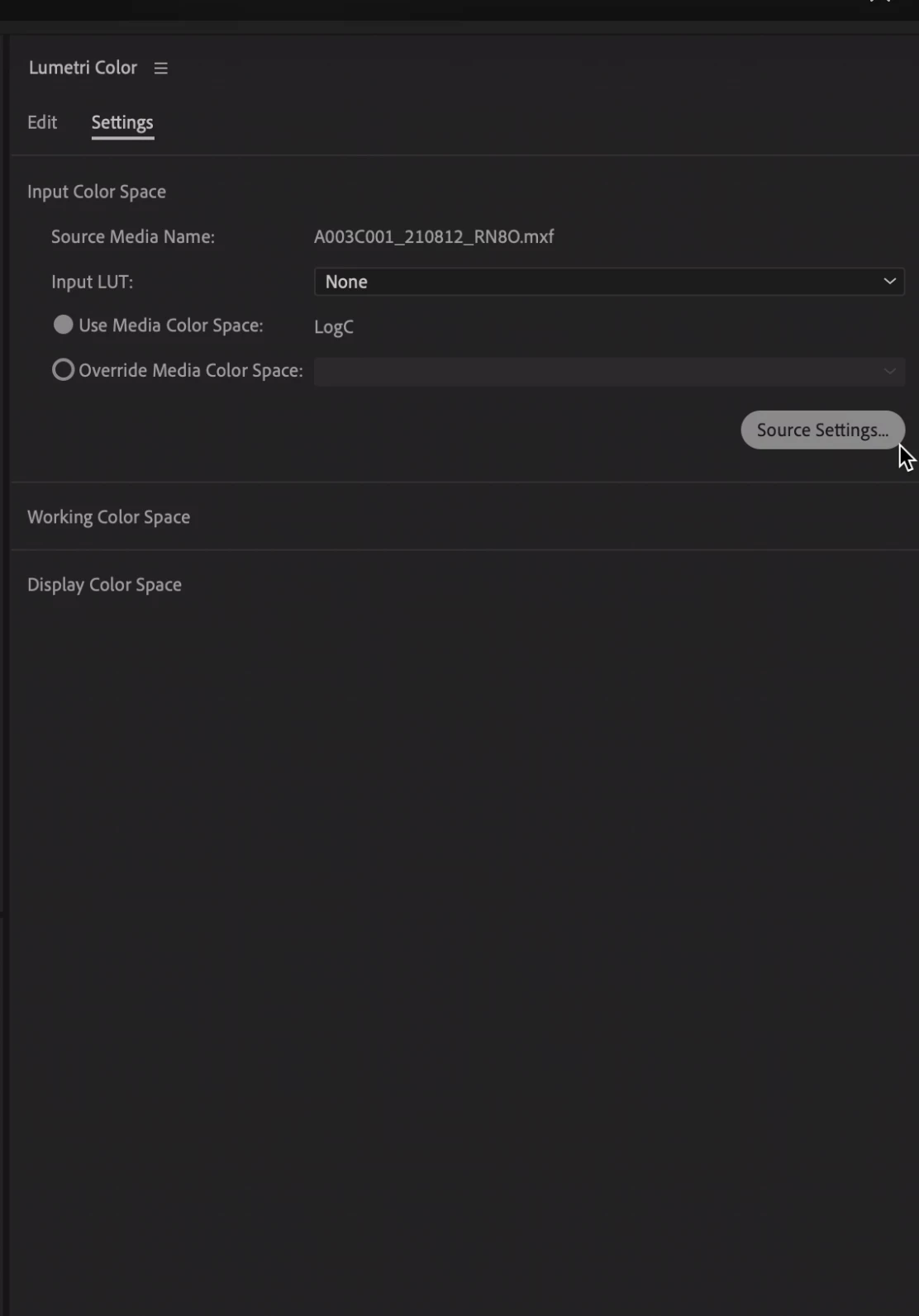
Now, with our new Beta release, ARRIRAW Log C source media’s color space is correctly identified automatically instead of being recognized as Rec 709. We do not color convert the media to the working color space today so that you can follow your original workflow of applying a LUT to the footage to convert it to your preferred working/timeline color space. With this automatic detection, you now have the ability to apply the LUT via the interpret footage dialog as well i.e. via ‘Select a source clip-> modify->Interpret footage -> input LUT’ apart from the input LUT option already available in Lumetri panel.
If you are using ARRIRAW in Rec 709 color space for source, the media will be fully color managed now. That is, it will be automatically color converted to the working color space you are using for your sequence e.g., Rec 2100 HLG, Rec 2100 PQ etc.
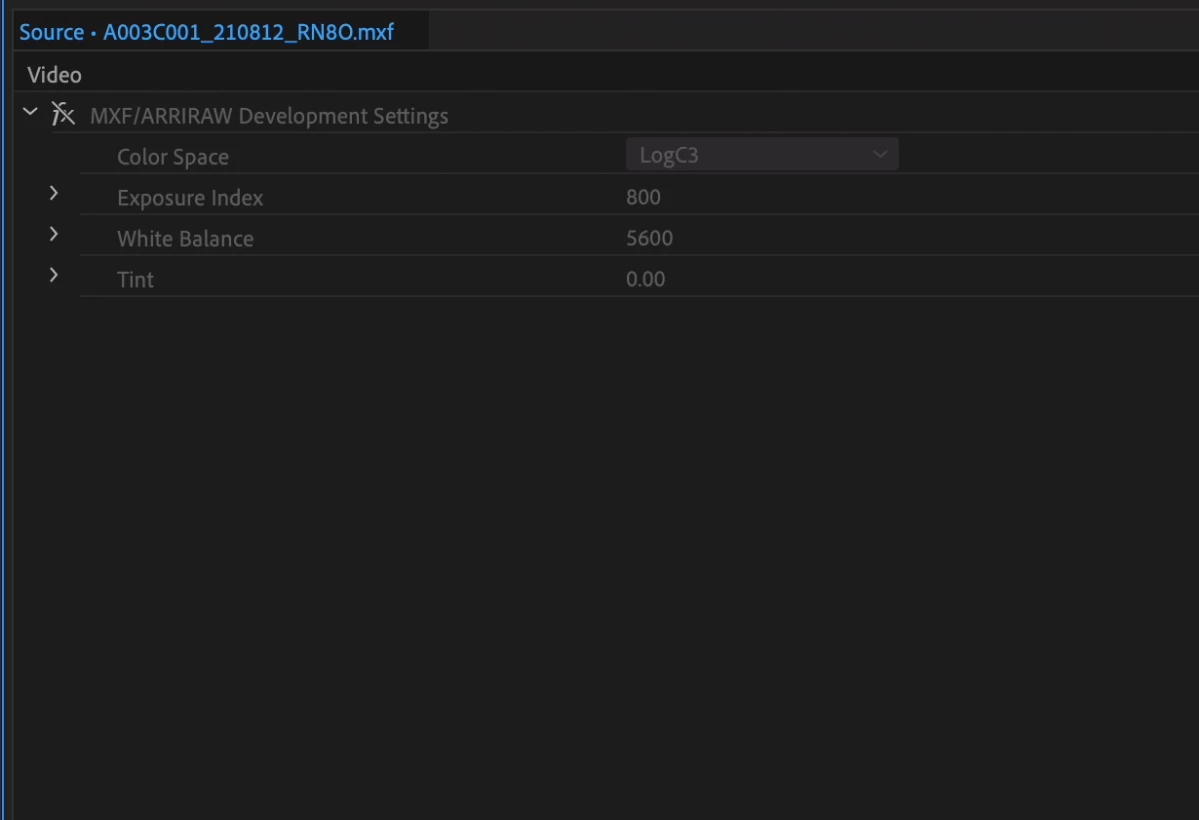
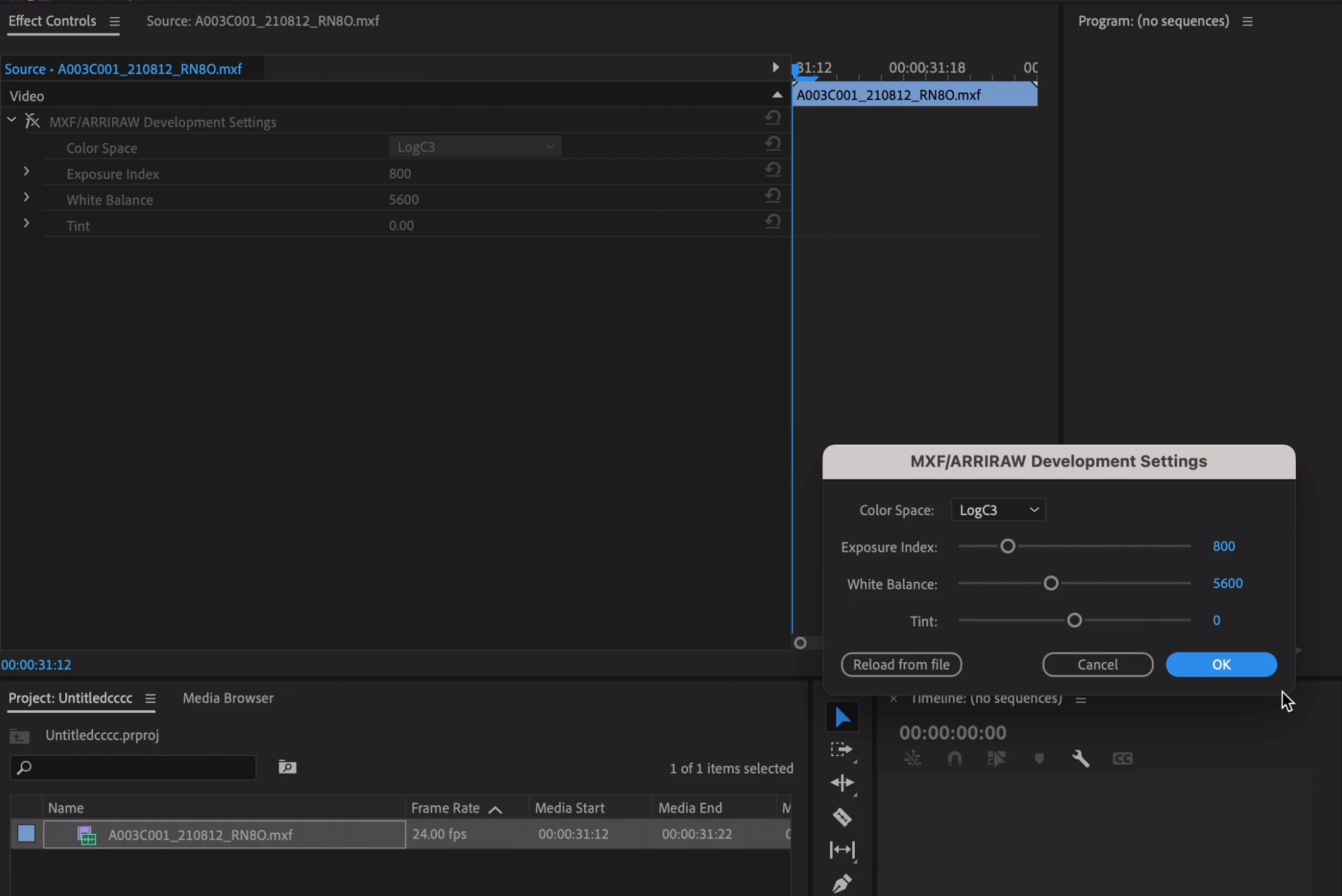
You can access the ARRIRAW source settings via the new color settings panel as well by disabling the effect and clicking on ‘Source settings’.
 AdChoices