



Now in Beta: Generate Music in Premiere
Hey everyone!
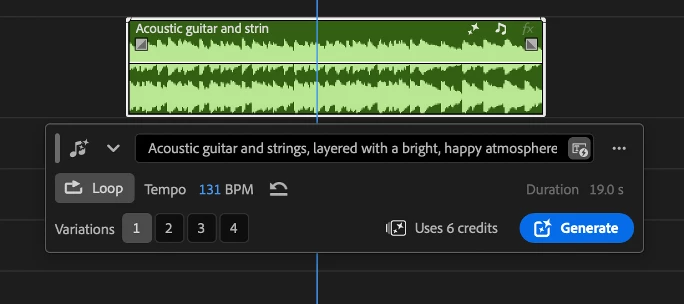
We're excited to share that Generate Music is now available in Premiere Beta 27.0 (build 22), powered by the Firefly Music model. It brings AI-generated background music right into your timeline, so you can score a scene without ever leaving your project.
What's New?
Generate Music lets you create original music without stepping outside Premiere, right from your timeline.
You've got a few different ways to generate:
- Describe the music you want in a prompt, with built-in prompt enhancement to help you get better results.
- Generate from your video with Video to Prompt: make a range selection under a video clip, choose Video to Prompt, and the music is generated to match what's happening on screen.
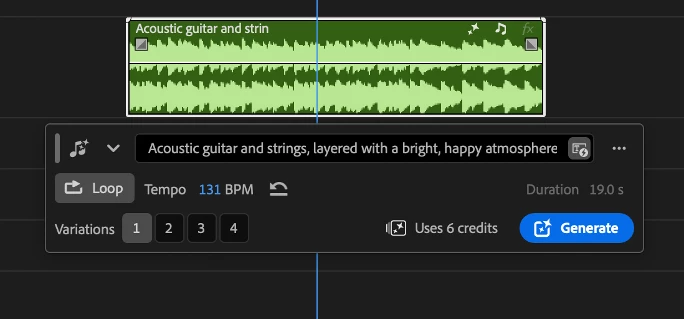
- Generate loops for music that needs to repeat seamlessly.
You're in control of the details, too. Set the tempo yourself in BPM, or leave it automatic and let the model choose, and pick a duration anywhere from five seconds up to five minutes. Every generation returns four variations, so you can compare options and land on the one that fits best.
Where to find it
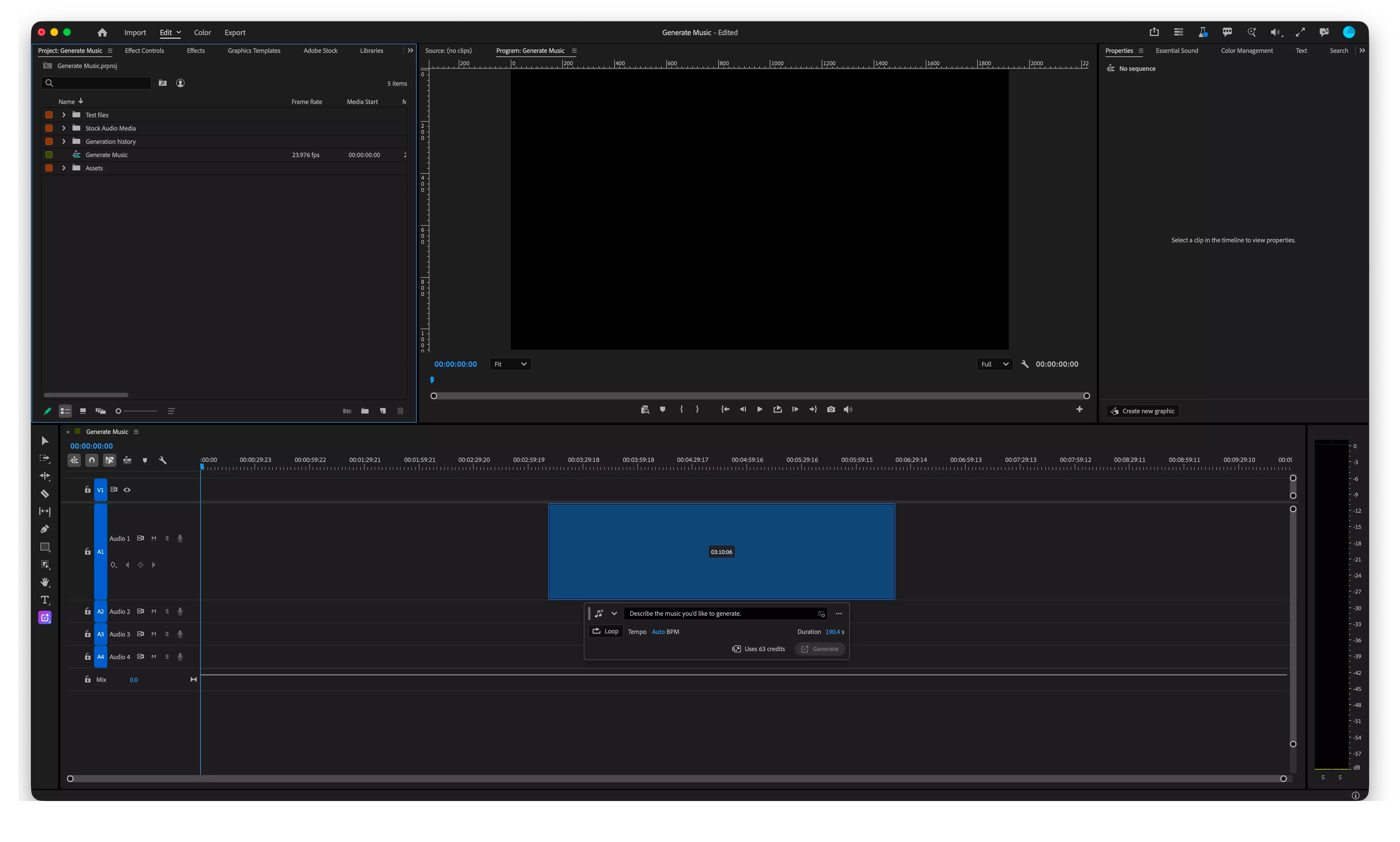
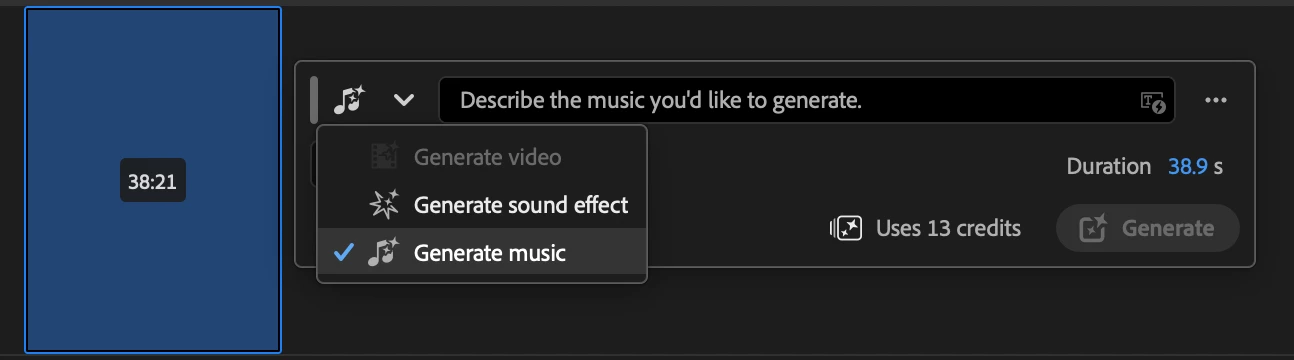
Generate Music lives in the Generate Media tool. Click and drag on an audio track to make a range selection, then select Generate Music and start creating as you go.
Why this matters
Scoring a sequence has always meant stepping outside your edit to find or generate music, then bringing it back in. Generate Music keeps that entire loop inside the timeline, from prompt to variations to picking what fits, so you can score a scene without breaking your flow.
It's also one of the fastest ways to lay in temp music. Drop a generated track under your scene and you'll immediately start hearing how it should feel, which helps you shape the pacing and tone of your edit as you go. And here's the best part: because the music is royalty free, you're never boxed in. Use it purely as a reference to guide your vision, or keep it in your final cut. The choice is yours.
What really sets this apart is the licensing. The music is royalty free, and you get the synchronization rights to use it wherever you need, whether that's TV, games, film, or advertising, with no extra licenses to track down.
Every track you generate also carries Content Credentials, so there's a clear, verifiable record that the music was created with AI, in line with Adobe's commitment to transparency.
You can:
- Generate music that's royalty free with synchronization rights included, ready for TV, games, film, or advertising with no extra licensing needed
- Generate original music from a text prompt, with prompt enhancement built in
- Generate music from your video with Video to Prompt, so it matches the picture
- Use it as temp music to shape a scene, then keep it as a reference or drop it straight into your final cut
- Create loops for repeating music beds
- Set the tempo in BPM yourself, or let the model choose it automatically
- Set duration anywhere from five seconds to five minutes
- Get four variations on every generation
- Trust what you make, with Content Credentials attached to every generation
Try It Out
Generate Music is live now in the Premiere Beta 27.0 (build 22), powered by the Firefly Generate Music model. Give it a try and let us know what you think, your feedback helps shape where it goes next.
Note: Generate Music uses generative credits, so each generation draws from your credit balance.
Happy editing!
 AdChoices