




News
Now in Beta: Paper Edit to Text-Based Editing
Hey everyone!
We are excited to share a new feature in Text-Based Editing: Paper Edit. It is in build 34 of Premiere Beta. Many of you have asked for the ability to highlight multiple sections of a transcript and preview them before creating a new sequence.
Here’s how it works:
- Start from a single Source Clip or an existing Sequence.
- Click the Paper Edit button
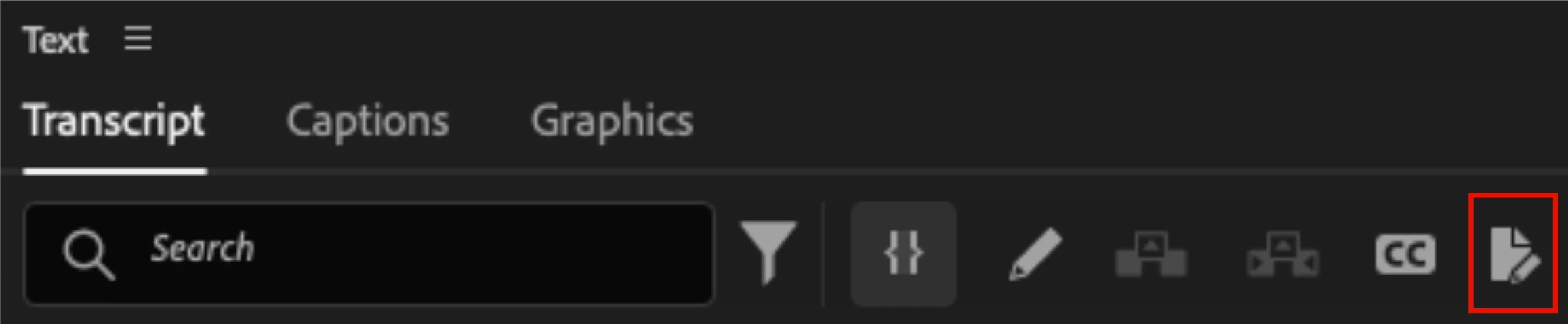
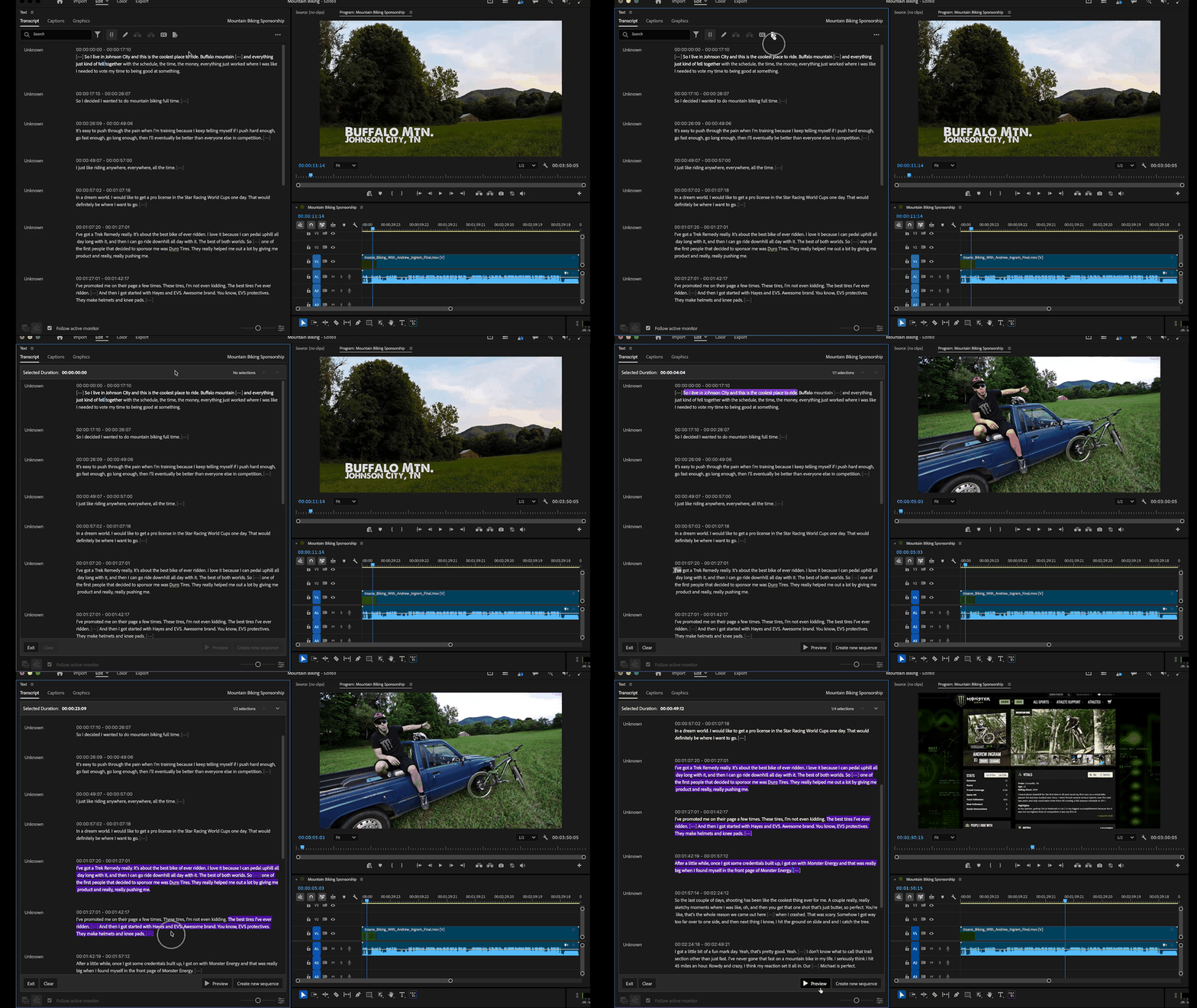
- Highlight what you want to keep. When you click into Paper Edit mode, you can read through your transcript and highlight the sections you want to use. Before you commit anything to a sequence, select “Preview.” This allows you to playback the selections and make changes.
- Click on a selection to omit it. If something doesn’t sound good in your preview, just remove it by clicking on the text.
- Jump between sections in long sequences. If your raw footage is long, you can quickly jump between sections instead of scrolling endlessly.
We would love to hear what you think! Give Paper Edit a spin and let us know if there is anything we can change or add before it officially appears in Premiere.
 AdChoices