




Question
Now in beta: Retain Custom Destinations in Export Mode
NEW: Retain your custom export destinations for all clips and sequences in any project!
Previously, custom destinations were saved per sequence with no easy way to share them with other sequences and projects.
Now you can add and edit a single set of custom destinations in Export mode that are available globally. Simply open a sequence or clip In Export mode and set up multiple custom destinations – those will now be available globally.
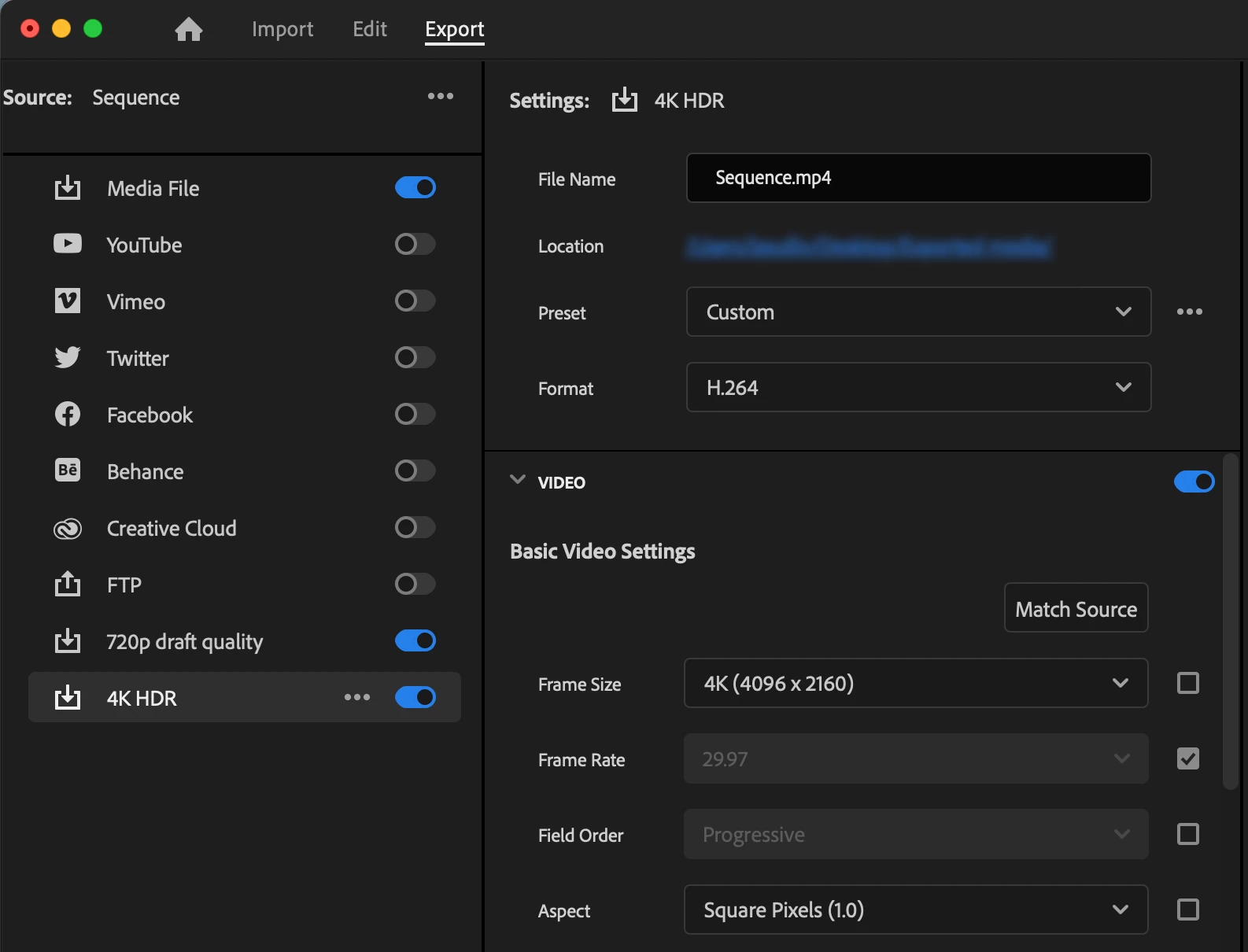
Note: for sequences, presets assigned to custom destinations are unique to each sequence. For clips, presets assigned to custom destinations are shared across all clips.
We want to know what you think. Please join the conversation below.
 AdChoices