




Now in Beta: Swap Sequence dimensions
We added the ability to swap sequence dimensions in one click so you can quickly change a horizontal sequence to a vertical. It’s soooo simple and soooo obvious we just did it. Sometimes it’s the small things!
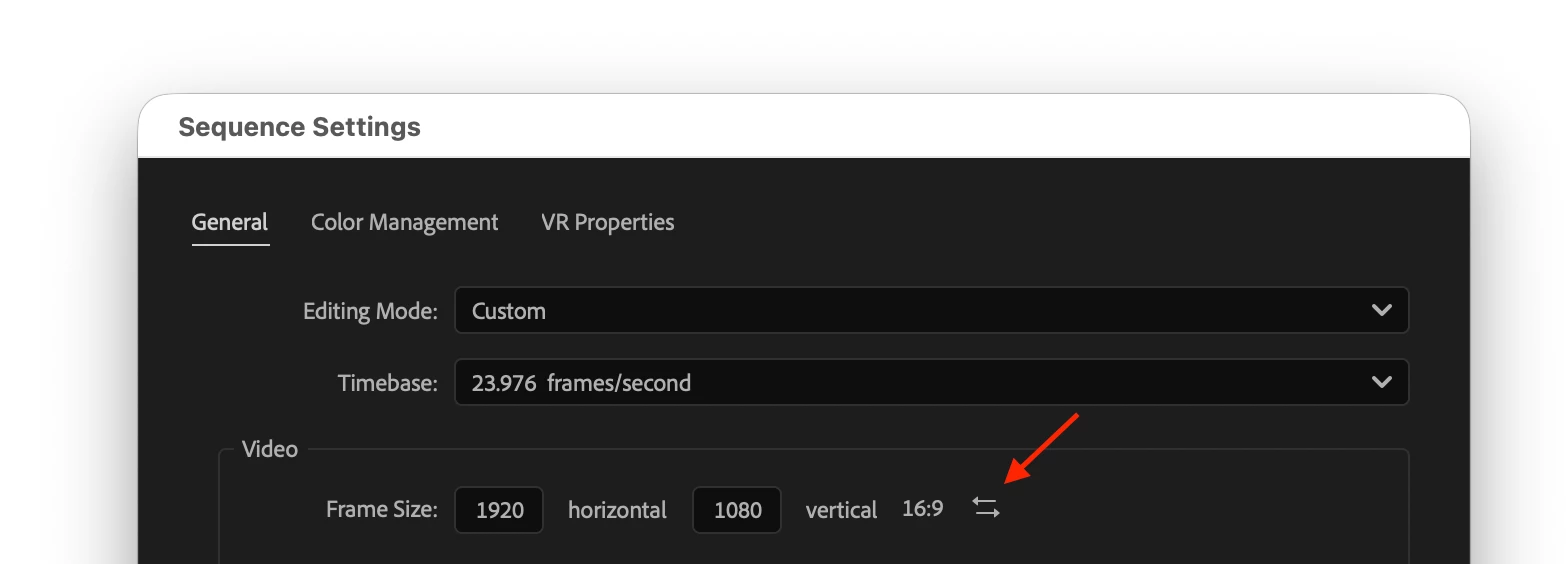

Changing a 16:9 sequence to be 9:16 for posting on the socials is a pretty common thing, it turns out, and manually typing in 1080 x 1920 (or whatever the resolution is) is slow and prone to error and it just feels like there should be a better way. So, we added a simple button to swap the vertical and horizontal resolutions. That’s all it does. It doesn’t run auto-reframe or reposition your content. It just changes the sequence dimensions.
Make sure your sequence is in focus or selected in the project panel, then go to Sequence > Sequence settings.
This idea was brought to our attention by @davethegreko. Thanks Dave! Check out his video on instagram
We want to know what you think. Please join the conversation below.
 AdChoices