



Now in Beta: Sync to Video for Generate Sound Effects in Premiere
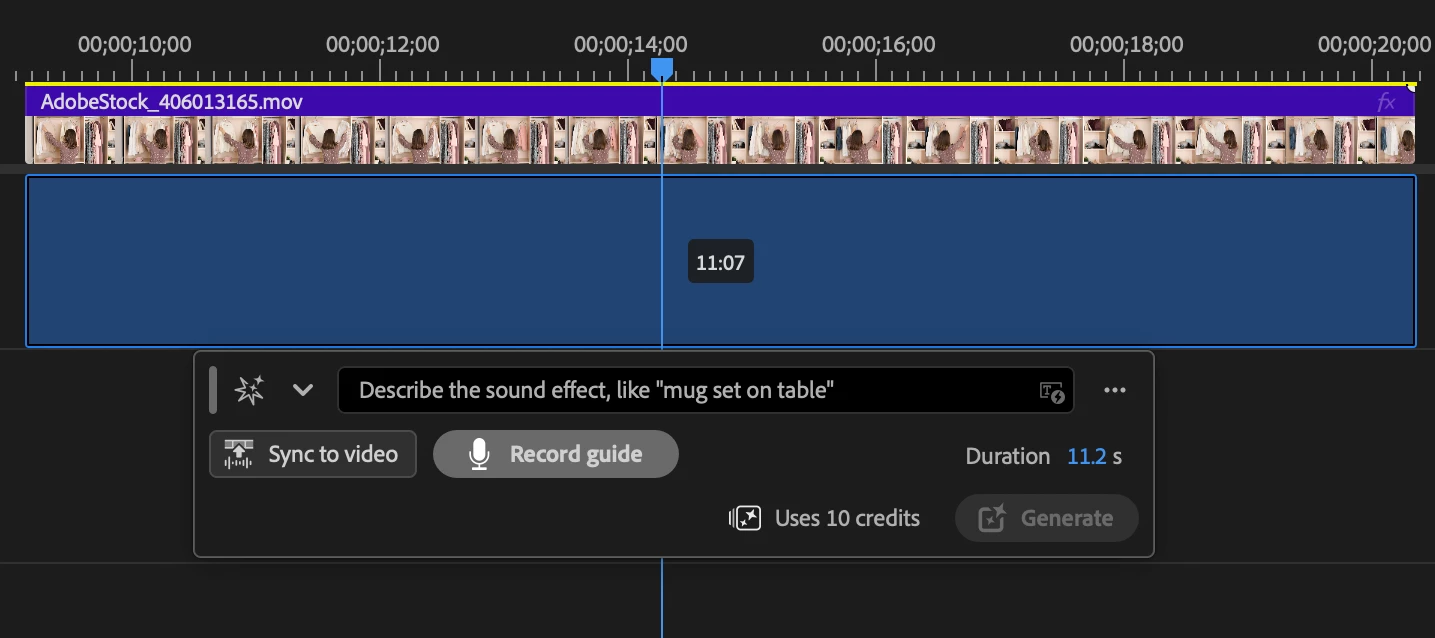
Hey everyone! Sync to Video just landed in Premiere Beta 27.0 (Build 30), and it's small enough to miss and big enough to change how you use Generate Sound Effects. It's really the next input we've handed the tool. First you told it what you wanted with text. Then you could shape the timing with your voice using Record a Guide. Now Premiere can watch the footage and time the effect to what's happening on screen for you.
What's New?
Sync to Video lets the picture drive the result. Instead of placing or timing your effect by hand, you let Premiere read the footage in your selection and match the generated sound to the action in frame. Type "dog barking," and if there's a dog barking on screen, the effect lands on that bark.
Think of the three inputs as doing three different jobs. Text says what the sound is. A voice guide lets you perform the timing and intensity. Sync to Video reads the action straight off the picture, so the hit lands without you tapping it out by hand.
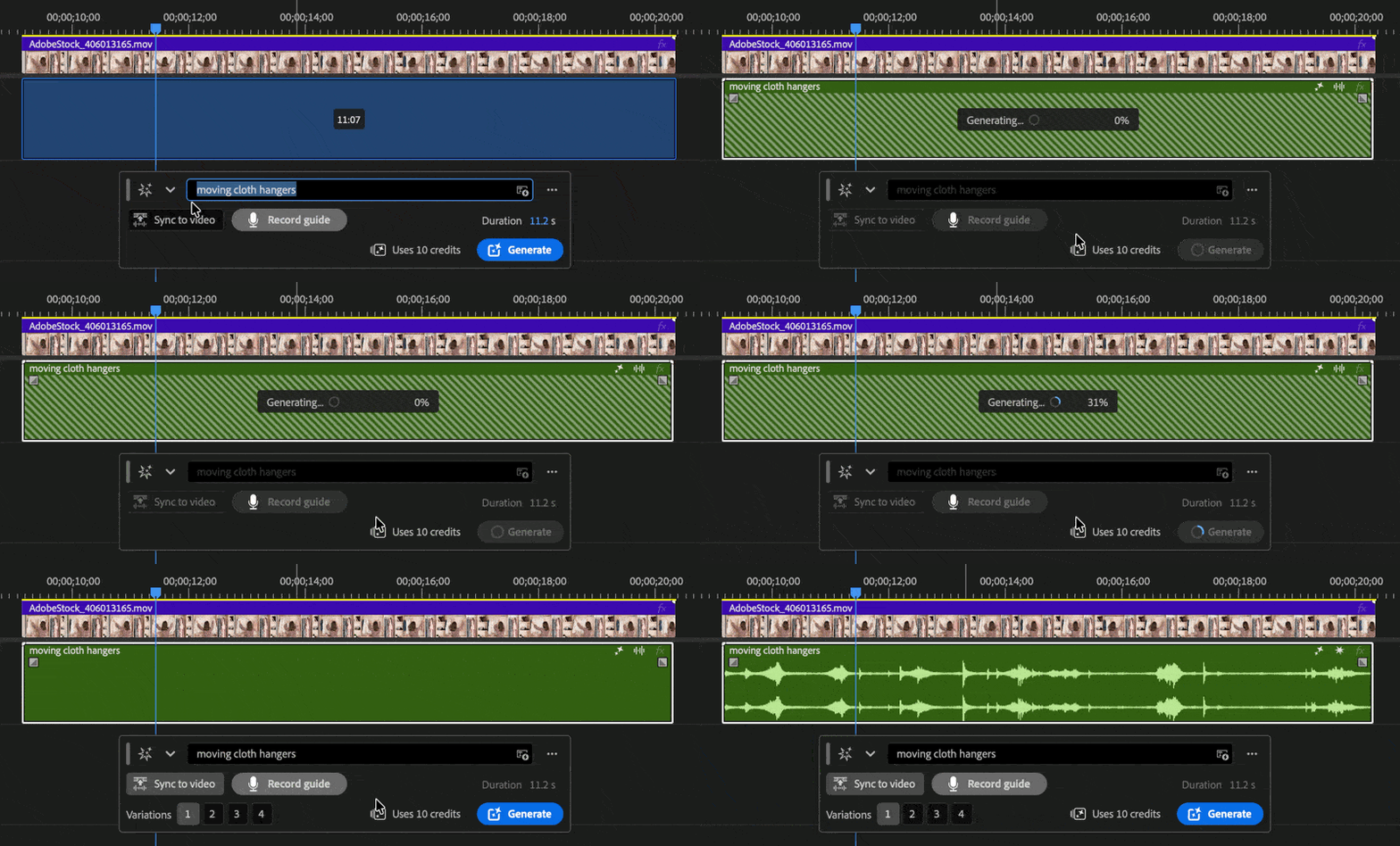
Where to find it
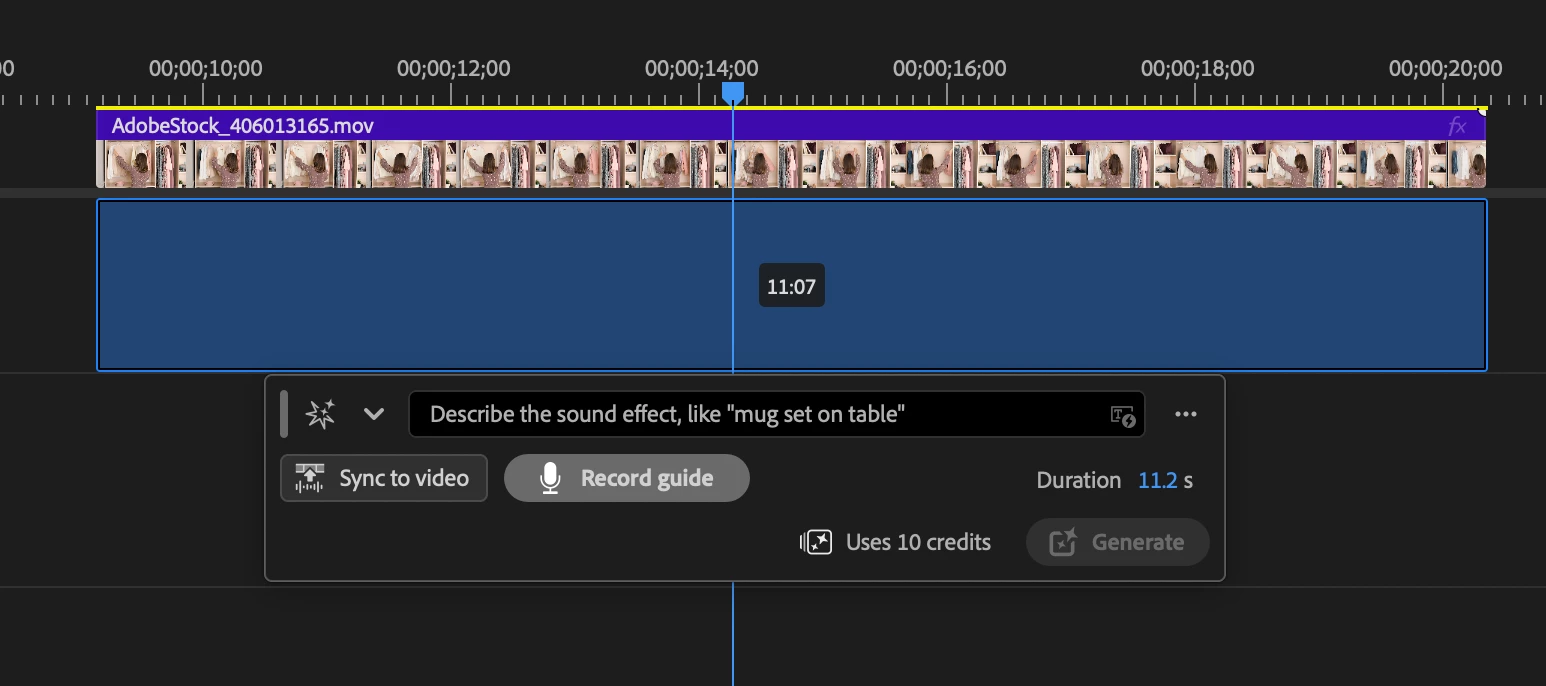
Sync to Video sits right next to Record a Guide in the Generate Sound Effects tool. Record a Guide isn't going anywhere; it's still there when you want to perform the timing yourself. Sync to Video is the automatic route for when you'd rather let Premiere read the footage and handle it.
Why this matters
Getting an effect to hit the exact frame used to mean tapping out a guide or nudging clips around until it felt right. It works, but it's fiddly, and it stretches out the back-and-forth of dialing in a scene. Sync to Video gives you a strong timing starting point straight from the picture, so you get most of the way there fast and can focus your attention on whether the sound is right. You might still fine-tune the placement, but you're refining from something close rather than building it out by hand.
You can:
- Time generated effects to on-screen action automatically.
- Write a prompt and let Premiere match it to the picture.
- Skip the manual timing pass.
- Use Record a Guide for when you want to perform the timing yourself.
- Iterate faster on effects that need to hit a specific moment.
Try It Out
Sync to Video is live in Premiere Beta 27.0 (Build 30). Run it with the Generate Sound Effects prompts and tell us how the timing feels against real footage. It's an early iteration, so your feedback steers where it goes next.
Happy editing from your Adobe sound friends!
Note: Still polishing plenty here, so expect it to get sharper as we iterate.
 AdChoices