




Question
Now in Beta: Timeline Performance improvements during Editing
The timeline panel’s method of displaying content is now faster and smoother than ever.
We’ve made some under-the-hood changes to the way the timeline UI is displayed which is reflected in edits, drag/drops, and scrolling, especially on large panels. Dragging the playhead is more responsive.
The feedback on trimming, dragging transitions and effects will now draw a blue, shaded rectangle instead of using an inverted color.
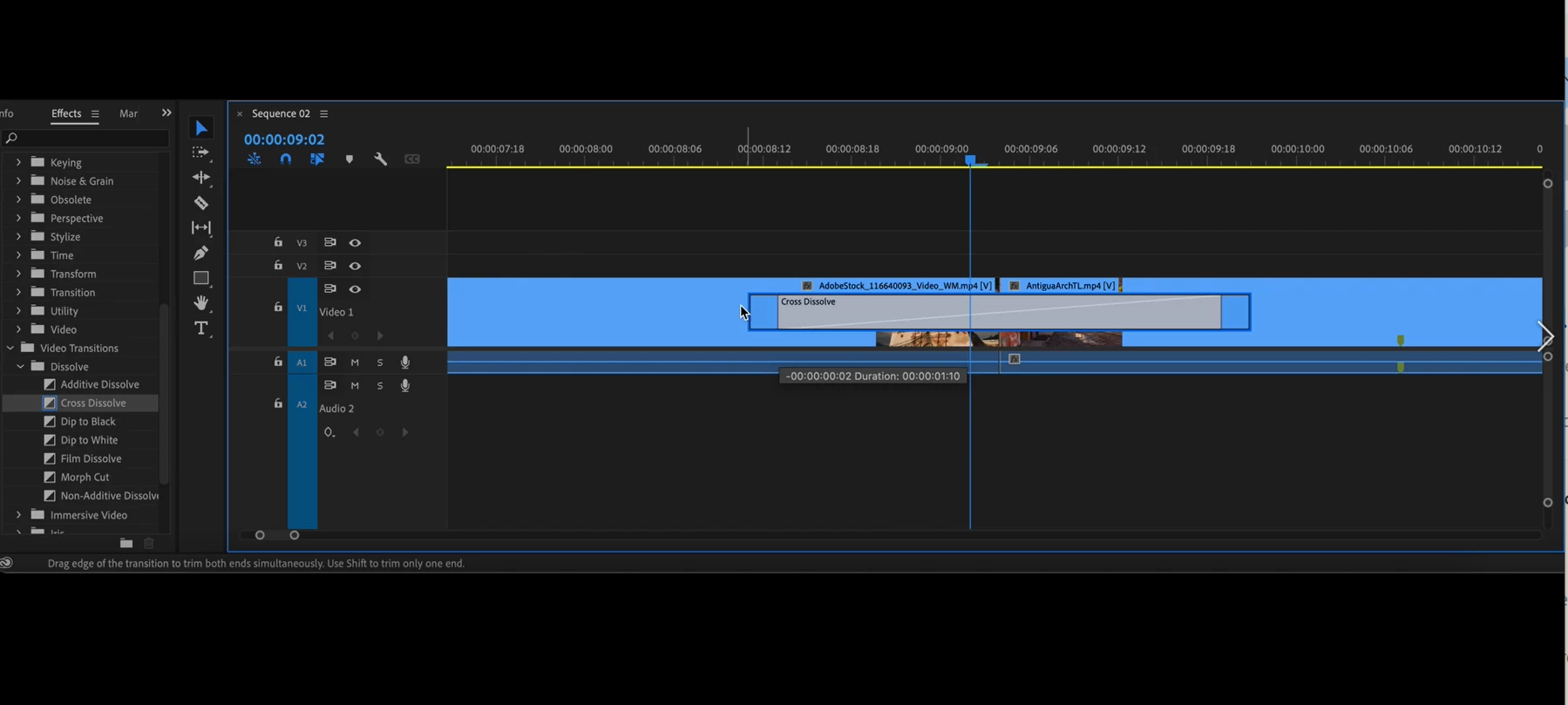
Auto scrolling when dragging the playhead or clips or during edits, is now variable speed and much smoother.
Please reach out if any have any issues, questions, or feedback.
We want to know what you think. Please join the conversation below.
 AdChoices