



[Now Released] Adobe Stock Unified Content Panel (UCP)
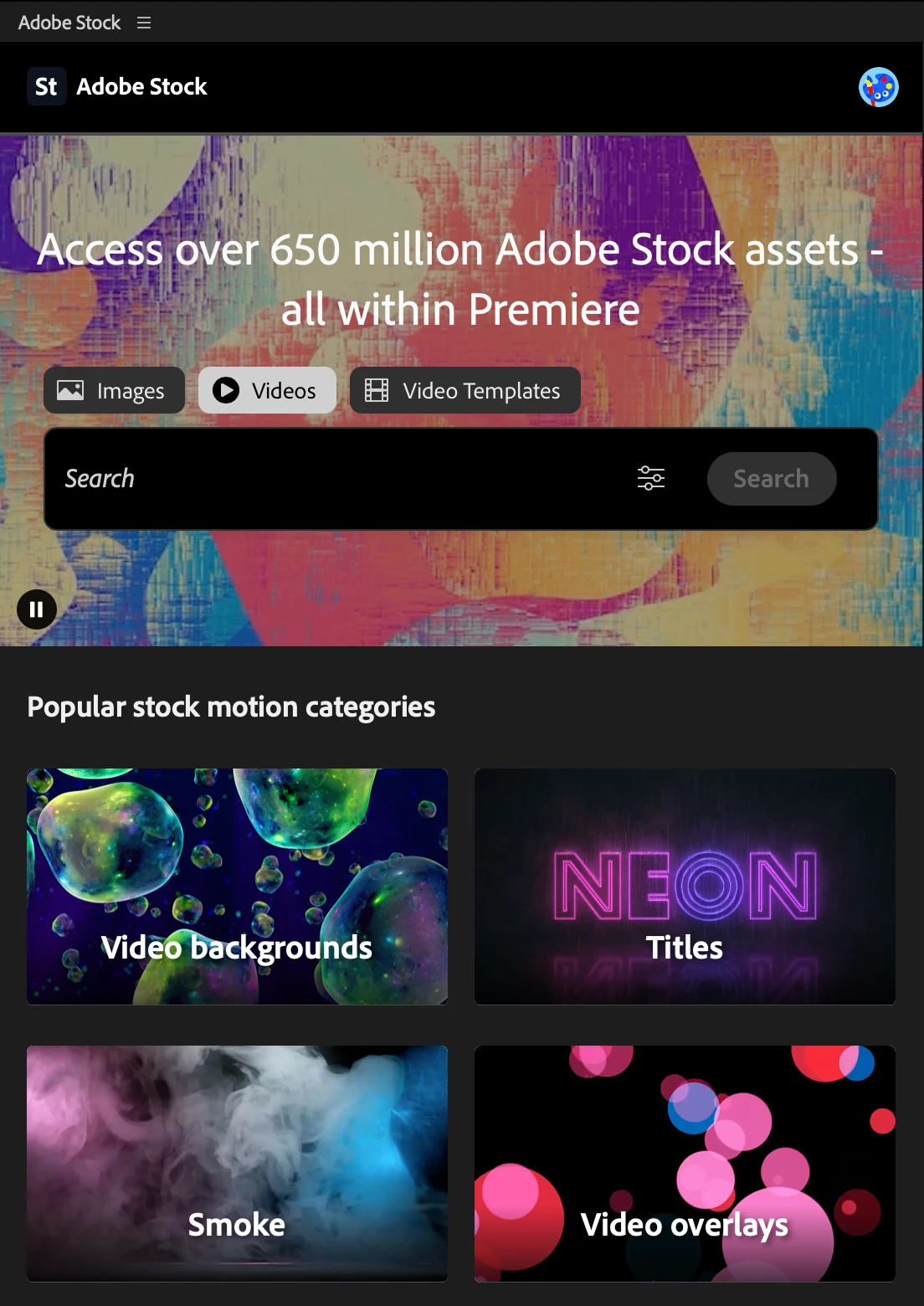
We’re excited to share that the Adobe Stock Unified Content Panel (UCP) is now available in the latest beta version of Premiere Pro.
The Stock UCP brings Adobe Stock directly into your workspace through one centralized location:
- Search, browse, and preview multiple Stock asset types without leaving Premiere Pro.
- License and download assets straight into your project.
How to try it:
- In the latest version of Premiere Pro Beta (v25.6.0.45), open a new project or load an existing project.
- Go to Window > Adobe Stock and dock the opened panel in your preferred location in the workspace.
FAQ:
Q: What types of assets are supported in the Beta?
A: Currently, the beta supports images, videos, and MOGRTs from Adobe Stock.
Q: Do I need an Adobe Stock subscription to use this?
A: You can search and preview for free. Licensing requires an Adobe Stock plan or credits.
Q: How does sign‑in work?
A: The panel uses your existing Adobe ID. If you’re already signed in to Premiere Pro, you’re set—no extra sign‑in steps required.
Q: Where are my Adobe Stock assets downloaded, and how can I change the download location?
A: Stock assets use the “Stock & CC Libraries Downloads” scratch disk setting (previously called “CC Libraries Downloads”). By default, this is set to Same as Project, so assets will download into your project folder.
To change the location:
- Go to File > Project Settings > Scratch Disks.
- Find Stock & CC Libraries Downloads.
- Select your preferred folder path and click OK.
We would love to get your feedback on the new panel in this thread!
 AdChoices