



Question
[Now Released]: Introducing Live Waveform Editing Feedback in Premiere Pro
The Premiere Pro Audio Team is thrilled to announce a new feature in Beta 25.3 (Build 57): Live Waveform Feedback. This Beta release focuses on enhancing audio editing workflows by providing real-time waveform feedback and improving audio visibility during clip edits and movements. These features make audio adjustments more intuitive, precise, and efficient, allowing editors to see the impact of changes immediately.
Key Enhancements:
- Show Waveform While Moving a Clip: Users can see the audio waveform update dynamically as they move clips across the timeline. Keyframes and markers are displayed alongside the waveform while dragging a clip, aiding in maintaining sync with key audio or visual elements.
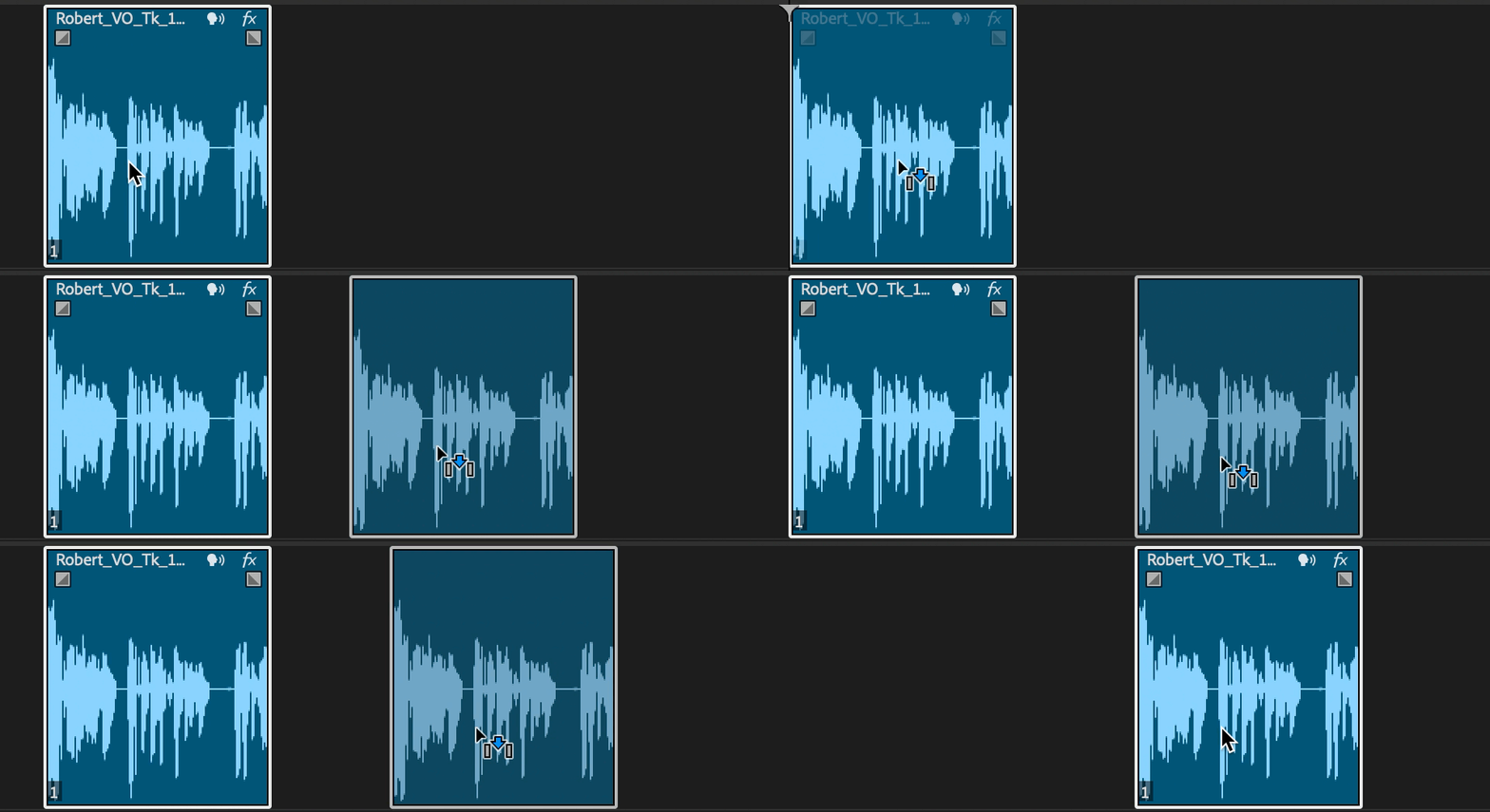
- Show Waveform While Copying a Clip: When duplicating a clip, the waveform remains visible, ensuring precise placement and alignment.
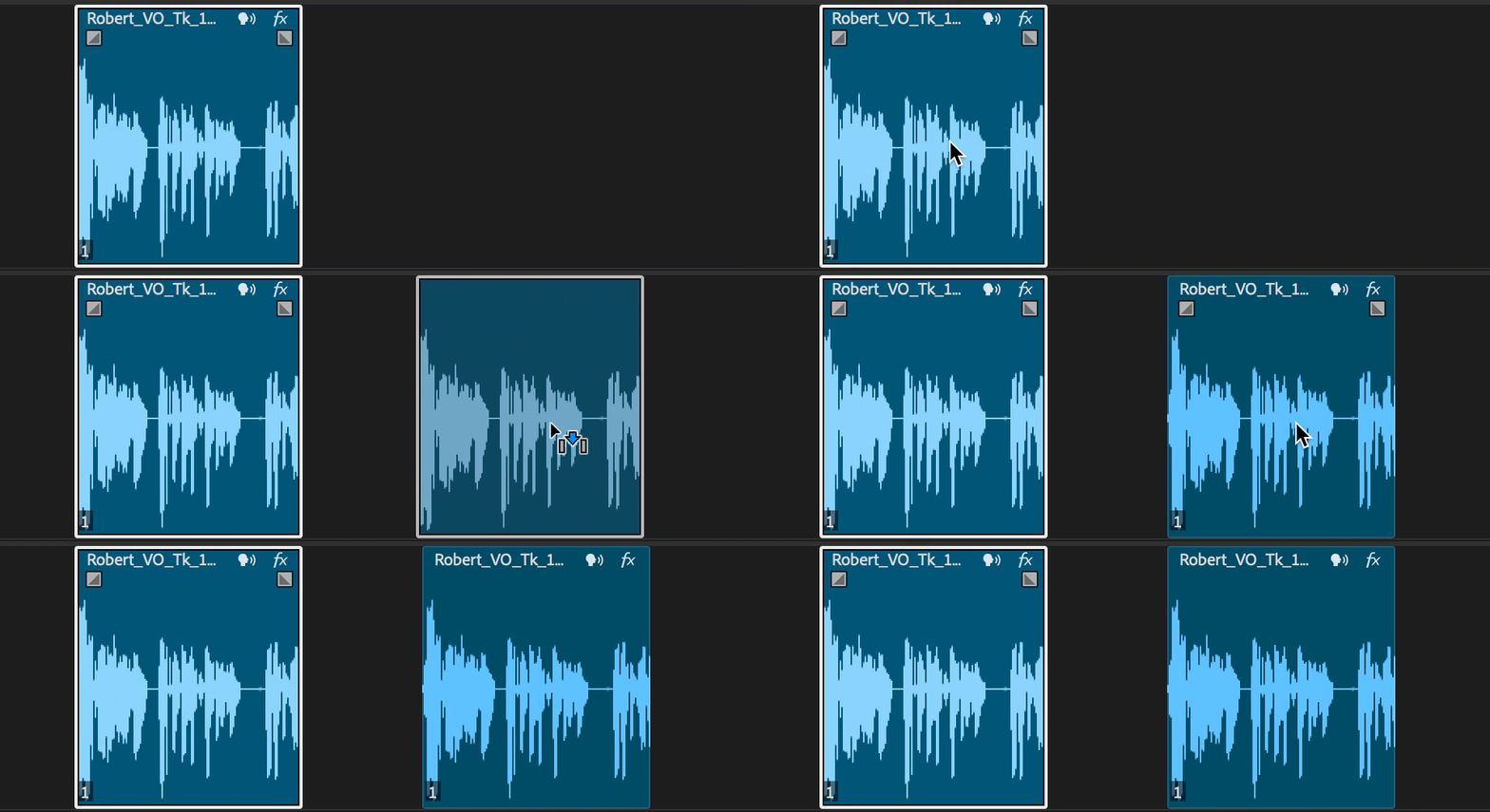
- Trim: Adjust the in and out points of a clip with immediate waveform updates.
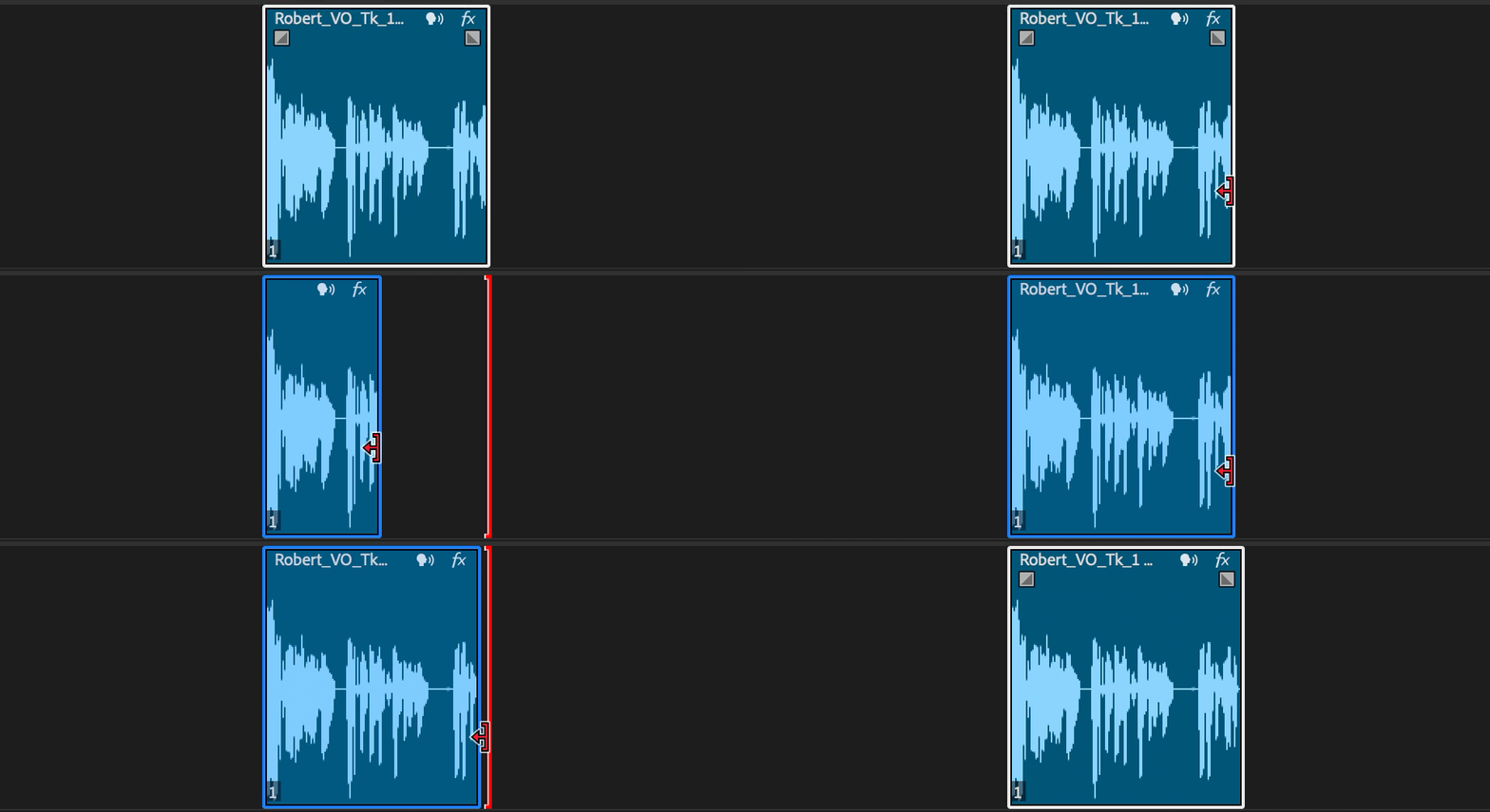
- Rolling Edit: Adjust the edit point between two clips while preserving their combined duration, with waveform updates reflecting the shift in content.
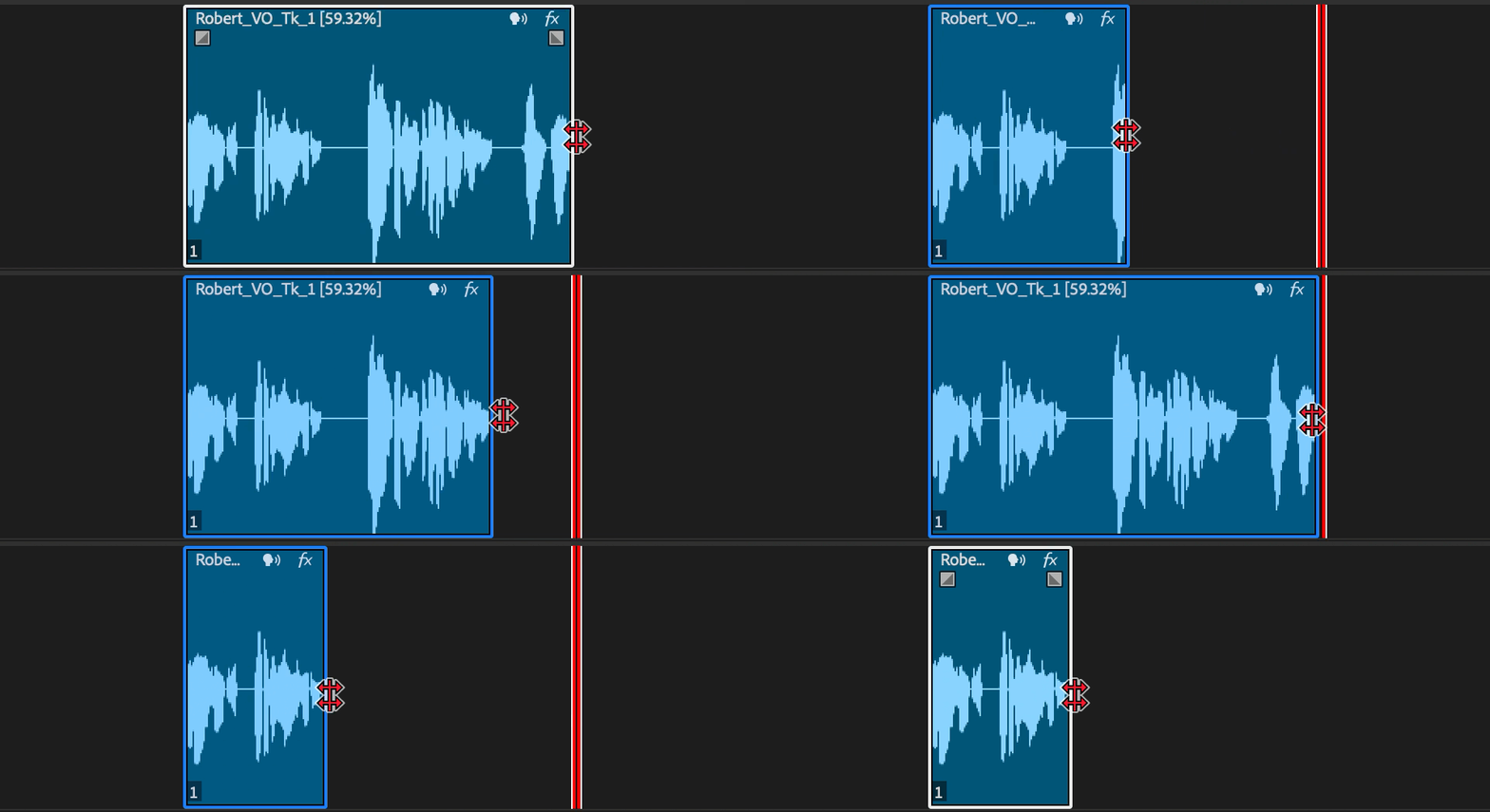
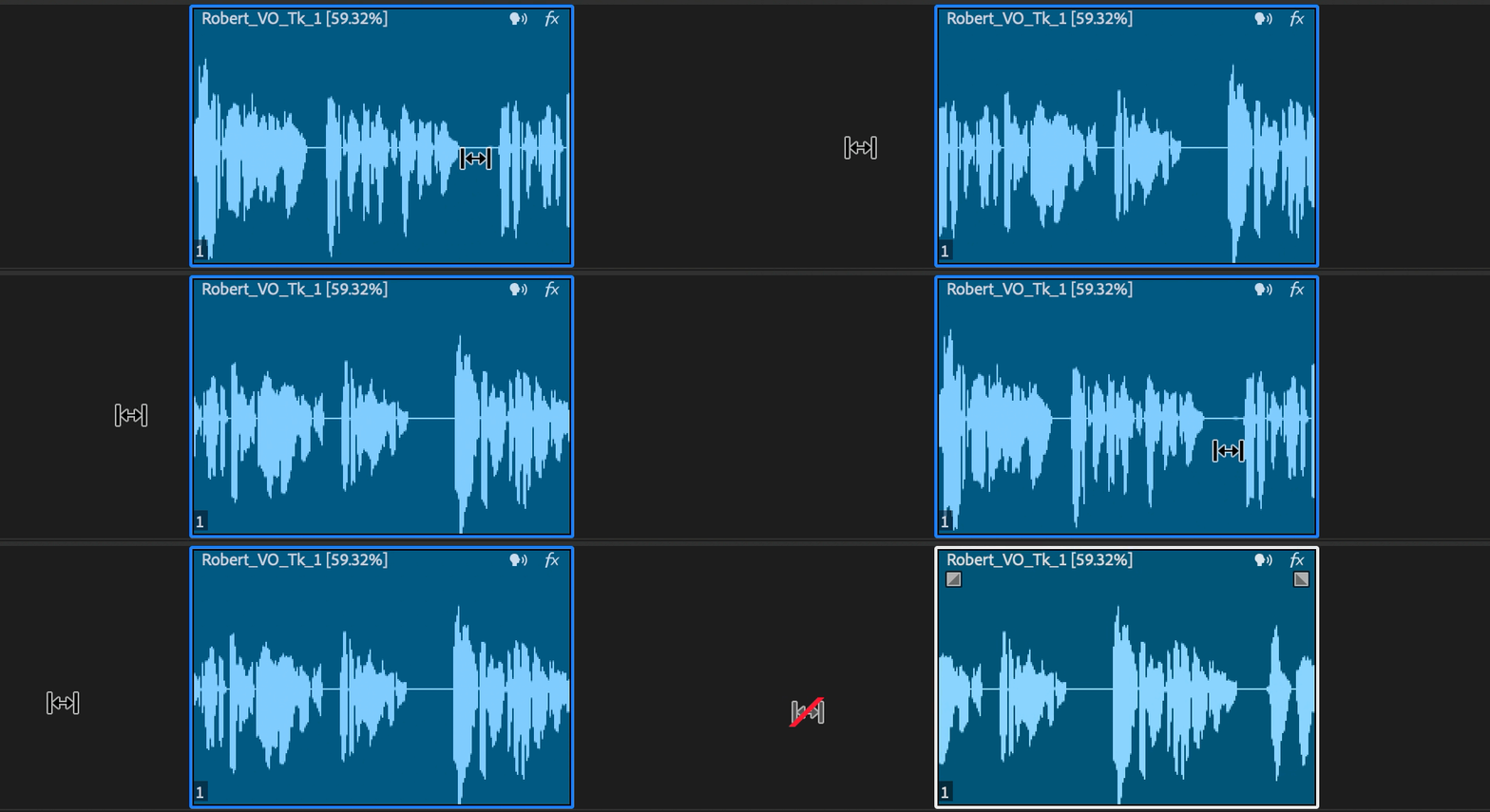
- Rate Stretch: Change the speed of a clip by stretching or compressing it, with the waveform adjusting to indicate the impact on timing and pitch.
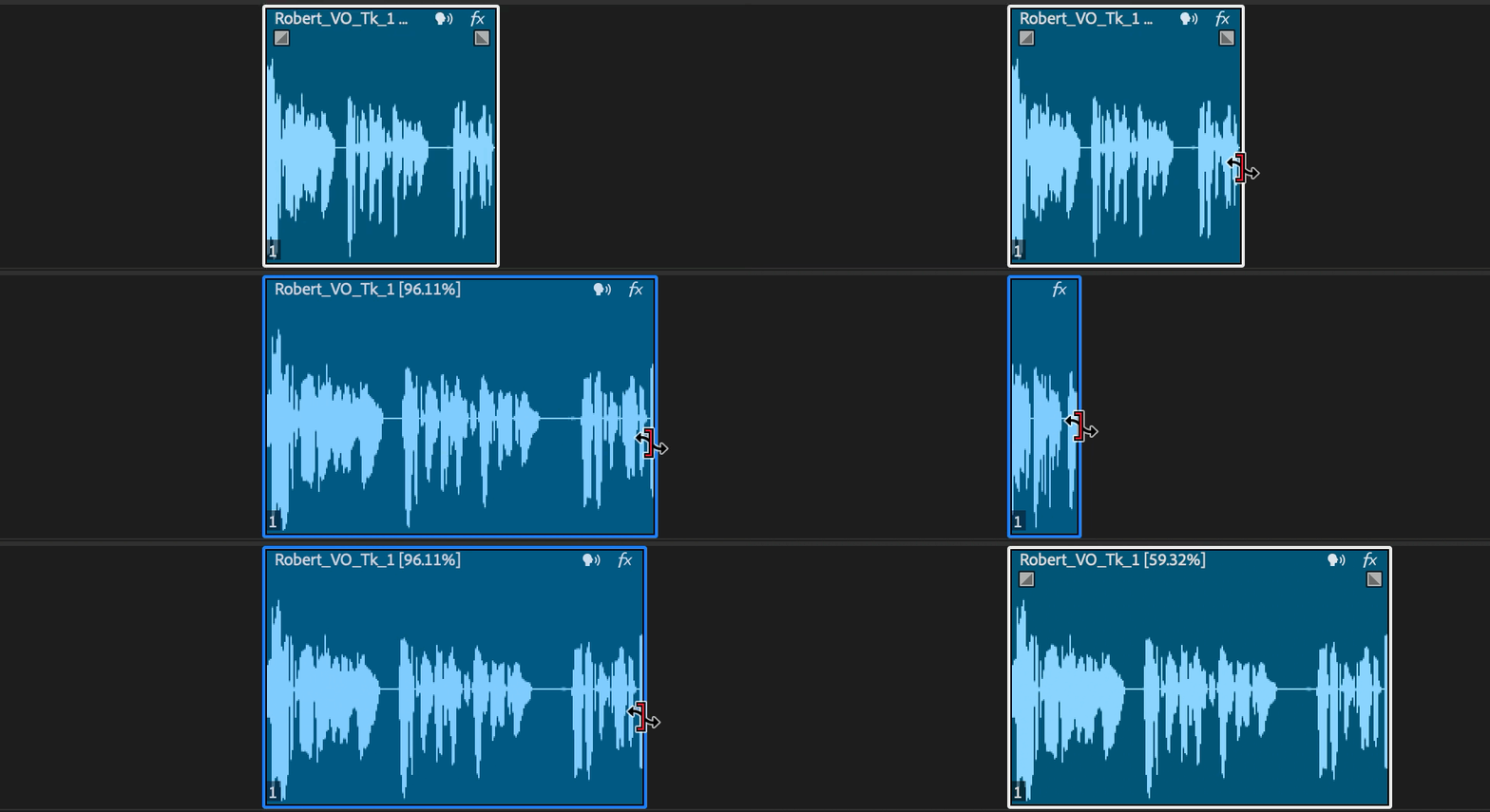
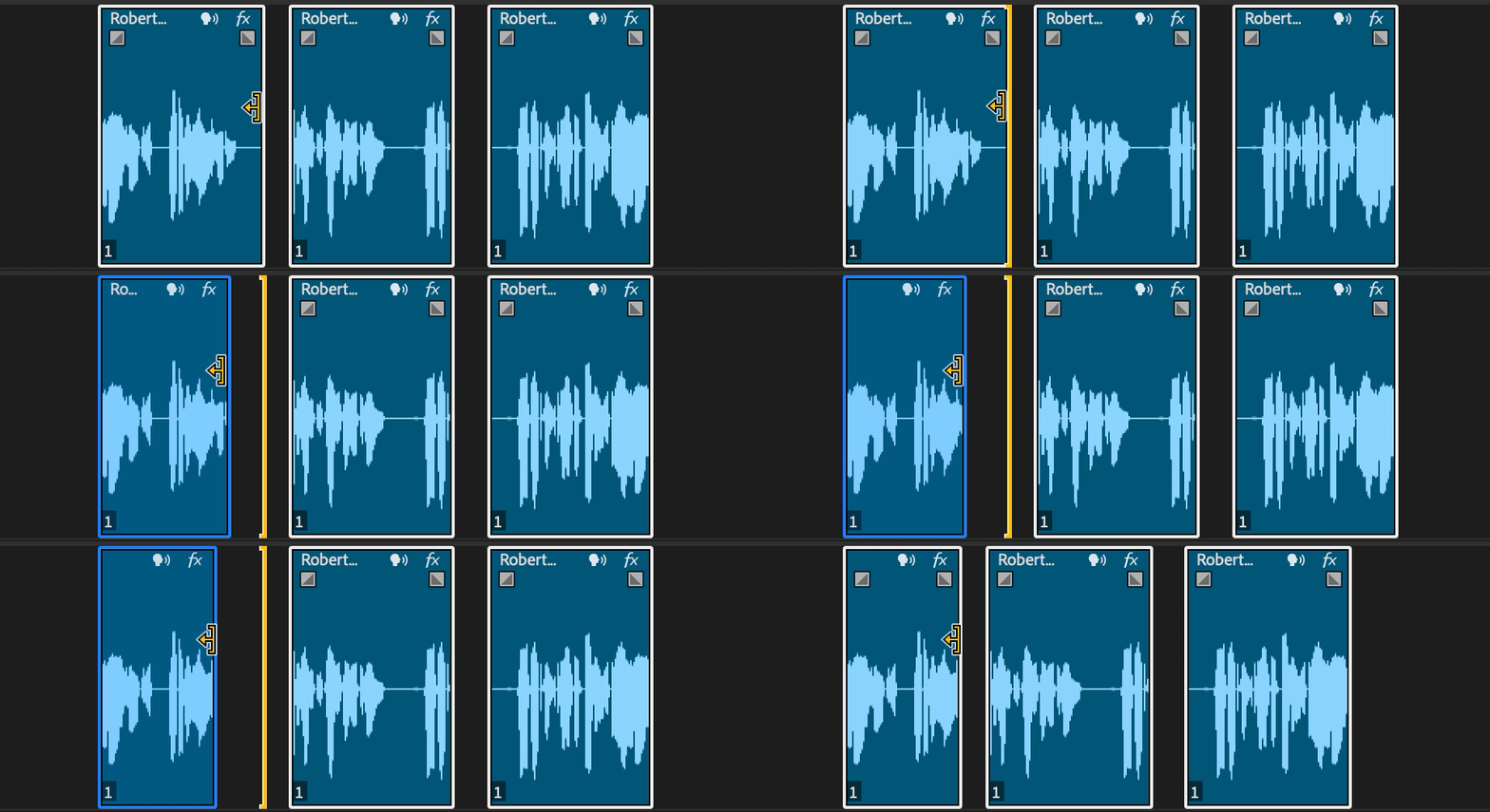
- Ripple Edit: Move a clip’s in or out point while shifting subsequent clips in the timeline, with waveform feedback to maintain sync and rhythm.
- Slip Tool: Move the content inside a clip without changing its duration or position in the timeline, showing real-time waveform updates for precise audio alignment.
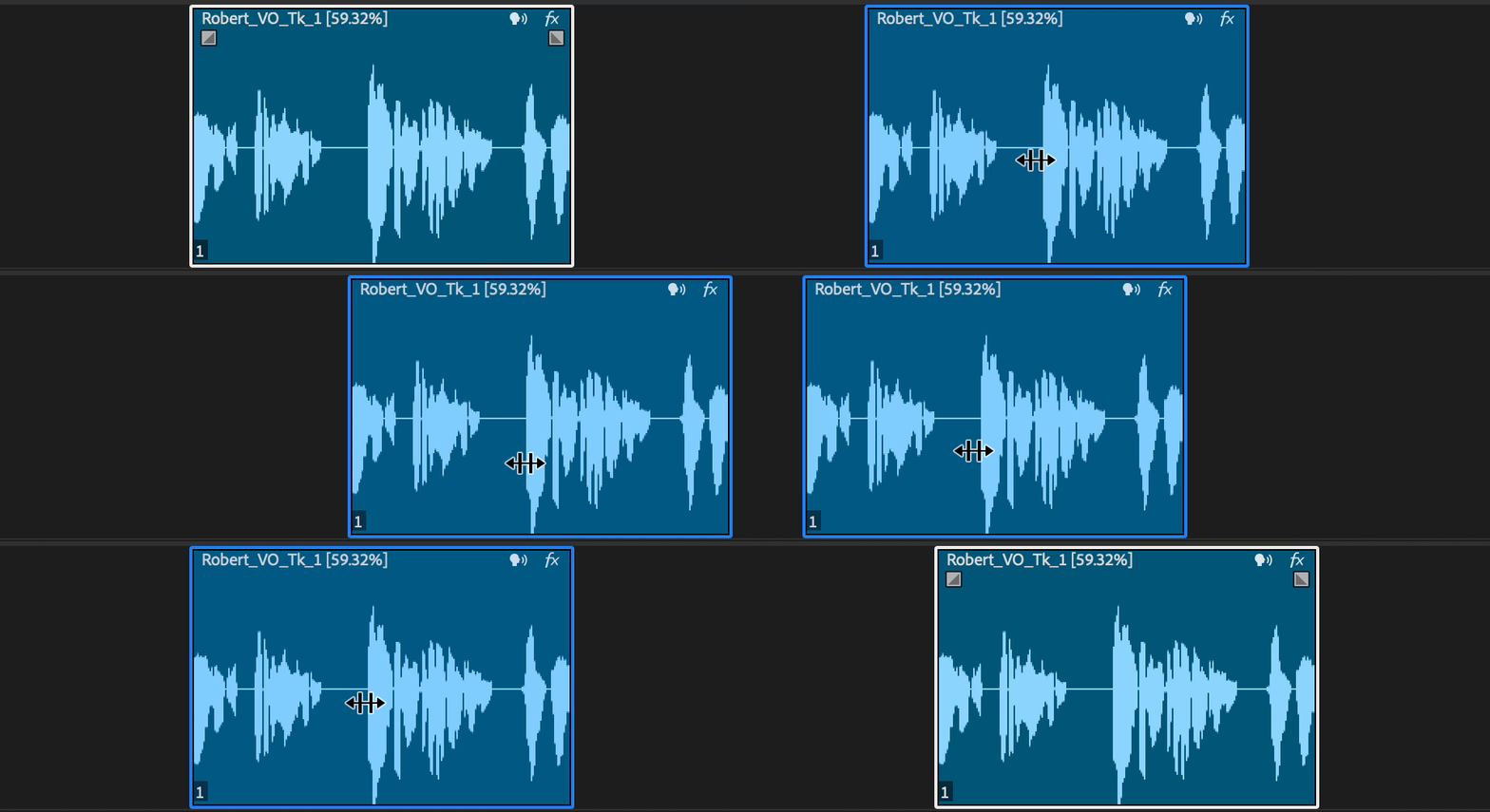
- Slide Tool: Move a clip's content within its existing duration and position on the timeline, with real-time waveform updates to ensure precise audio alignment.
We invite you to test these features and share your feedback to help us refine and enhance your audio editing experience in Premiere Pro.
Stay tuned for more updates and happy editing!
 AdChoices