



Question
Ripple Delete Frame Shortcut
Back by popular demand you can ripple delete one frame at a time with your preferred keyboard shortcut. To use it, set up a Keyboard Shortcut (Option-Command-K) and search for “Ripple Delete Head Frame.” Once you have designated your KBS, position your playhead before the extraneous frames, press your chosen KBS and delete one frame at a time until you land on your ideal first frame. Try it out and let us know what you think!
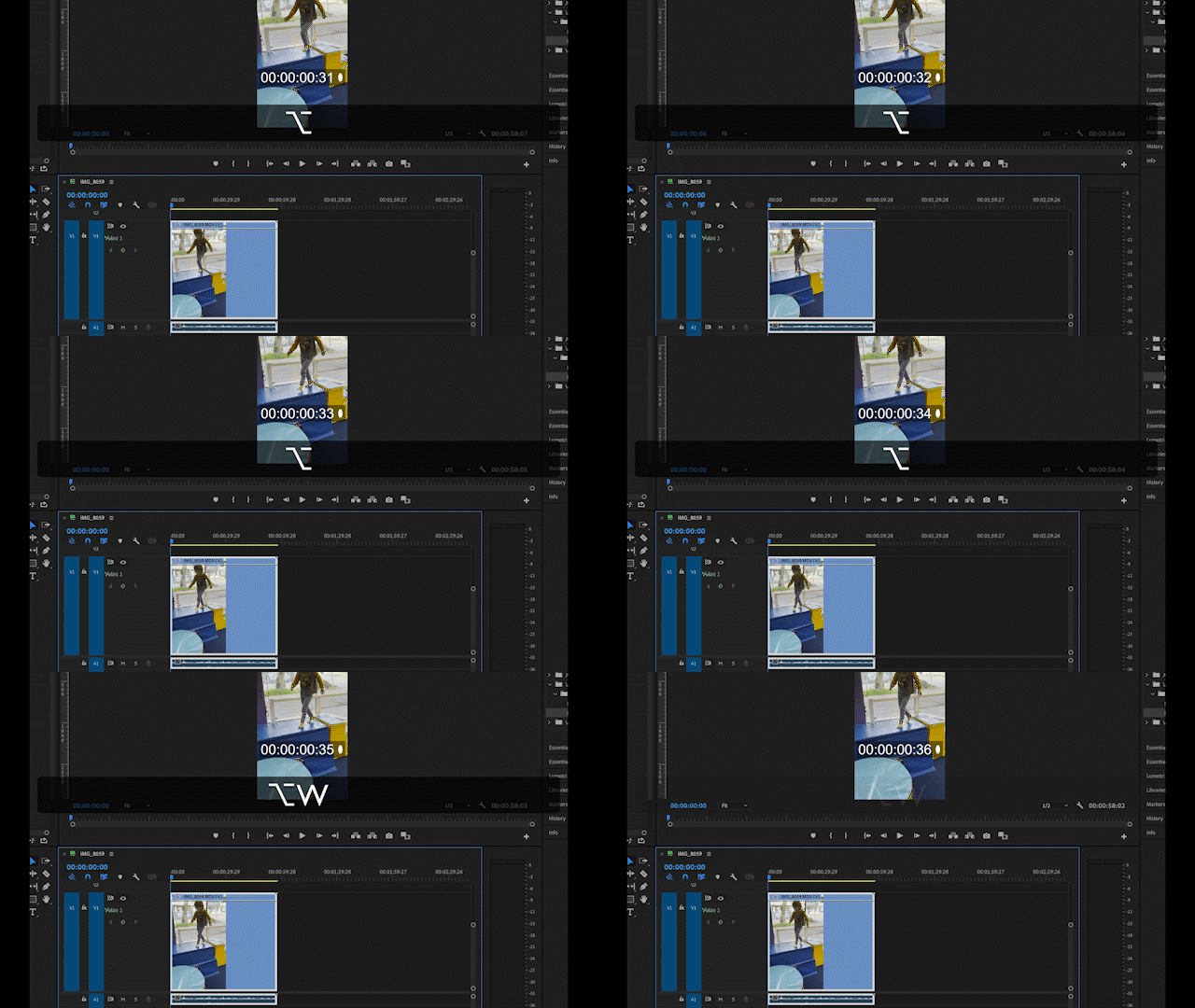
Please note that this is using my KBS but you can choose your own.


 AdChoices