


Anand Sri Bhattacharya
Community Manager
Community Manager
May 6, 2026
StickyNews

The New Standard for Document Sharing: PDF Spaces
  • May 6, 2026
  • 25 replies
  • 1383 views

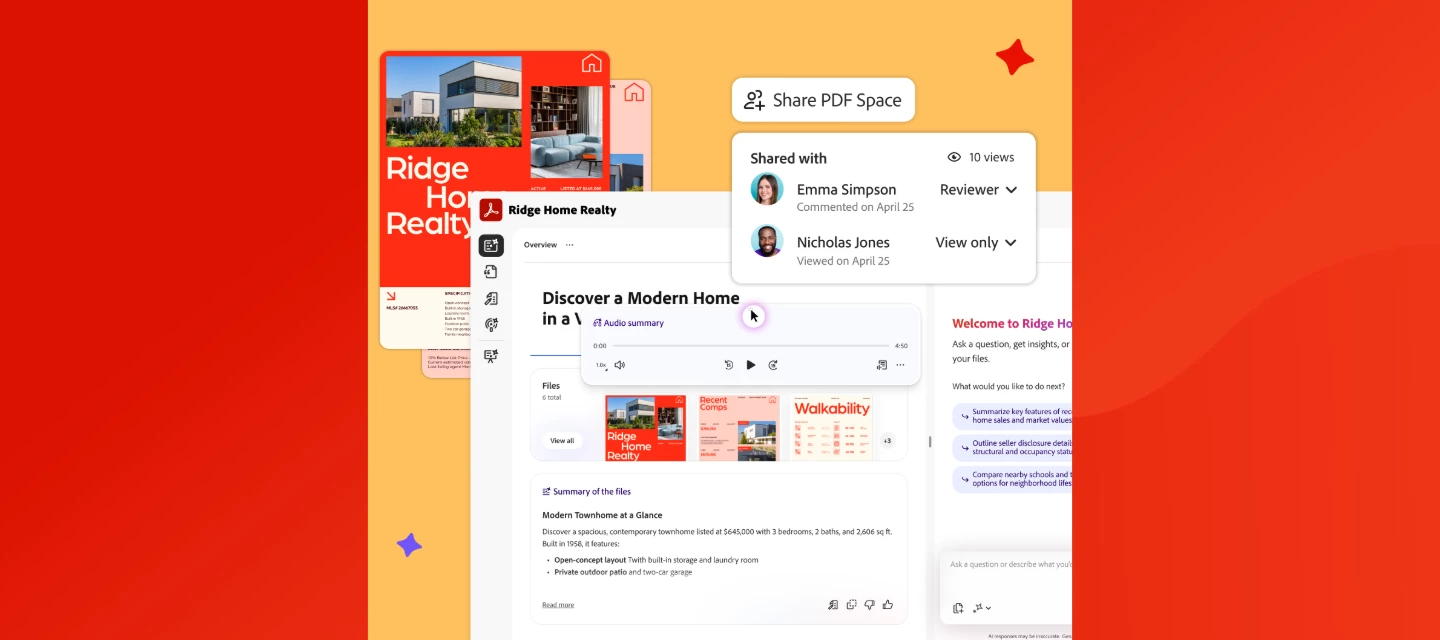
PDF Spaces in Acrobat lets you share documents as guided, interactive experiences, complete with audio overviews, AI Assistant, and engagement tracking. Read more on the Adobe Blog or watch this overview.


We've added enhanced collaboration and sharing capabilities in Acrobat to help you communicate more effectively and land your message every time. With the new PDF Spaces Sharing experience, you can now share information as a guided, interactive experience, bringing together files, context, audio overviews, and an AI Assistant to better convey your message.
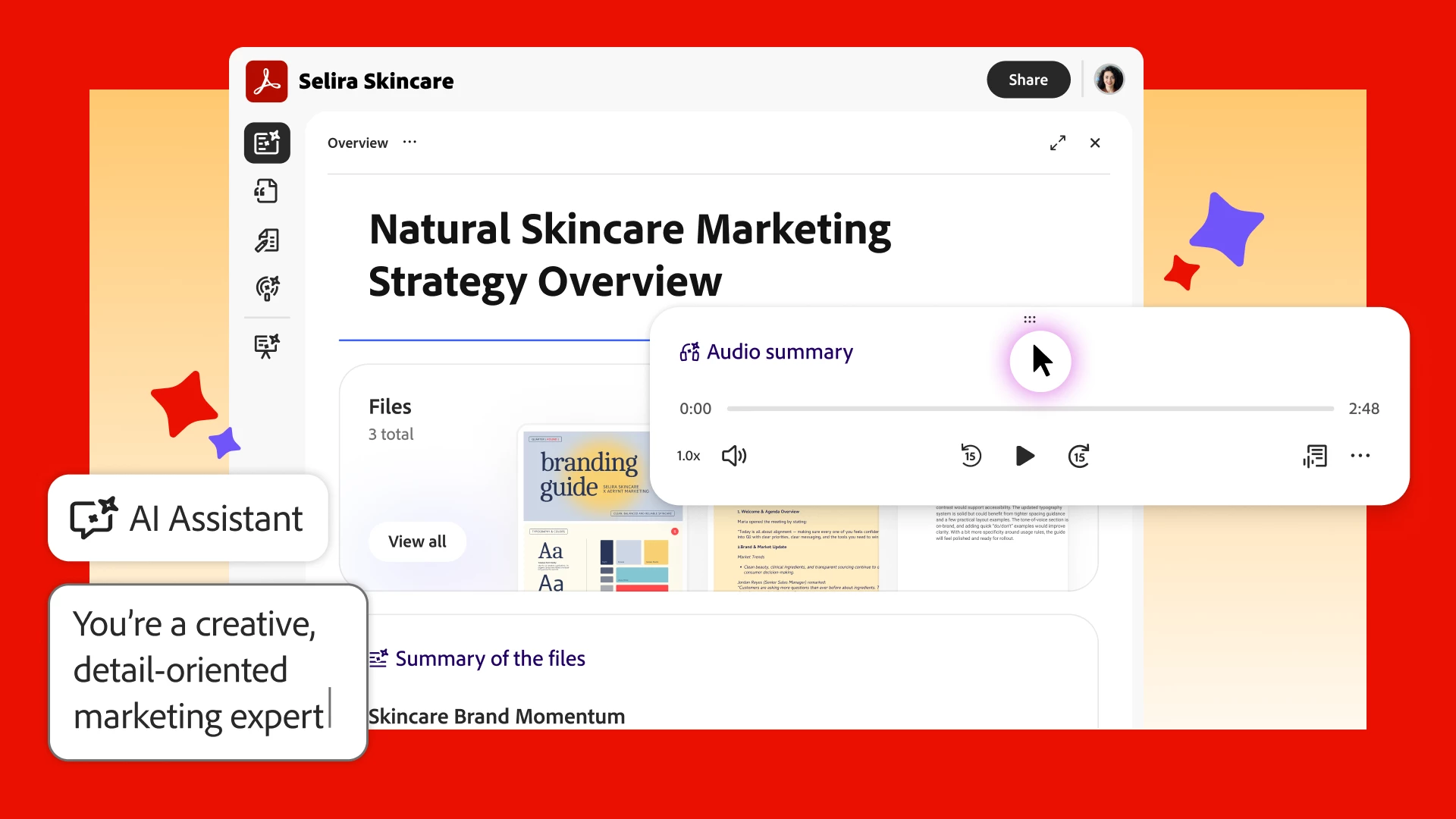


Share PDFs as interactive experiences. Turn multiple docs into a PDF Space that guides recipients through your content the way you want, with a summary, audio overview, and your brand.  


Guide your message with an AI Assistant. Share your PDF Space with a customizable AI Assistant and shape its responses to set the tone of your content and act as an extension of you.  


See who explored your content. Track views of your PDF Space, so you can confidently continue the conversation. 


Watch this video to learn more about PDF Spaces Sharing.


Full walkthrough guide of the new way to share with PDF Spaces.


What feature are you most excited about? Create a PDF Space in Acrobat and tell us what you think. 👇 


25 replies

chickofalltrade
Participant
May 20, 2026

big fan of dropping all of my docs, files, etc into spaces and being able to interact with the space in a chattable way 

aundrelarrow
Participant
May 18, 2026

This helps bridge the gap between my customers and my vision. So instead of just a deck they can get a more guided experience with context. So much of creative sales and work is about placing the client in the right frame of mind to see my vision come to life. This will help!

Participant
May 18, 2026

So excited about these new features. As a creative business owner, even the tiny little visual tweaks make me happy. Excited to play around with the customizable AI Assistant. That’s going to be really helpful when I share a PDF Space with students in my online courses. Love it! Thank you!

BizPaul
Participant
May 17, 2026

Big fan of this, especially the podcast idea - sometimes it’s just good to listen and I particularly like the dialogue aspect this gives you. Seems great for internal use but bringing in external clients is a big win for me.

katiej60716530
Participant
May 15, 2026

We’ve been using PDF Spaces to create a knowledge hub for our online courses, and it’s legitimately really cool. Our students will be able to search through all the course materials quickly and get help from the AI Assistant instead of emailing us every time they need a refresher or have a question about something we’ve already covered. Fantastic!

SweetWheatAnnissa
Participant
May 13, 2026

Okay this update is SO good. Turning PDFs into a branded, interactive experience instead of a bunch of attachments feels like such a huge shift for client communication and events. The customization features are honestly my favourite part, it makes everything feel so much more intentional and elevated!

Known Participant
May 12, 2026

I hope it’s not as JANK as the Acrobat share function..

crichd.ai
Participant
May 12, 2026

Interesting post. If anyone here is also looking for a simple website to watch live football and cricket online, is worth checking out.


[Third-party link removed by Moderator]

crichd.ai
Phoebe Sherman
Participant
May 11, 2026

This creates such a cool way to share with your community and team. It feels very personalized. 

Madison @flirtypineapple
Participant
May 11, 2026

Okay, I am obsessed with the customizable overview!! Being able to tailor how people first experience my PDF Space is SO helpful for making my PDF Spaces easier to navigate, more professional-looking, and more intentional for my clients and customers who access them!