


Anand Sri Bhattacharya
Community Manager
Community Manager
May 6, 2026
StickyNews

The New Standard for Document Sharing: PDF Spaces
  • May 6, 2026
  • 25 replies
  • 1383 views

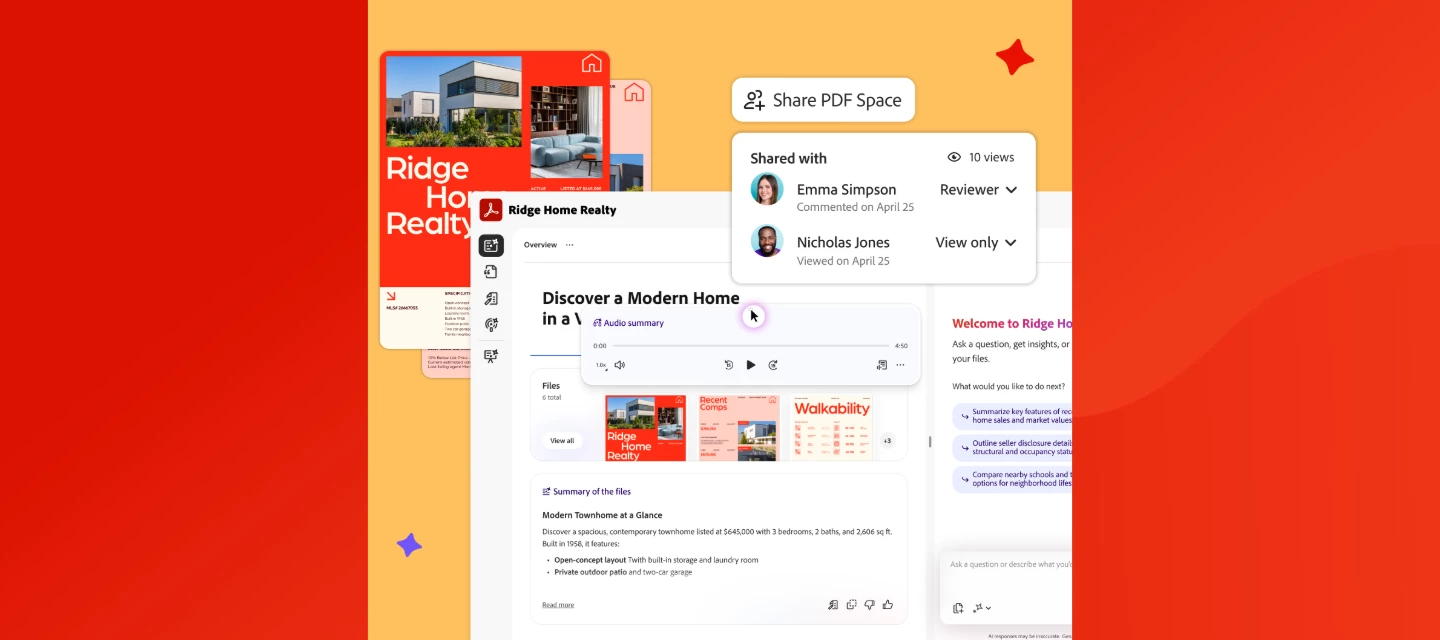
PDF Spaces in Acrobat lets you share documents as guided, interactive experiences, complete with audio overviews, AI Assistant, and engagement tracking. Read more on the Adobe Blog or watch this overview.


We've added enhanced collaboration and sharing capabilities in Acrobat to help you communicate more effectively and land your message every time. With the new PDF Spaces Sharing experience, you can now share information as a guided, interactive experience, bringing together files, context, audio overviews, and an AI Assistant to better convey your message.
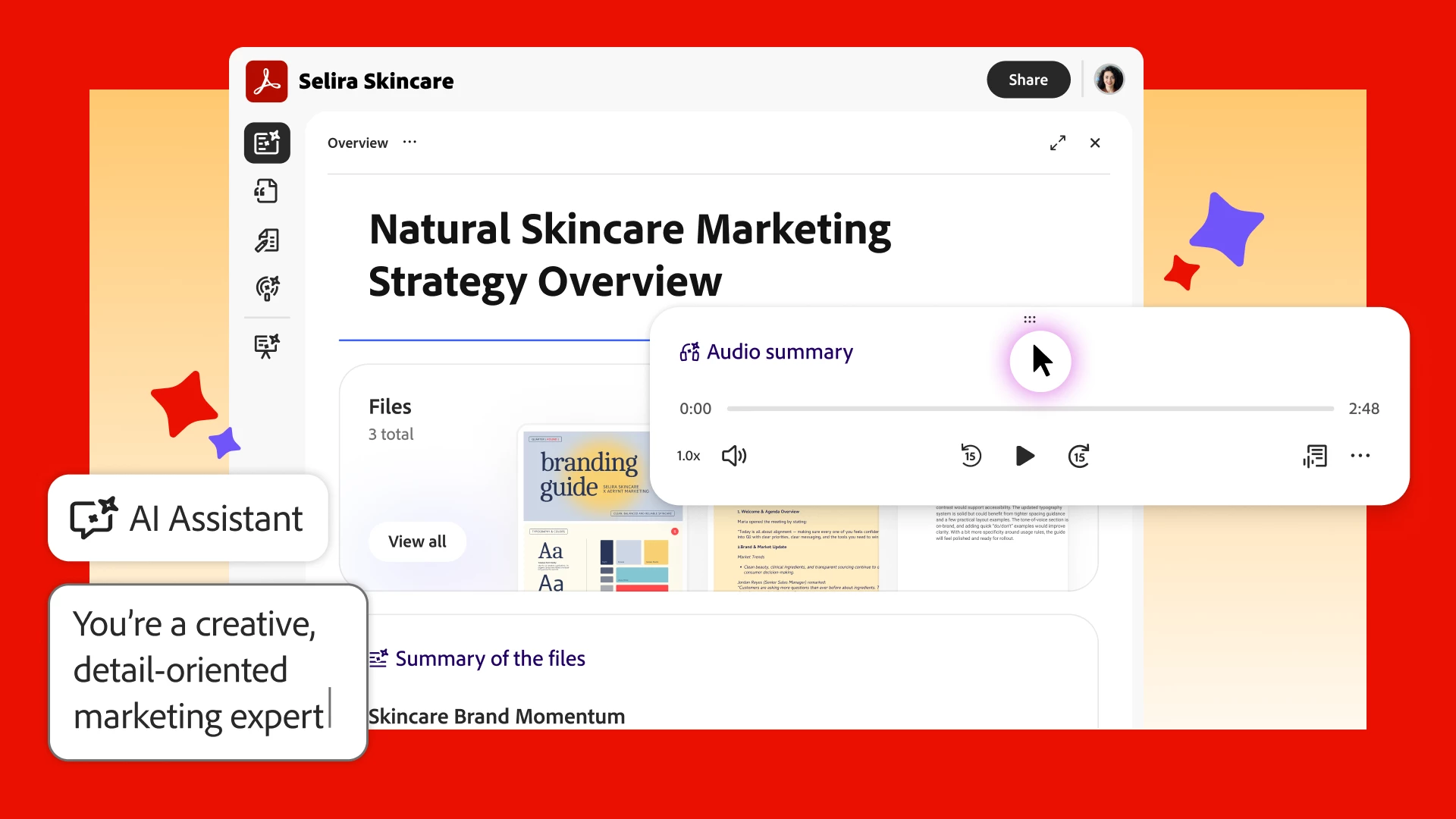


Share PDFs as interactive experiences. Turn multiple docs into a PDF Space that guides recipients through your content the way you want, with a summary, audio overview, and your brand.  


Guide your message with an AI Assistant. Share your PDF Space with a customizable AI Assistant and shape its responses to set the tone of your content and act as an extension of you.  


See who explored your content. Track views of your PDF Space, so you can confidently continue the conversation. 


Watch this video to learn more about PDF Spaces Sharing.


Full walkthrough guide of the new way to share with PDF Spaces.


What feature are you most excited about? Create a PDF Space in Acrobat and tell us what you think. 👇 


25 replies

Participant
May 9, 2026

This is awesome. My entire team is in the Philippines and this makes working together sooo easy

Participant
May 9, 2026

I love this! I wanna try to see if I can make a PDF space to share with my clients. We typically send a google drive with docs but I feel a PDF space with the AI assistant would be a super cool interactive alternative to what we’re currently doing. Good job Adobe!!

Lucas O'Keefe
Participant
May 9, 2026

PDF Spaces have become my go-to way to organize and share all of my training resources and links so I can distribute them to my community members. They can then access them at their own pace, which AI Assistant is wonderful for. It’s a huge value-add for my programs because it encourages my customers to continue engaging with the materials even after I’m no longer available for live-trainings or Q&As.

Known Participant
May 9, 2026

What a great way to add value to your training for your community members.

Known Participant
May 8, 2026

AI Assistant is getting better and better, it helps me so much with my podcast workflow. From epsiode research, show notes, title and questions to LinkedIn posts and newsletter content it is cutting down the time it takes to produce a full episode from days to just a few hours. The best part is I can share this space with others who can contribute and it all stay in one platform, no software hopping :)

Participant
May 8, 2026

I love these insightful updates. It feels like I get a mini “adobe sneaks” preview but for the community. I love howPDF Spaces now lets me extend every speaking engagement into something collaborative. My audiences walk away with a shared knowledge hub they can dig into, ask questions of, and revisit, which means the value of the speech/demo/presentation keeps compounding far after the session IRL!!! 

Gigi
Known Participant
May 9, 2026

It’s like adding that extra dimension to it. I think I’m going to start adding a link from my podcast :)