


Open for Voting
Stuck on pasting AI denoise settings on more than 50 images
This used to work somewhat reliably over the last few releases but now it's buggy as anything. I copy just "Details" to avoid overwriting other settings, but after 50 images the feature just gives up. I've got 96GB of RAM and 4TB SSD with about 750GB of available space. It's a 2023 Macbook Pro M3 Max. Latest available LR version as of time of writing this.
The whole point of this Mac was to speed things up, but now Lightroom is slowing me down to a grinding halt. Absolutely outrageous.
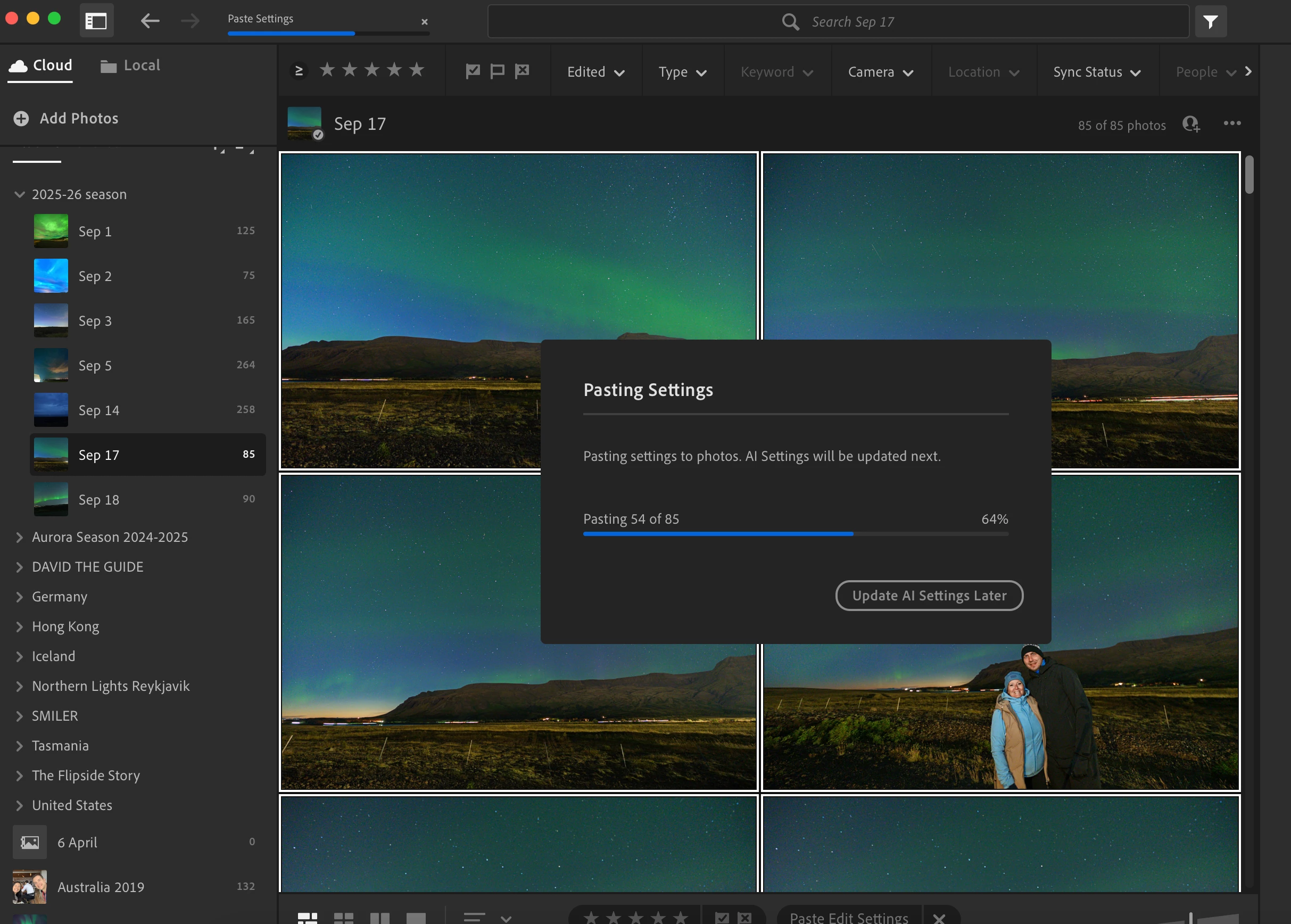
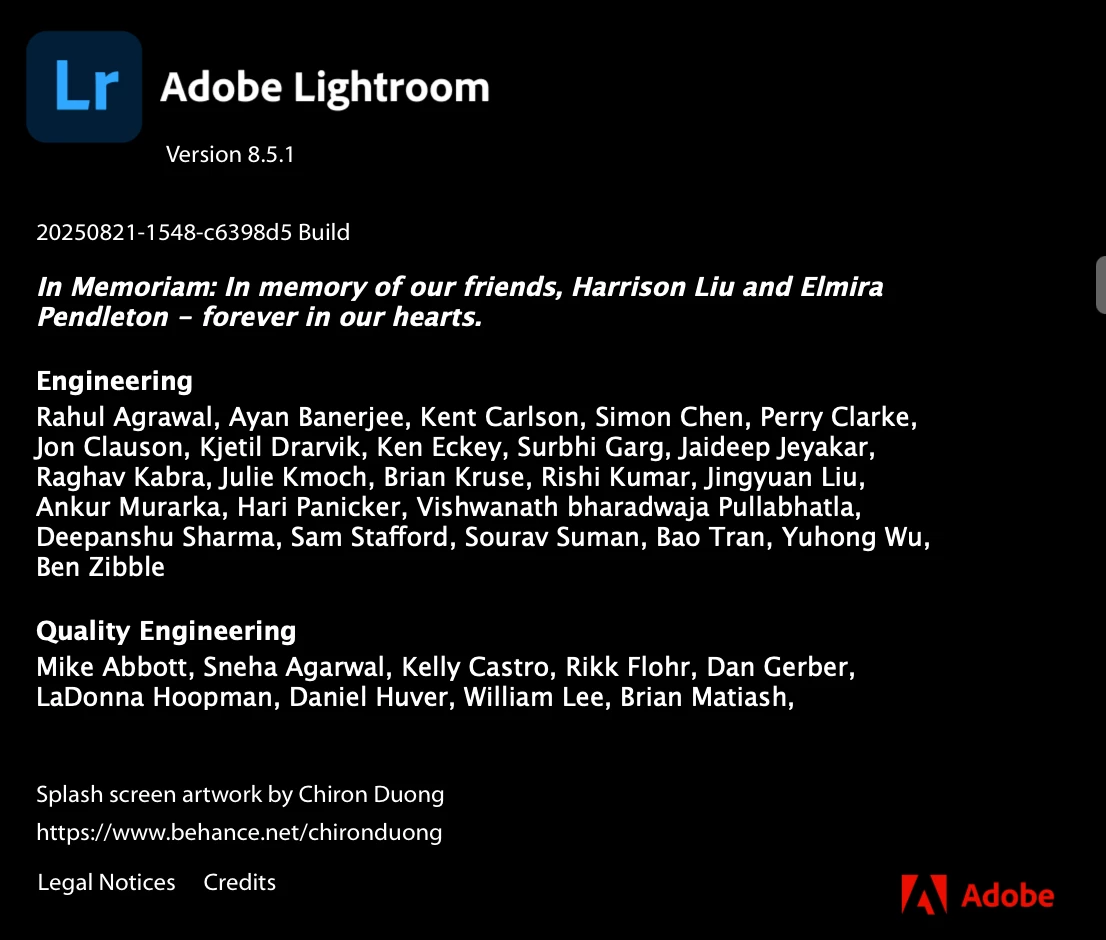
I've restarted the Mac, I've updated Lightroom. Nothing solves this issue. Pasting all settings again doesn't solve it.
This software is so broken it's actually becoming a joke that I have to pay for this mess.
 AdChoices