


Open for Voting
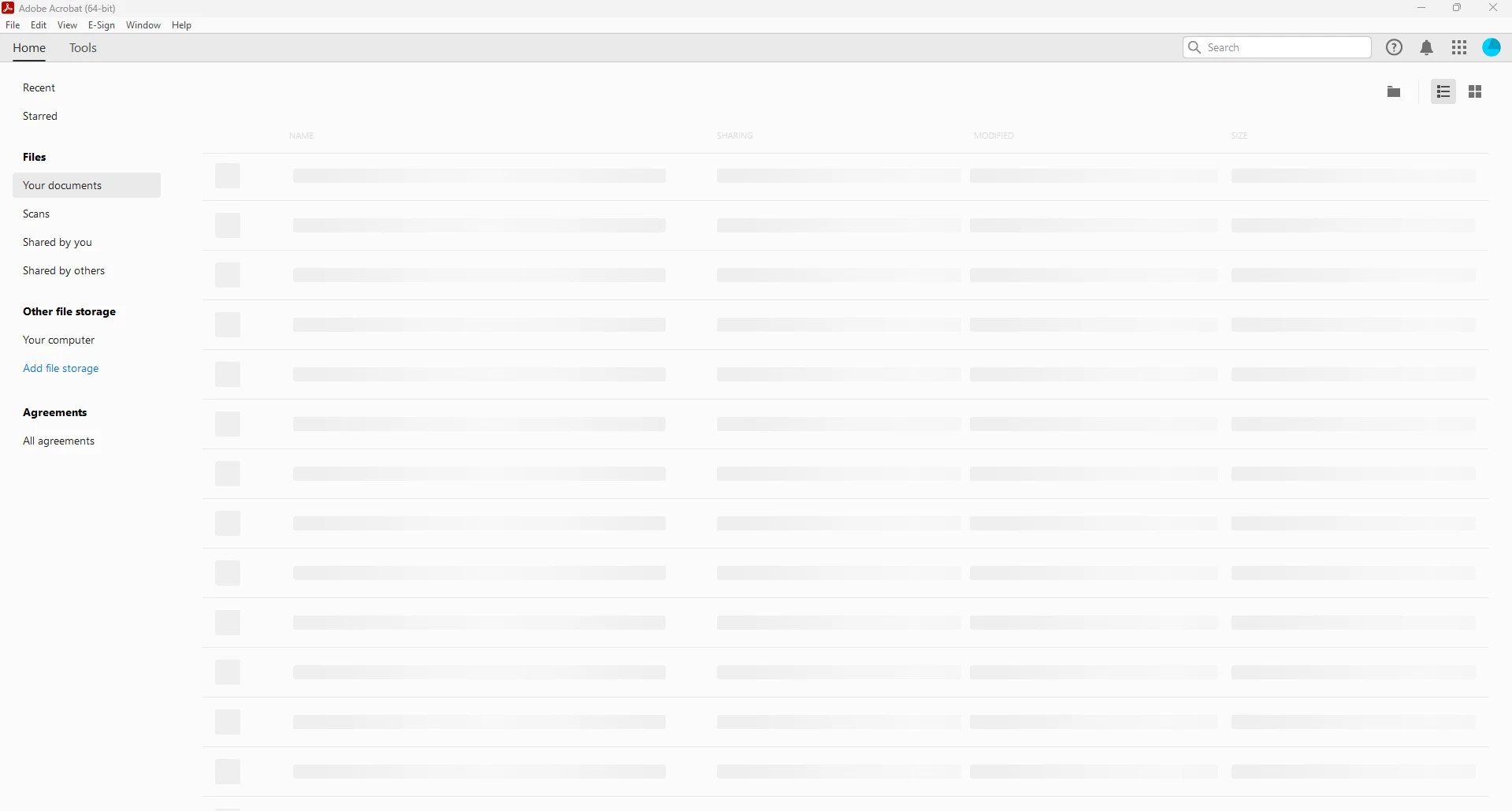
"Your documents" page of Files shows grayed boxes instead of files
The “Your documents” page of Files has started displaying grayed-out boxes instead of my files. Normally this page displays my files uploaded to Adobe Cloud Storage. If I close and relaunch Acrobat a few times, they will show up normally, but that’s a huge hassle just to get this page to work.
 AdChoices