



Participating Frequently
August 7, 2025

Adobe Express not uploading images

  • August 7, 2025
  • 31 replies
  • 1586 views

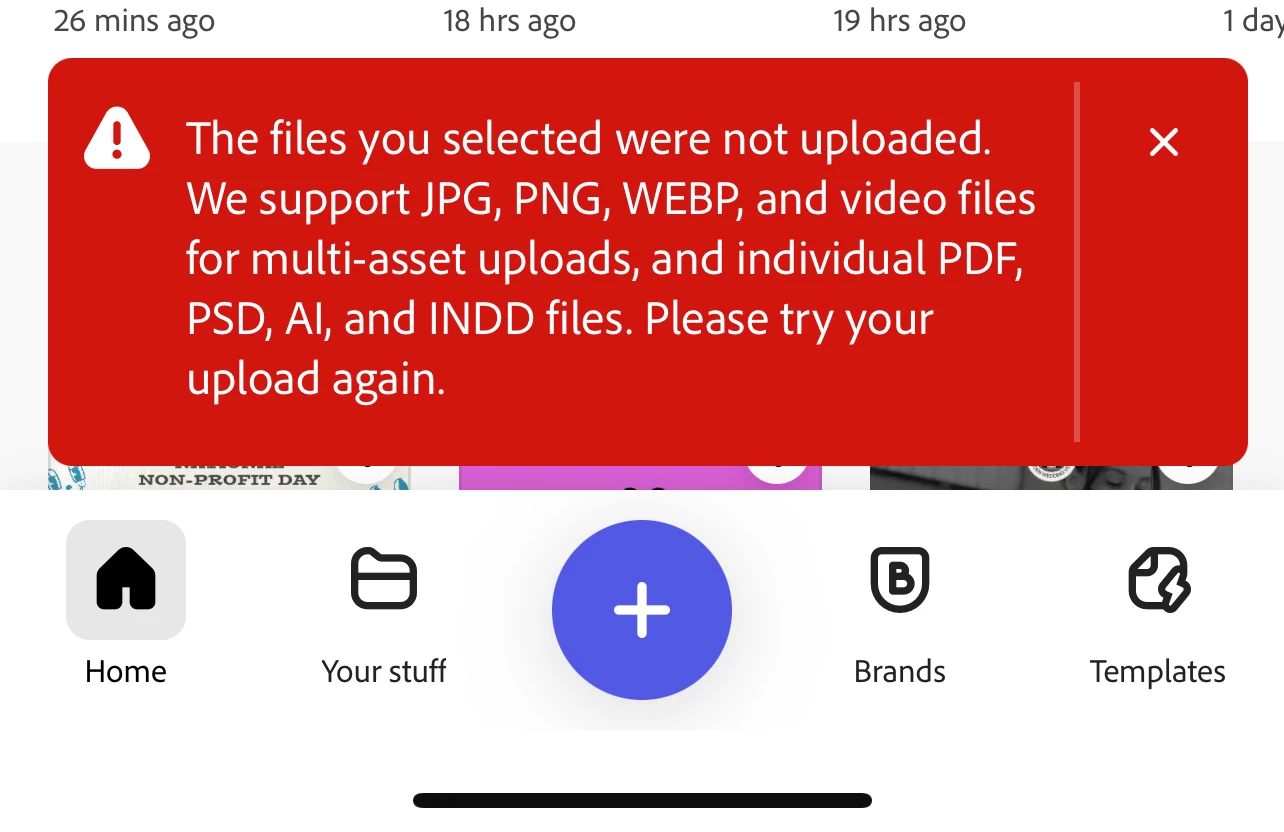
unable to upload any photos into express. I get this error no matter what type image I use. I've restarted my device, checked for updates, even took random photos with my phone. Videos appear to still work but photos are a no go. 
31 replies

daboWorksAuthor
Participating Frequently
August 16, 2025

There's nothing in the bottom right corner of my application. 

Participant
August 12, 2025

I’ve been running into the same photo upload problem in Adobe Express, and one workaround that’s helped me is using the Xender app. Since Xender lets you send photos, videos, and other files directly between devices without needing the internet, I transferred my images from my phone to my laptop and then uploaded them into Adobe Express from there. It doesn’t fix the root cause in Express, but it’s been a quick way to keep working on my projects without waiting for the upload issue to be resolved. Has anyone else here tried this method?

Adobe Employee
August 12, 2025

Hi @Dabo318, when choosing a photo from your Photo Library, there is an option that allows you to turn the conversion from HEIC on/off. Would you be able to check if this is set to "Automatic"? The way to find that is in the screenshot I am attaching (when uploading, there is an icon at the bottom right which will open an "Options" menu where you can set the format to "Automatic")

daboWorksAuthor
Participating Frequently
August 8, 2025

"Photo Library" which every single file is a photo that was taken by iPhone. 

Adobe Employee
August 8, 2025

Hi @Dabo318, when the three options pop up to upload an image: "Photo Library", "Take Photo or Video", or "Choose files", which of these are you using? 

daboWorksAuthor
Participating Frequently
August 8, 2025

 so is it possible to include heif back into the accepted types. This may cause a lot of issues with your iPhone users as this option is standard for photos.

daboWorksAuthor
Participating Frequently
August 8, 2025

The issue continues as I try to continue my work today. From my research it seems like Adobe is not pairing well with iPhone .heif file types. But what's weird is that its random. My previous photos from years prior have worked with no issues. Only since the most recent express update. 

daboWorksAuthor
Participating Frequently
August 7, 2025

Ok thanks 

Adobe Employee
August 7, 2025

Thank you @Dabo318 for trying it out from the editor. I am sorry you are encountering this issue from the home page. We are continuing to debug and will reach out with any other questions that could help us pinpoint the issue. 

daboWorksAuthor
Participating Frequently
August 7, 2025

Correction* ok so it does work if I go through templates after having to force close. The issues seem to only happen when I attempt to upload from the home page.