


gingera14003373
Participant
August 31, 2023

New Adobe Express Webpage Embed Code Does Not Work

  • August 31, 2023
  • 29 replies
  • 3307 views

I've used the older version of Adobe Express and embedded many webpages into our company intranet. When I try to embed the new version, I get an image with a 404 error.
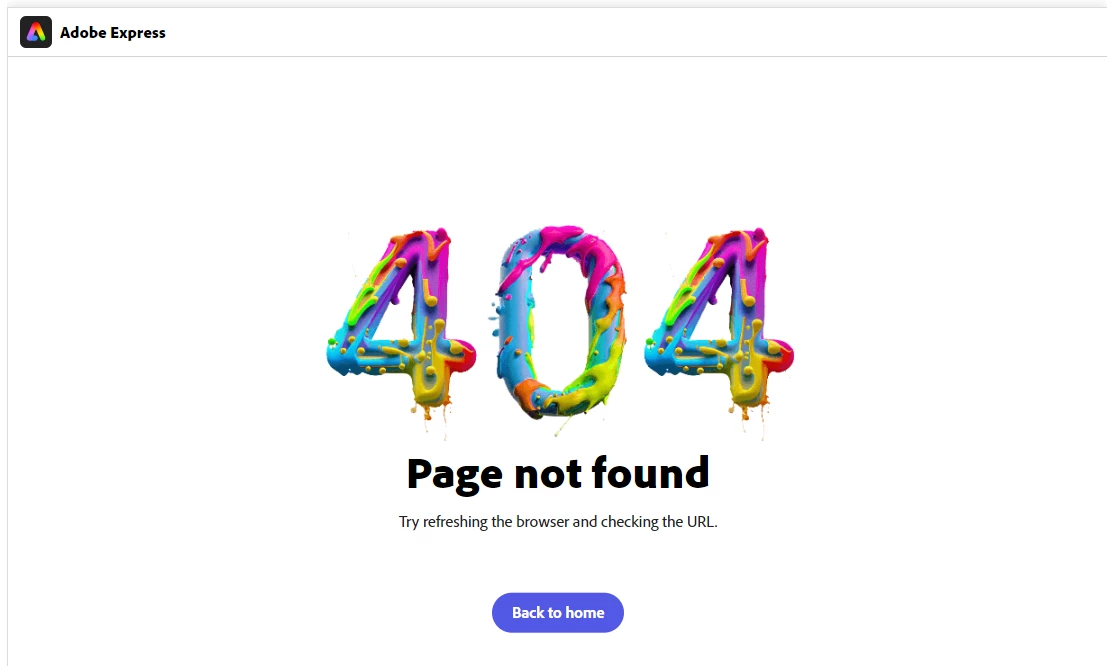
 

When I looked at the new code compared to the old, I noticed it's exactly the same, except for an added "new.". To figure out the problem, I tried to open this javascript file: "https://new.express.adobe.com/page-embed.js" and got a 404 error. When I remove the "new." it's the old embed version of javascript. The same thing is happening with the img src link, which is why nothing is working.


Is there a quick fix to updating this embed code working?

This topic has been closed for replies.

29 replies

Participant
February 8, 2024

Is there a solution to this as I am having the same problem! Why has this not be fixed yet?!?!

Participant
January 28, 2024

so, what can we do to embed an iframe in our new.express.adobe page? 

Participant
January 19, 2024

Yes, I'd like a solution for this as well. This has been an issue since the start of the new Adobe Express. MONTHS (possibly even a year now?) have passed. Please fix this, Adobe. Thank you. 

Participant
November 2, 2023

Is there a time line for resolution?

Participant
October 24, 2023

I have a similar issue to this - but because I am trying to embed the content that my colleague has posted, it shows like it requires signing in from anyone who wants to see the content. Could this issue be solved as soon as possible? It is causing a lot of problems. 

Nancy OShea
Community Expert
Community Expert
October 23, 2023

I understand.  As an unpaid forum volunteer and working professional in web, print & graphics, I make no excuses for Adobe Express app.  I can only give you solutions-based workflows to try while Adobe attempts to fix problems on their end. 


Nancy O'Shea— Product User & Community Expert
Participating Frequently
October 23, 2023

@Nancy OShea I know I can do that and I have, but I shouldn't have to because it doesn't look as nice. Our system pays for this software and its terrible. I shouldn't have to work around because Adobe can't get it together and fix it. 

Nancy OShea
Community Expert
Community Expert
October 22, 2023

OK.  Another workaround, grab a screenshot of your Adobe Express page with your keyboard's Print Screen key.

Paste clipboard contents into your favorite image editor and save as screenshot.jpg.


Hyperlink the image.


<a href="https://example.com"><img src="screenshot.jpg"></a>


Nancy O'Shea— Product User & Community Expert
Participating Frequently
October 21, 2023

Thank you for the Information. BUT:  Why does it last so long???? Sorry, Bit I don't understand

Participating Frequently
October 21, 2023

@Nancy OShea Yes, but it looks terrible when I use that code instead of the one that used to be generated. With the ordinary iFrame code it embeds and displays the entire Adobe Express site whereas previously when I used the embed code it displayed only the title screen of the guide and let the user click to open the express webpage in a new tab. Here are pictures to help illustrate what I am talking about.