


gingera14003373
Participant
August 31, 2023

New Adobe Express Webpage Embed Code Does Not Work

  • August 31, 2023
  • 返信数 29.
  • 3307 ビュー

I've used the older version of Adobe Express and embedded many webpages into our company intranet. When I try to embed the new version, I get an image with a 404 error.
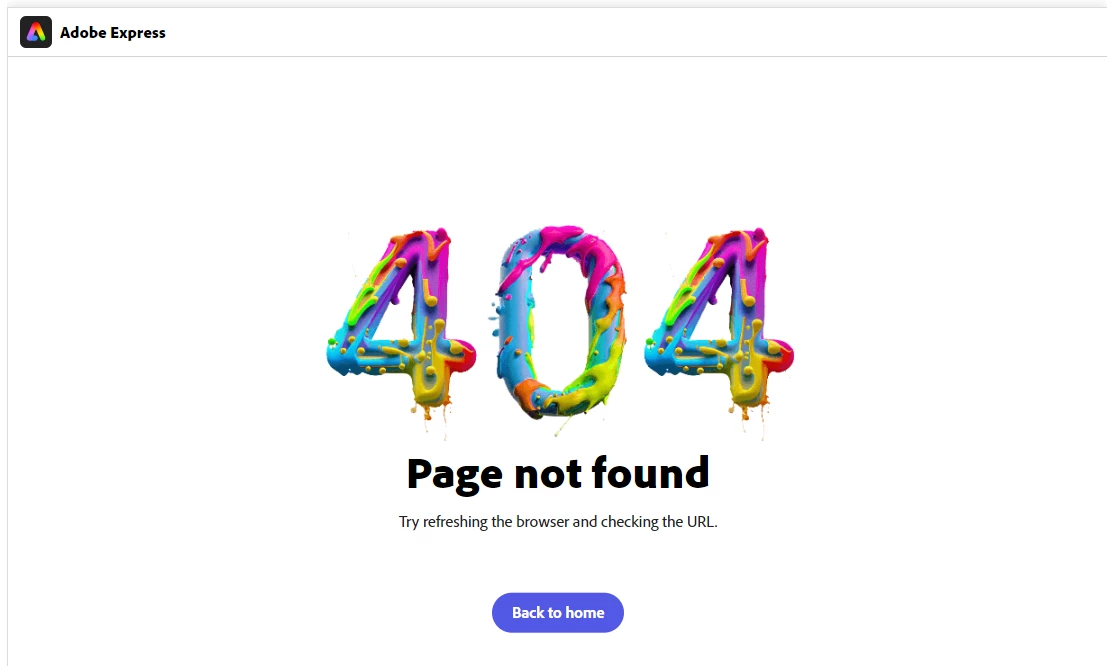
 

When I looked at the new code compared to the old, I noticed it's exactly the same, except for an added "new.". To figure out the problem, I tried to open this javascript file: "https://new.express.adobe.com/page-embed.js" and got a 404 error. When I remove the "new." it's the old embed version of javascript. The same thing is happening with the img src link, which is why nothing is working.


Is there a quick fix to updating this embed code working?

このトピックへの返信は締め切られました。

返信数 29

Participating Frequently
October 20, 2023

@Nancy OShea Yes, but it looks terrible when I use that code instead of the one that used to be generated. With the ordinary iFrame code it embeds and displays the entire Adobe Express site whereas previously when I used the embed code it displayed only the title screen of the guide and let the user click to open the express webpage in a new tab. 

Nancy OShea
Community Expert
Community Expert
October 20, 2023

Can you embed ordinary iFrame code like this one? 

Replace example.com with your Adobe Express webpage URL.


<iframe src="https://example.com" width="100%" height="600"></iframe>


Nancy O'Shea— Product User & Community Expert
Participating Frequently
October 20, 2023

Any update on this? I am having issues with the embed code not working as well. 

Participant
September 23, 2023

Also a big issue for me. Please resolve this soon. 

Participating Frequently
September 22, 2023

I sincerely hope that you will find a solution soon. Unfortunately, this state of affairs is very detrimental to my business. Could you give a sign here as soon as you have found a solution, @Neelamk or colleagues?

Neelamk
Legend
September 21, 2023

Hi @gingera14003373 @Katrin322154636unb @Rachel324200900lap ,


I've shared the issue with our developers. We are aware of this issue, and our teams are working to resolve it as soon as possible.


Thank you,

Neelam

Participating Frequently
September 20, 2023

Me too. I spoke with the Adobe-Team last week. They told me that it was a bug and we have to be passioned...

Participant
September 20, 2023

still need a solution!

Participating Frequently
September 11, 2023

I have quiet the same problem. Did you find a solution in the meantime? I would be glad to solve the problem!