Participating Frequently
January 27, 2025

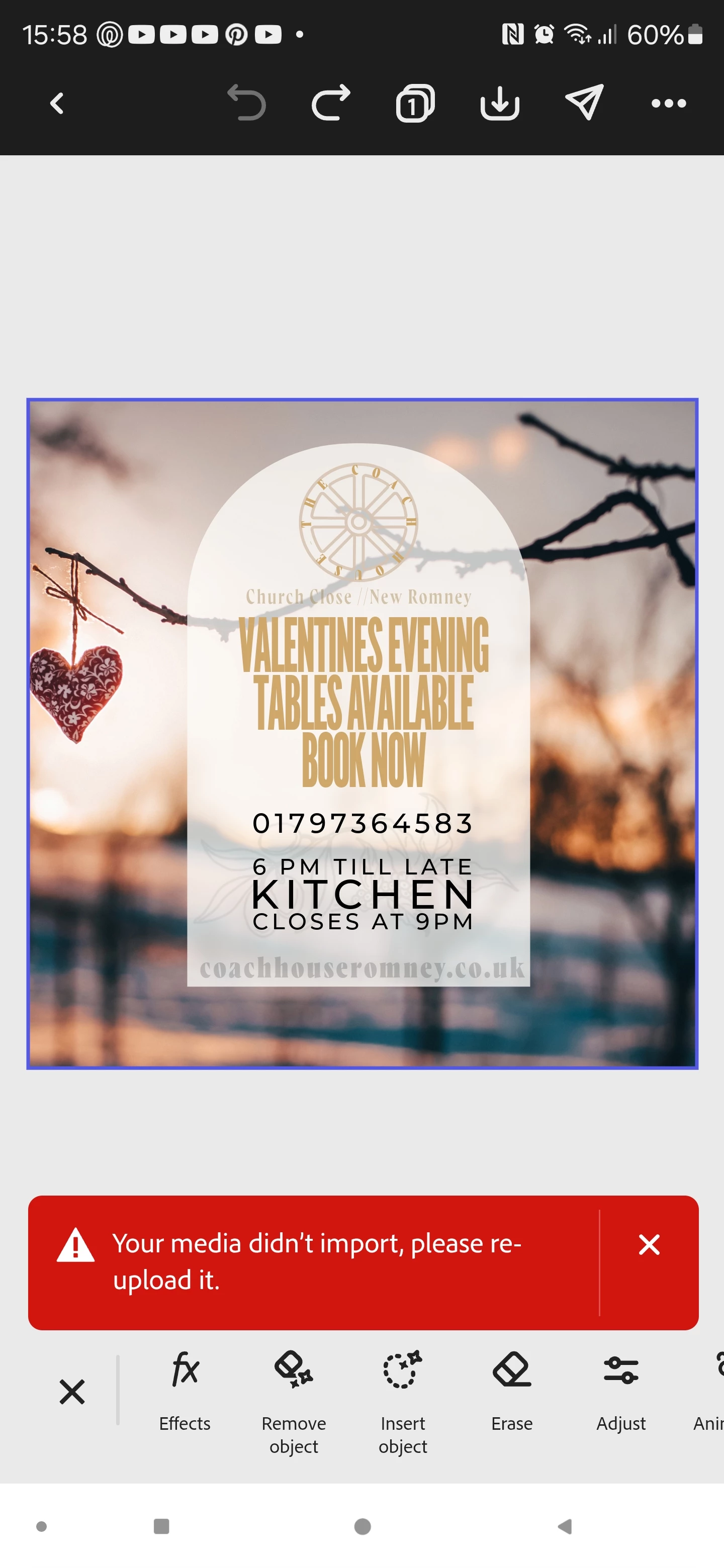
Your media didnt import, please re-upload it.

  • January 27, 2025
  • 15 replies
  • 1933 views

I'm trying to simply copy and paste any element from text to design etc. And I get the error "media failed to upload, please reupload it".

What am I doing wrong? This has never happened before and I can't seem to find a fix or a setting that helps.

Thanks in advance

15 replies

Participating Frequently
October 3, 2025

I get the same error tying to add images or backgrounds from the asset search panel. Chrome for web. Is this an ongoing bug?

Tarun Saini
Community Manager
Community Manager
October 6, 2025

Hi @primitiveshaun,


Thanks for reaching out! Could you please share a screen recording of the issue you're experiencing? 

Did you try using the other suggested browsers (Safari, Microsoft Edge, and Google Chrome) or incognito mode to see if it makes a difference? 


Also, try clearing the browser's cache and cookies, and restarting the browser and try again. For more information on how to clear cache and cookies check this link- https://adobe.ly/4a5ipUF and how to use incognito mode- https://adobe.ly/4a2UzZV 


Regards,

Tarun

Participant
July 18, 2025

Thanks @Amitej S !

I just tried on the mobile version and faced the same issue (see screen recording below). I used my iPhone [model # MLMT3LL/A running iOS 18.5] with the newest version of the app 28.2.1


SCREEN RECORDING ON MOBILE DEVICE

Amitej S
Community Manager
Community Manager
July 18, 2025

Thanks for sharing this. We'll get back to you with more information and appreciate your patience and support. 

Participant
July 18, 2025

** I have also cleared my cache and browsing data and still face the issue

Amitej S
Community Manager
Community Manager
July 18, 2025

Hi @cortneymccracken, Thanks for sharing all the details and the screen recording. I'll pass it on to the team to look into this issue and let you know once we have an update. 

Also, please test and confirm if this happens on your mobile device. Do share the observations, including vice's make and model details, and the installed app version. 


Best!

Amitej

Participant
July 18, 2025

I have this problem using .png image files. It worked for me at the beginning of the year and then hasn't worked the past few months. I am using chrome and but have experienced this in chrome and safari. The media is still in my library because I can go to the media and select it and start a new project with no issues, I just cannot add media from the side bar to my open project. (screen recording at bottom)

For the past few months I have to drag and drop the image file into the project. I have tried uploading it directly to the media library first to see if it truly was timing out or something and not fully uploading to the cloud; but it is the same issue regardless of method of media upload that I have experienced so far. I am a part of a team account and our team has 1 TB of storage and we have only used 7.3 GB , so I know it has nothing to do with syncing to the cloud and storage issues. (screenshot below)


SCREENSHOT OF STORAGE


VIDEO SCREEN RECORDING


Participant
July 7, 2025

I have been having the issue in Adobe Express that says image failed to upload, please re upload

Amitej S
Community Manager
Community Manager
July 7, 2025

Hi, thanks for posting here.

Can you please confirm the media format you’re trying to upload? Since when are you facing this issue? Have you tried uploading from a different device or from private/incognito browsing mode? Does it happen with a certain media type or evey media format isn’t uploading?

Also if possible please share the media you’re trying to upload so we can investigate on our end.


We are here to help, just need some more info.


Best,

Amitej

Participating Frequently
February 4, 2025

Hi Amitej,


thanks for helping; here you'll find a Screen recording showing the »copy & paste bug« from T33624173mcf3.


https://community.adobe.com/t5/adobe-express-discussions/copy-paste-doesn-t-work-latest-adobe-express-app-bug-issue/m-p/15133442#M21470


I'm facing exact the same issue on a Pixel 8.


Many thanks in advance.


Kind regards

Daniel 

Amitej S
Community Manager
Community Manager
February 26, 2025

Hey, @Daniel_Goettfried, Our team released a fix for this issue. This should have been fixed for all users, let us know if you are still having trouble with the same.

Participating Frequently
February 2, 2025

Help please

Participating Frequently
February 2, 2025

Frustrating that there's no guidance. It just stopped working for me randomly, same for you?

Known Participant
February 2, 2025

No... My problem is stil pending... 

Participating Frequently
February 1, 2025

Have you found a solution?