20 replies

Participant
September 6, 2025

Today the app crashed hard. As of Sept 5 11-":14 the app is unstable. We cannot save or properly use the app 

Amitej S
Community Manager
Community Manager
September 8, 2025

Hi @TykoDesignz, Welcome to the Adobe Express Community!


We recently experienced an outage that may have caused the issue you encountered. Our teams have deployed a fix, and we’d appreciate it if you could confirm whether things are working as expected now. You can also check the latest service status here: https://adobe.ly/3I0IY3W.

Thank you for your patience!

Participant
June 18, 2025

Hi. Great question! Yes, new Windows 11 was installed recently and that's when the issue occured. There is a new type of extension which is installed however I am unable to remove it. I will have to consult with my organization. That could be making it an issue for me to use Adobe Express on the desktop. I could use it fine from my phone.

Tarun Saini
Community Manager
Community Manager
June 18, 2025

Thanks for your response 

@Astonished_neighbor1087

,

 Try using the other suggested browsers (Safari, Microsoft Edge, and Google Chrome) or incognito mode to see if it makes a difference. Try removing the extension and see if that helps. 


Also, try clearing the browser's cache and cookies, restarting the browser and trying again. For more information on how to clear cache and cookies check this link- https://adobe.ly/4a5ipUF and how to use incognito mode- https://adobe.ly/4a2UzZV 


Regards,

Tarun

Participant
June 17, 2025

It's happening on all projects, both done from the desktop and mobile versions and accessed from desktop. I tried duplicating a file and it's still the same, loads image but all text is missing. I'm unable to create a new graphic too. It won't load any asets on the sidebar to use. But I can view and edit from my iPhone 16 Pro iOS 18.5. I'd like to be able to create and edit from desktop though. Thank you

Tarun Saini
Community Manager
Community Manager
June 18, 2025

Hi 

@Astonished_neighbor1087

,

Thanks for your response. To better understand the issue, are you seeing this issue on a desktop? Have you recently installed any plugins/extensions on your browser? Could you please share a screen recording of the issue you're experiencing?


We're here to help, just need some info.


Regards,

Tarun

Participant
June 17, 2025

Hello! I'm still experiencing issues with Express. I can see the graphics when it's on the dashboard screen but as soon as I open a specific file, I can only see the background image but none of the text shows up. This is working on the desktop version. On the phone app, I can go see the text and edit. It's easier for me to manipulate and edit from my laptop rather than phone. I cleared cache/cookies on both Edge and Chrome, restarted my laptop and still it's not working. This started since last week. Please advise, thank you!

David__B
Adobe Employee
Adobe Employee
June 17, 2025

Hi @Astonished_neighbor1087

Sorry to hear about your difficulties. Is this happening in all projects or just one? What is the model and OS of your phone? Does making a duplicate instance of the file with the issue make any difference?

Thanks,

Dave

Participant
June 13, 2025

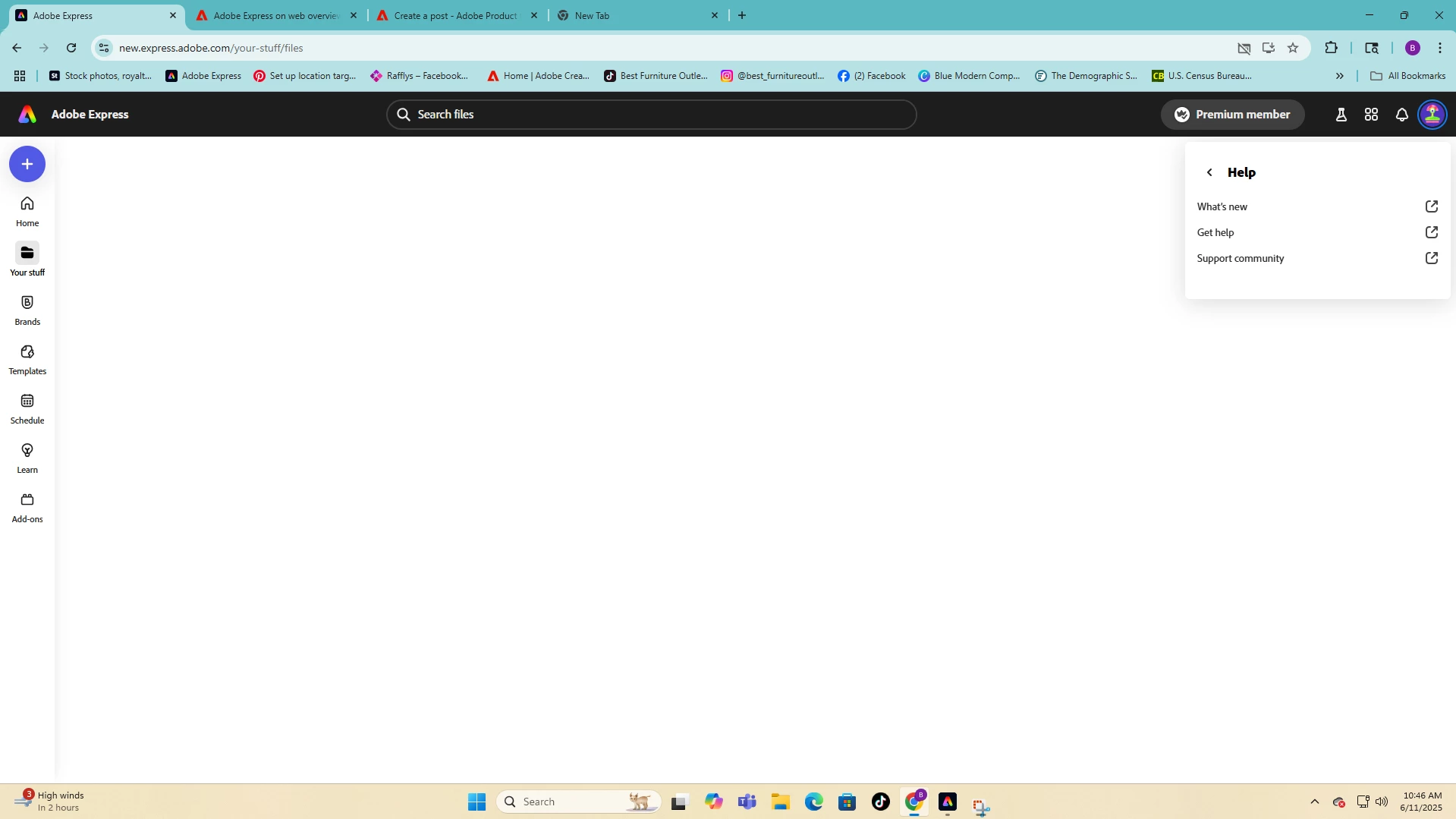
I have retaken all of those steps and am still seeing the same issue. I've also tried both links https://new.express.adobe.com/your-stuff/files and https://express.adobe.com/your-stuff/files to access my files and still nothing appears.

Community Manager
June 16, 2025

Hi @NoelleGermone,


Thanks for following up and confirming your steps.

Since the issue persists even after clearing cache, using incognito mode, and testing both links, we've noted this for deeper review. In the meantime, please also try:

  • Signing out and back in again

  • Accessing from a different browser or device

  • Checking for any active browser extensions that might block content

Your continued feedback is valuable as we investigate this further.


^MM

Participant
June 12, 2025

Cleared cache and cookies, still having the issue after multiple attempts.

chaimaa.7
Community Manager
Community Manager
June 13, 2025

Hi @NoelleGermone, our team has implemented a fix for this issue. Could you please check on your end and let us know if everything is working as expected now?

Also, to make sure you're seeing the latest changes, kindly clear your browser's cache and cookies. If the issue persists, could you try accessing it via an incognito/private browsing window and let us know the result?


Thanks for your help and patience!

Chaimaa

 
Participant
June 11, 2025

Bingo works now!

Participant
June 11, 2025

It now works after clearing cache/cookies.

Known Participant
June 11, 2025

Why do these things keep happening? What is Adobe up to behind the scenes that our productivity has ground to a halt?

Participating Frequently
June 11, 2025

It does work in incognito/private browsing mode.

Amitej S
Community Manager
Community Manager
June 11, 2025

Hi @Derek29569933q9ab, to get this working, you may need to clear your browser's cache and cookies.