


Participating Frequently
February 25, 2026

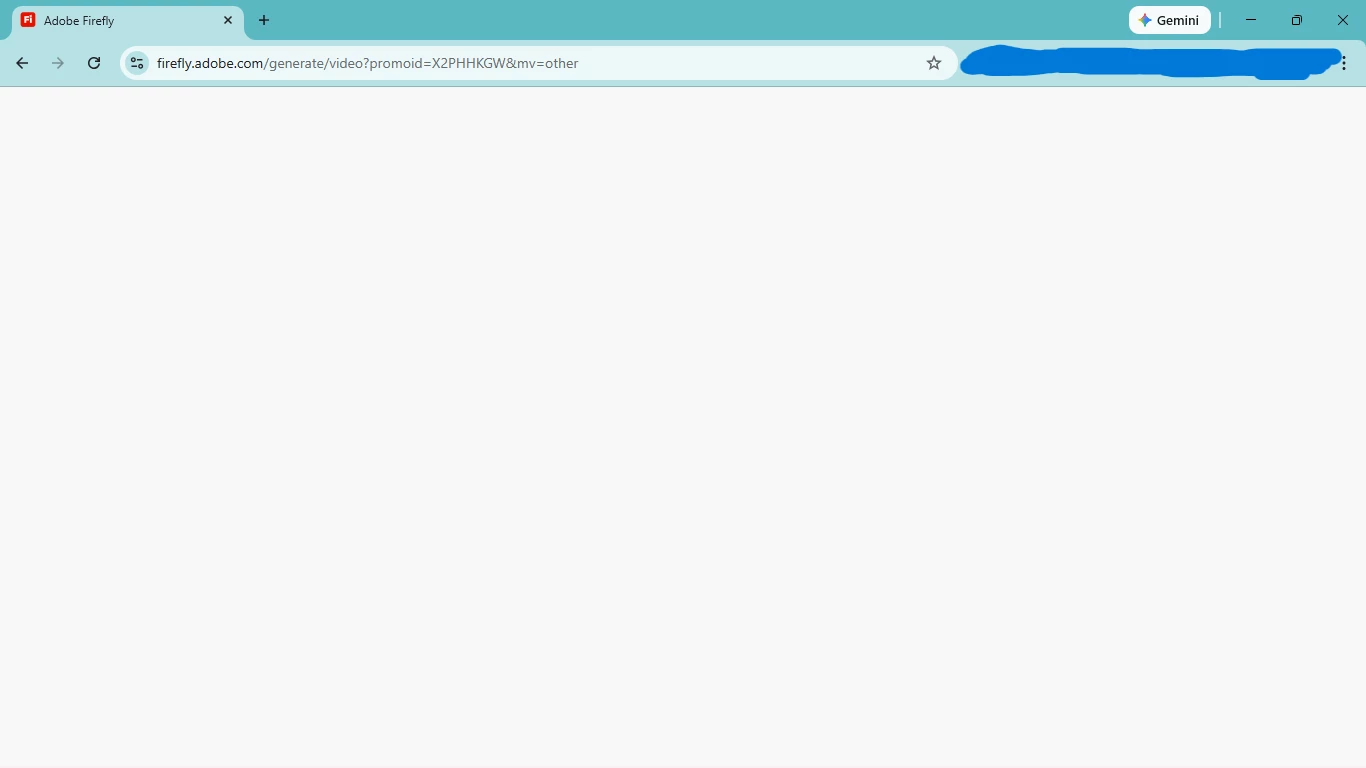
Blank white screen on adobe firefly

  • February 25, 2026
  • 2 replies
  • 27 views

I’m on windows 11. I’ve tried using several different browsers but the same problem remains. I try to use adobe firefly and when i try to use any option like image to video, it just shows a blank white screen. What’s wrong?
 

    2 replies

    Peru Bob
    Community Expert
    Community Expert
    February 25, 2026

    If the solution offered by ​@Hajar Toutsi doesn’t work, try updating or rolling back your graphics driver directly from the video card manufacturer’s site. If NVIDIA, do a clean installation of the latest Studio Driver (NOT the Game Driver).

    Hajar Toutsi
    Community Manager
    Community Manager
    February 25, 2026

    Hi defaultzuy8v7z4k50x,

    Thanks for sharing the details.

    I tested on Windows 11 with the latest Chrome browser and the Firefly page loaded fine, so this may have been a temporary glitch. Could you double‑check if it’s working now?


    If the issue still persists, please let us know, we’ll investigate further.

    Thanks

    Hajar

    Participating Frequently
    February 26, 2026

    Same problem. no changes

    Hajar Toutsi
    Community Manager
    Community Manager
    February 26, 2026

    Thanks defaultzuy8v7z4k50x for confirming.

    Since you already tried different browsers, let’s move on to a few other steps:

    • Clear Browser Cache and Cookies: Clear your browser's cache and cookies, then reload the Firefly page.
    • Disable Browser Extensions: Try disabling extensions  (like ad blockers or privacy tools) or opening Firefly in an incognito/private window
    • Check for System or Network Restrictions: If you're on a managed network (like work or school), firewall or security settings might block some web content. Try connecting from a different network or check with your IT administrator.
    • Update Your Browser
    • Try Another Device: If firefly.adobe.com works on your mobile device but not your PC, the issue may be specific to your computer's setup.


    Please let us know which step resolves the issue, we’d love to hear what worked. If the problem continues, just update us and we’ll escalate it to the respective team.

    Hajar