Participant
Nov 10, 2026 7:07 PM UTC
Open for Voting

Board changed language from default to another language

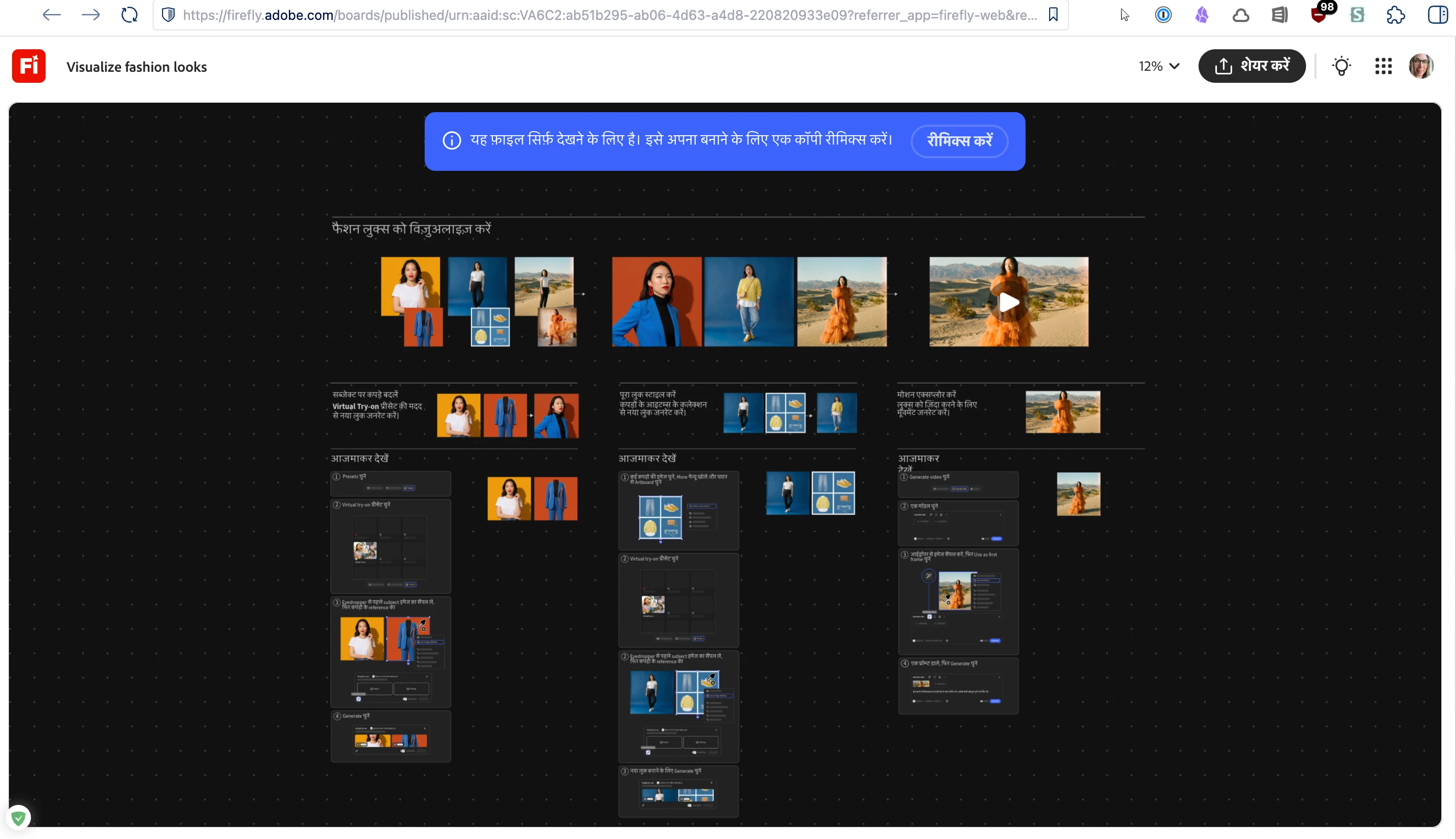
Trying to access the sample workflows for Boards, but the text comes up in a language other than English. It also changes the menu and controls to that languages (looks like an Asian language, maybe Hindi?)

I was just trying to learn more about using Boards and wanted to open a starter/sample workflow. The workflow is generated, but all the text is in a non-English language (looks like perhaps Hindi or a similar language). My preferences are set to English. If I open the board, it also changes all the menu and control text to this non-English language. 

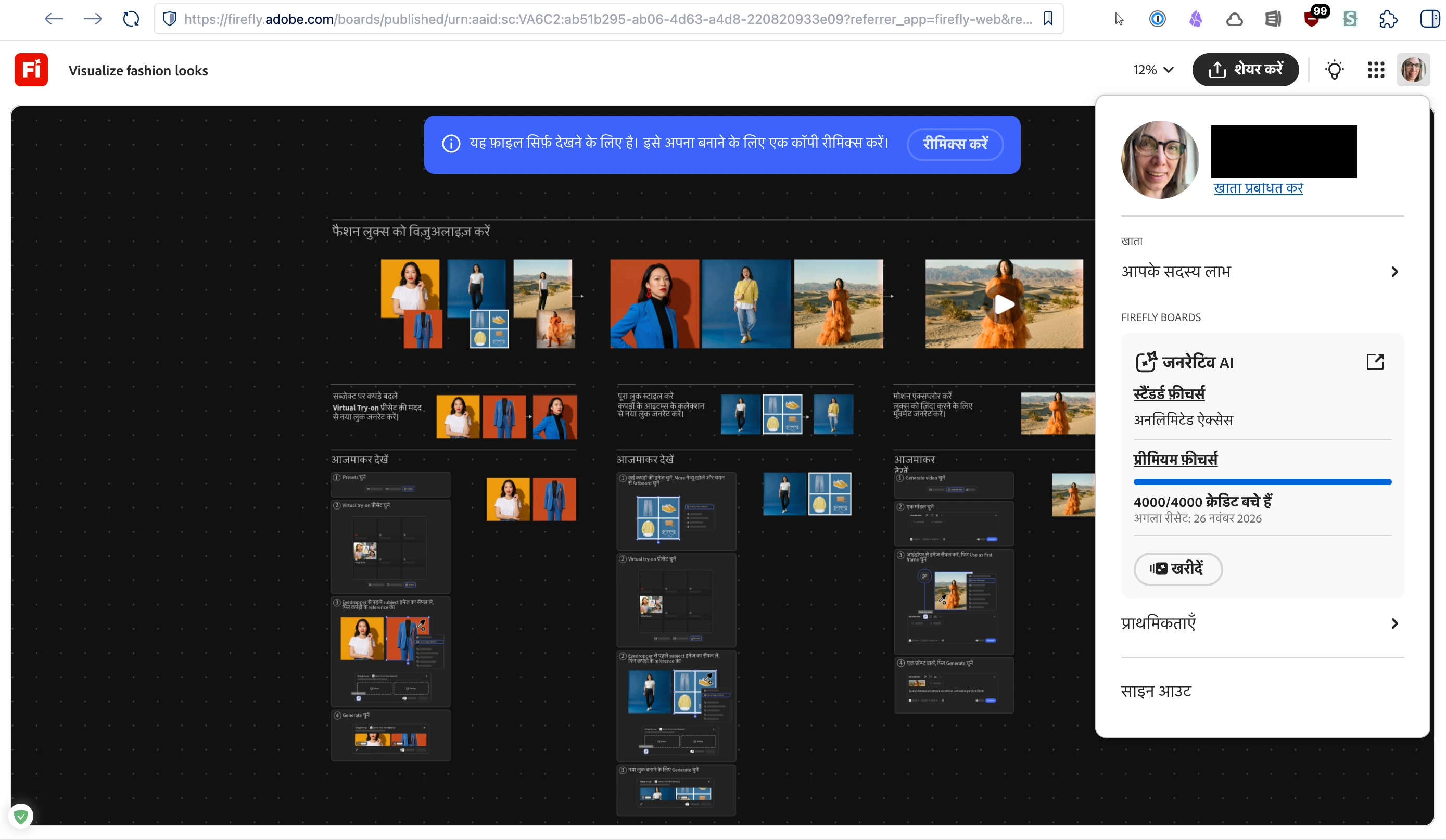
This has changed all the text in the menu/control system to this non-English language - even if I try creating a new board or opening a previous board. So now I can’t really use Firefly at all because I can’t read the menu system.


4 replies

droopydog500
Community Manager
Community Manager
Nov 11, 2026 2:28 PM UTC

Hi ​@ellemef,

Thank you for the screenshots. The language is Hindi. To help us work out why it is appearing, could you tell us:

1. How did you reach this board: from a link on a web page or in an email, or from inside Firefly, for example from the Quick Guides in Boards?
2. When you click your profile icon and then Preferences (the item just above Sign out, shown as "प्राथमिकताएँ" in Hindi), which language is selected in the dropdown?
3. Are other Firefly pages, such as the home page or Generate image, also in Hindi, or only this board?

In the meantime, you could try changing the language there: click your profile icon, select Preferences, choose English from the language dropdown, and confirm. Please note that the Adobe account language at account.adobe.com/profile is a separate setting, and a language chosen in Firefly may be stored in the browser, so it can differ between browsers.

    droopy

Translate
Adobe Community Expert (not an Adobe employee)
N8.
Community Expert
Nov 11, 2026 7:22 AM UTC

Pardon ​@ellemef somehow I didn’t read that. 
Could you log out then back in to the Creative Cloud App? This sometimes resets things.

I have reported this as well. 
Nate

Translate
N8.
Community Expert
Nov 10, 2026 9:47 PM UTC

Oh dear.. ​@ellemef 

Looks like you need to go into Preferences to Change the Language


Nate

Translate
ellemefAuthor
Participant
Nov 10, 2026 10:09 PM UTC

Uh, thanks, but as I noted in my post, my preferences were already set to English.

Translate