


January 2, 2026

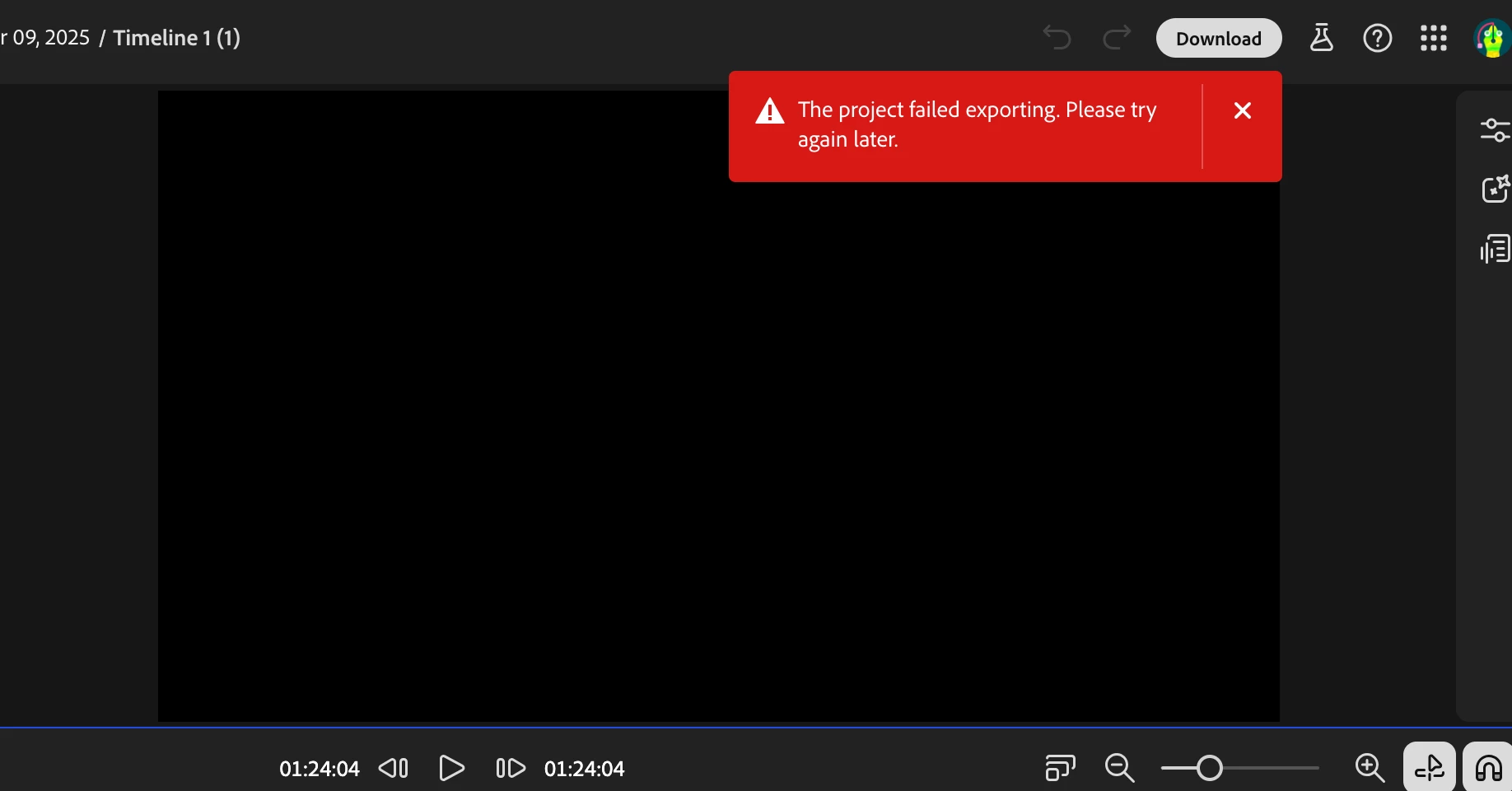
cannot Download Firefly video editor "The project failed exporting. Please try again later."

  • January 2, 2026
  • 5 replies
  • 233 views

I can't download a 1 minute 20 second video created with Adobe Firefly Video Editor (beta). I Screen Shot 2026-01-02 at 6.18.54 PM.pnggenerated images/videos, sound track, voice over and one 10 second mp4 video. When selecting "Download," it prompts in red "The project failed exporting. Please try again later." I pay for Adobe CC, It says I have 3975/4000 creditsleft. I've downloaded one video version already. Do i need to upgrade? Is it a bug?
5 replies

January 21, 2026

I’ve already described everything in detail in the email and attached the logs as well

January 20, 2026

Hi Monica, Thank you for providing additional details. It looks like we are timing out on accessing a media. Usually the console log can have useful additional details to debug and troubleshoot the issue. So could you please send us the entire log? In the console panel of the browser, right click and 'Save as' and share the resulting file? thanks again


Pruth

pshankar@adobe.com

January 19, 2026

I already mentioned which browser version I use Browser: Google Chrome Version 144.0.7559.60 (64‑bit)

, and as for the system, it's Windows 11 Pro 25H2
When I want to open it from another browser, I can't do it from the Edge browser. Since they are not supported in the same way as Mozilla and others 

January 17, 2026

Email: ██████████████

Video export consistently fails with the error VideoExportHzCompositionError (“Frame readiness check timed out”).

Description: When exporting a video in Firefly Video Editor (BETA), the export never completes. The browser console shows the following error:
Video Export Failed, Error Response
error_code": "VideoExportHzCompositionError",
message": "Error from AppProcess: Frame readiness check timed out
Additionally:
VideoExportServiceUnknownErrorError: An unknown error has occurred

What I tried:

  • cleared cookies and cache

  • disabled all browser extensions
    My internet connection is stable (600 Mbps). I was able to successfully export the project once, but after reviewing it I made a small adjustment (most likely shifting the timing of the entire project without adding any effects). After that change, I was no longer able to export the video at all, despite dozens of attempts with different quality settings, FPS values, and other export parameters.

The issue persists.

  • File size: 18.02 MB

  • Duration: 12.01 seconds

Firefly Video Editor (BETA)

  • Browser: Chrome Version 144.0.7559.60 (64‑bit)

  • OS: Windows 11 Pro


PII removed by moderator

droopydog500
Community Manager
Community Manager
January 19, 2026

Hello @47462988,

Thank you for your message. 

What browser and OS are you using?  Can you try another browser as a test and see if it works there?

Thanks,
    droopy

Adobe Community Expert (not an Adobe employee)
Community Manager
January 5, 2026

Monica - sorry to hear you are running into problems exporting. You mentioned you downloaded one video version already, does it mean you tried once to downloaded and succeeded, made some edits, and then couldnt download? Is this problem still persisting?