Participant
November 20, 2023

Cant use my old images for references

  • November 20, 2023
  • 5 replies
  • 217 views

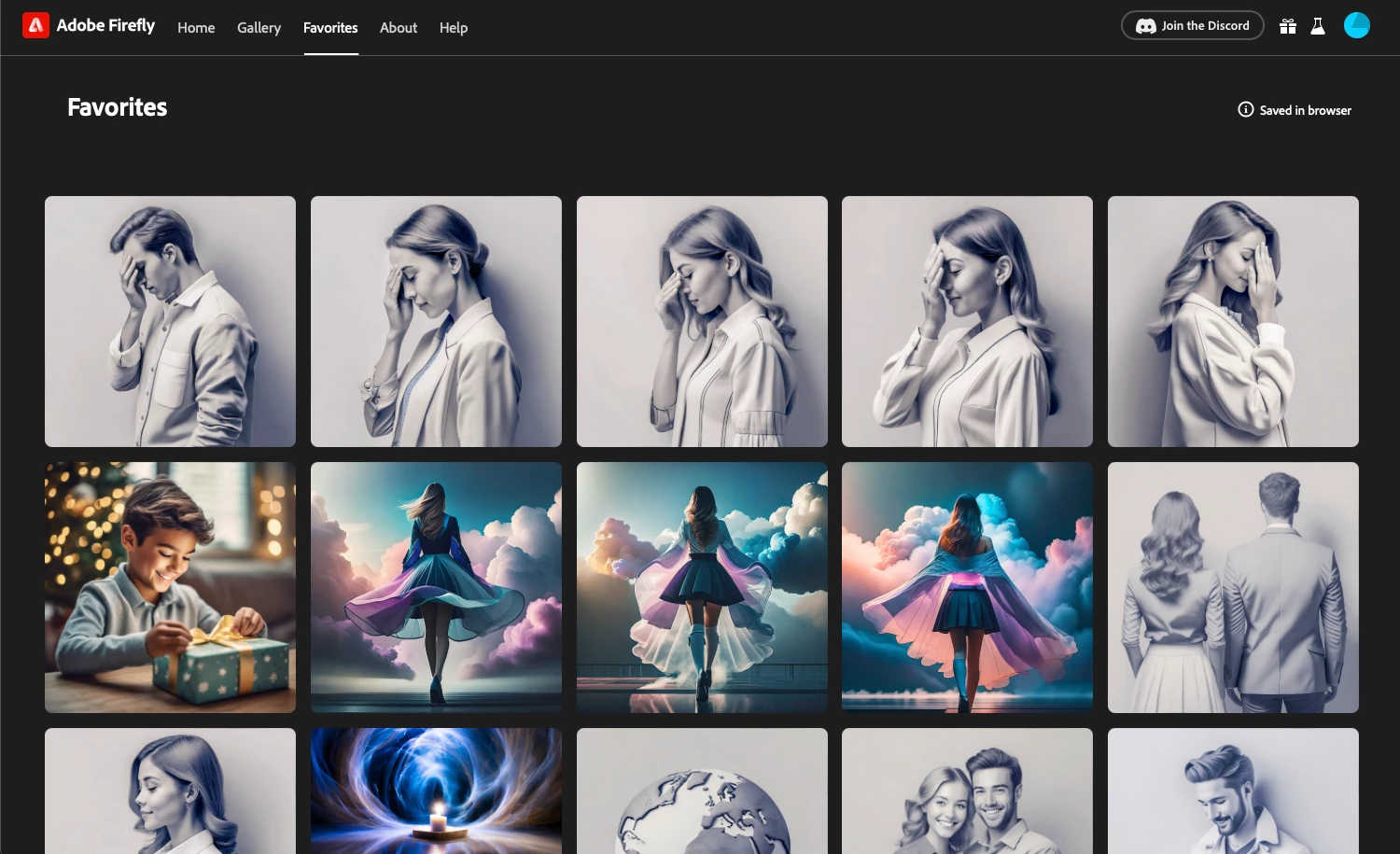
I can see my old favorites saved. But when I click on them they are not loading anymore. I get 4 squares where the images should be that just load forever.
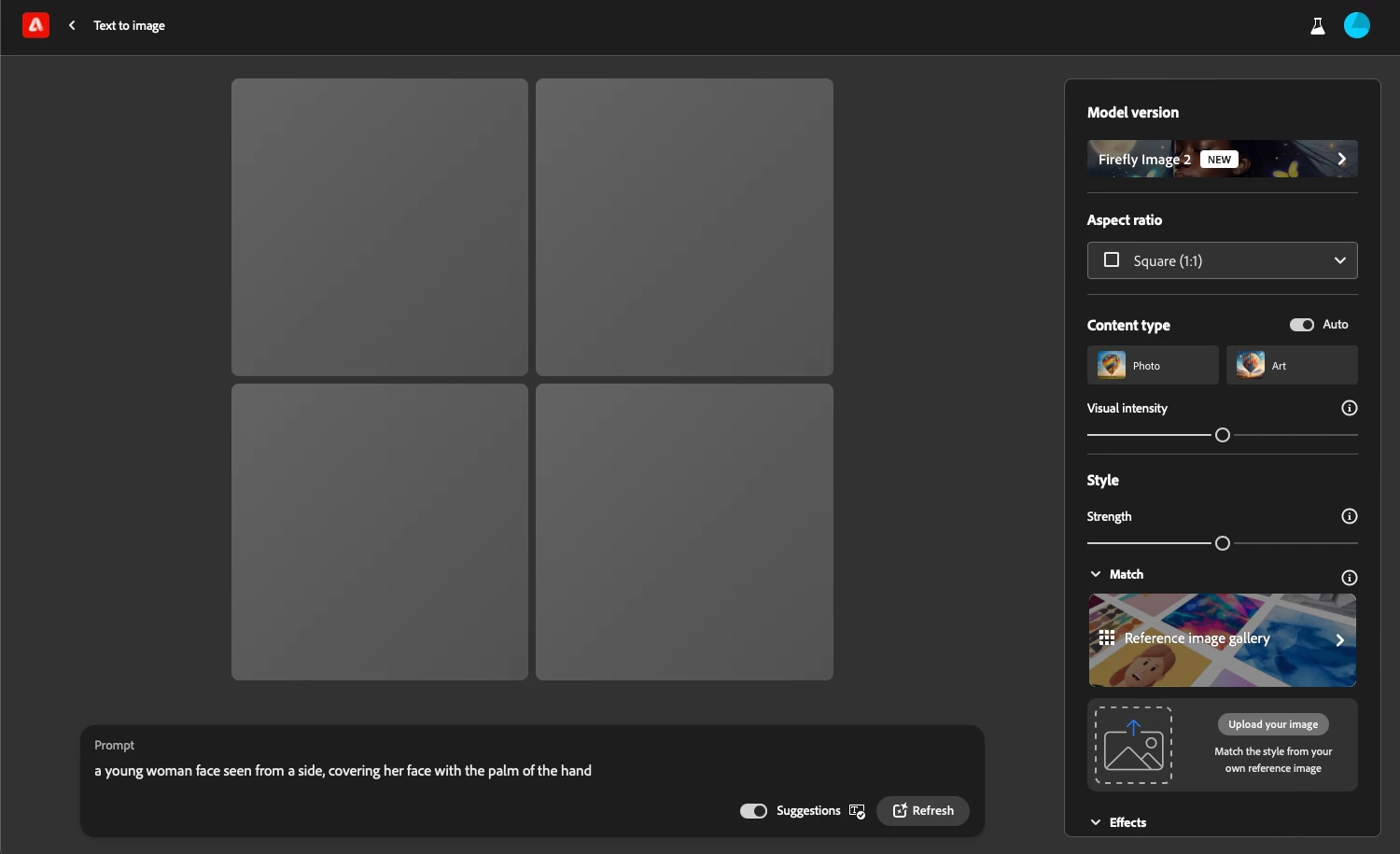


Any solution?

5 replies

MassC
Legend
November 30, 2023

@Rus Adrian I would ask you to update your browser, but for Safari, it would mean updating your macOS. Can you try a different browser? Updating the browser has helped in the past. We did just release a fix for the reference image, please try again in Chrome or Safari and let us know if it helped. 

Does this happen on other devices?

Participant
November 21, 2023

From the thread you suggested there is no solution, should I understand that this is not yet solved?

@mj
Community Expert
Community Expert
November 21, 2023

Hi @Rus Adrian ,

I suspect they might be toast. Sorry.

Check out this thread, with @CMass' feedback.

This is from July so things may be different now.

https://community.adobe.com/t5/adobe-firefly-bugs/all-my-favorites-are-gone/idi-p/13923083

hth

mj

iMSD

Participant
November 20, 2023

Yeap, I also wanted to do that 😅 - downloading the image for reference. But that doesn't work too...

I'm using Safari on a Ventura OSX with the latest updates. And no, restarting the browser and log out of the website didn't do much.

MassC
Legend
November 20, 2023

Wow, I love the set of three in the second row. Nice work. Regarding not being able to use your image as a reference. As a quick workaround, download the image and then upload it as a "Match."


For troubleshooting. What browser are you currently using? Does this happen in other browsers? (Note: You will not see the same favorited images) Does a restart of your browser help?