


Confuses style and composition
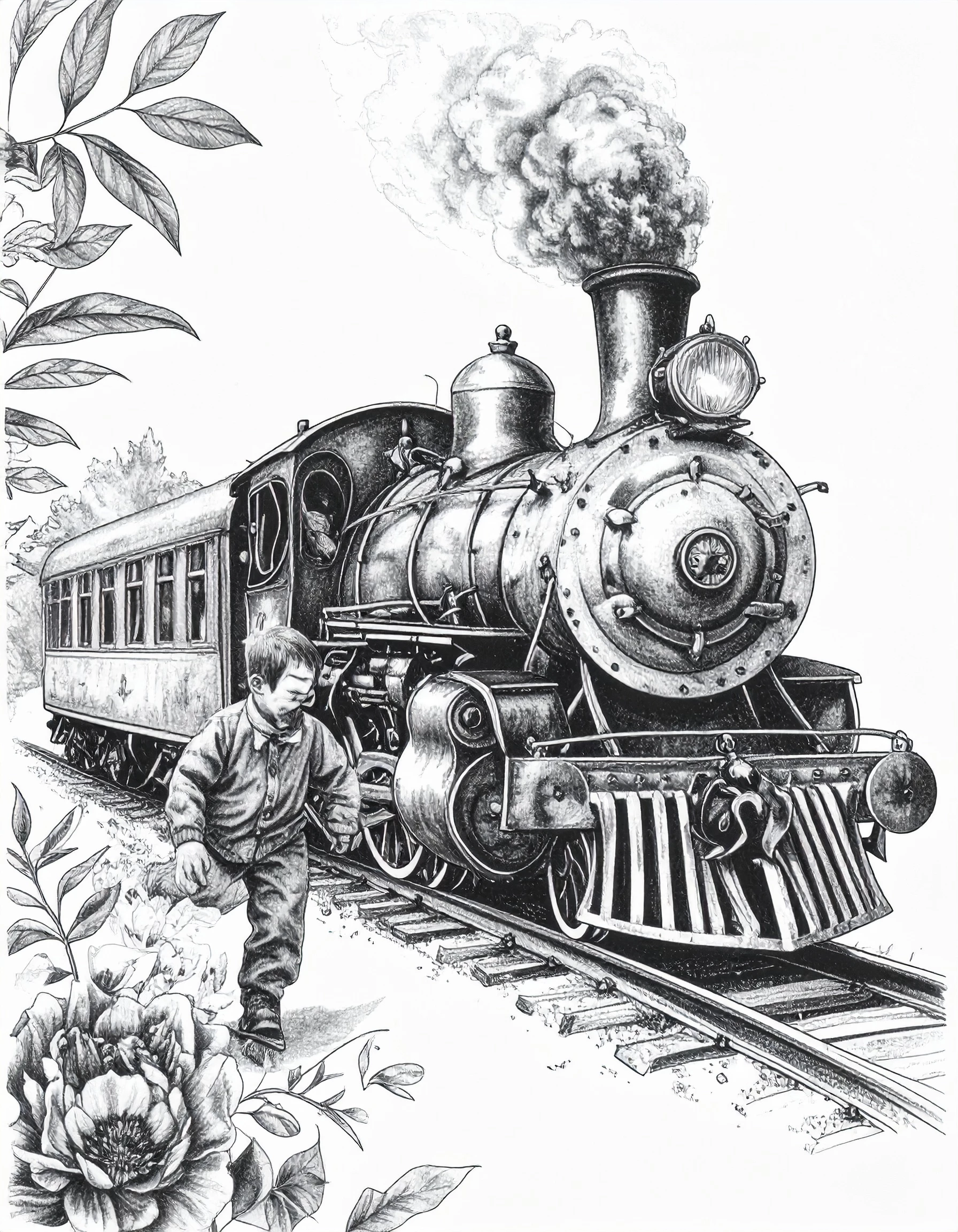
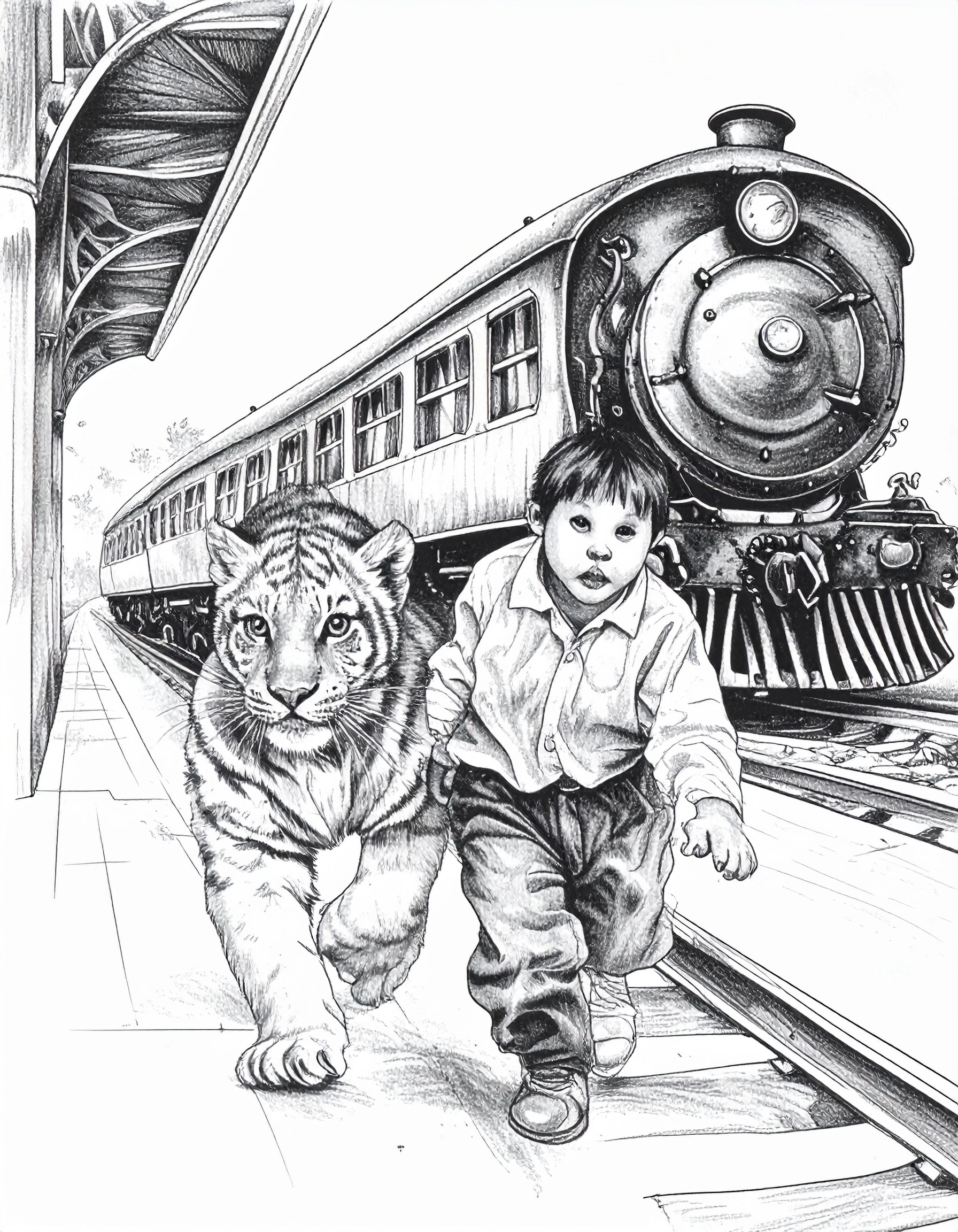
When using a style, in my case a pen drawing, elements from the style reference image get included in the generated image. For example, I initially used the gallery pen/pencil image that has a tiger and flowers in it as my style reference. After describing my image it generated a couple of fair representations in pen/pencil style however there were tigers and/or flowers in all of them!! Not what I wanted in my steam locomotive picture.
I then used my own pen sketch image which included some people as well as various other items. Although I described an image with no people in it, even specifically stating that, it would constantly include characters – and poor ones at that. Distorted, twisted, blended together.
Even when I refined the prompt and was quite categorical, it continued to simply redraw the previous images with only slight changes. It's bizarre and quite frustrating.
Has anyone else discovered this?
.
 AdChoices