


Inspiring
November 7, 2025

Firefly boards deleted my boards

  • November 7, 2025
  • 1 reply
  • 68 views

I created a Boards project with five artboards, periodically closing tab in my browser and reopening Boards to confirm things were being saved; they were.  I proceeded to make changes to these boards and add five more to the project.  When I went to close the tab for the night it gave me the following warning: 
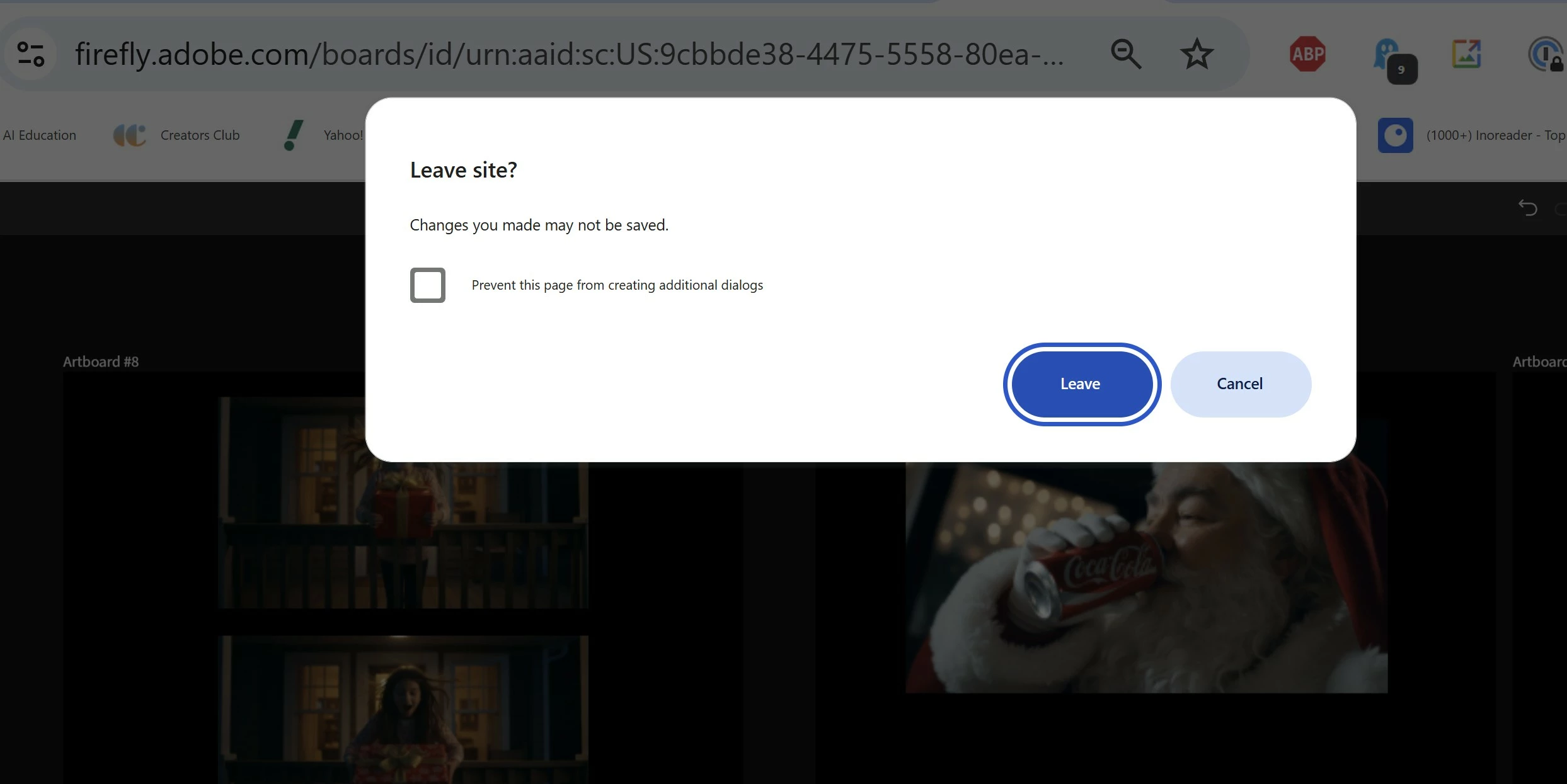
 

I exported the boards as PDFs and closed the tab.  When I reopened it, the original five artboards were there, but the changes and additions were gone.  The generations are still in the History panel, which is better than nothing, but it will take a lot of time to recreate the artboards by copying text from the PDFs. Not sure that I'll bother.


I'm always suspicious of cloud apps that don't provide the ability to positively save your work, or even give an indication that the work has been saved.  This is why.

1 reply

Community Manager
November 7, 2025

Hi @Am_I_Lame?


I’m really sorry to hear about your experience. Losing your changes like that is incredibly frustrating—especially after checking to make sure your work was being saved. I understand how important it is to feel confident that your projects are safely stored, and not having a clear “save” button or indicator can be stressful.

While it’s good that some of your work was still in the History panel and your PDFs, we know it shouldn’t be this hard to recover everything. Your feedback about clearer saving and confirmation methods really matters, and we’ll make sure it gets shared with our team.
While I personally do not close the browser immediately when working on web-based apps, as pictures and videos take some time to sync to the cloud. It's always a good idea to leave the browser open for 5 minutes so that everything syncs, and then close it.


Thanks.

^Sam