Participant
October 30, 2025

Firefly image 3 no esta funcionando

  • October 30, 2025
  • 4 replies
  • 147 views

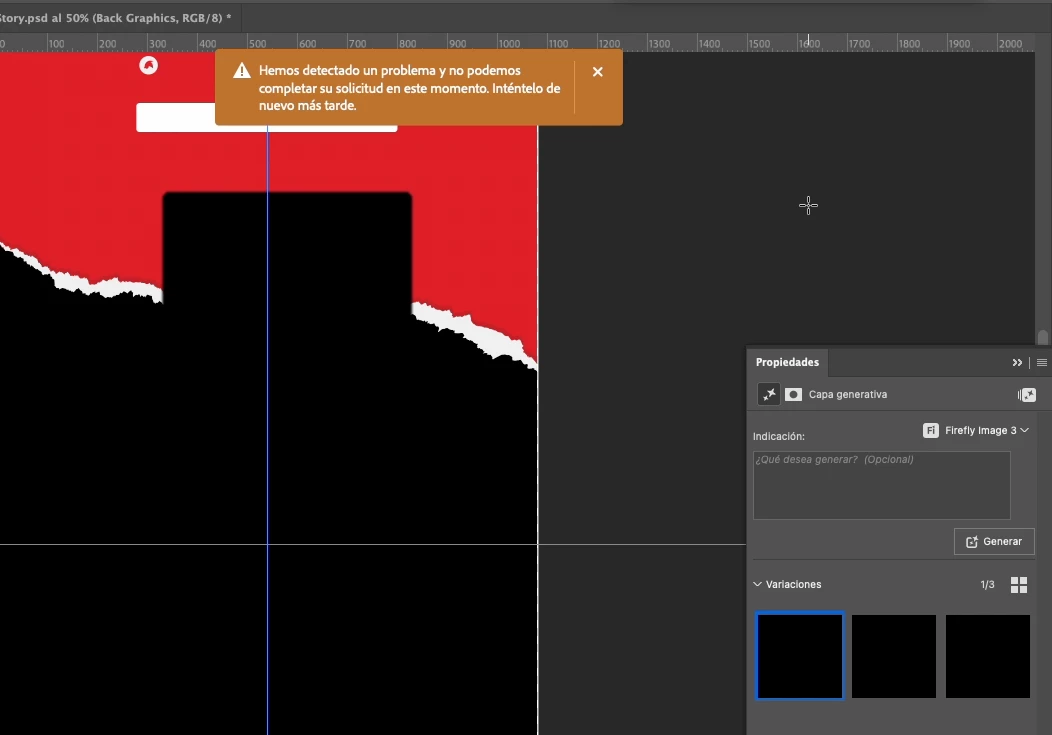
Desde el jueves 23 de octubre el relleno generativo en Photoshop dejó de funcionar. Cada vez que intento usarlo, aparece un mensaje de error y no se completa la acción.

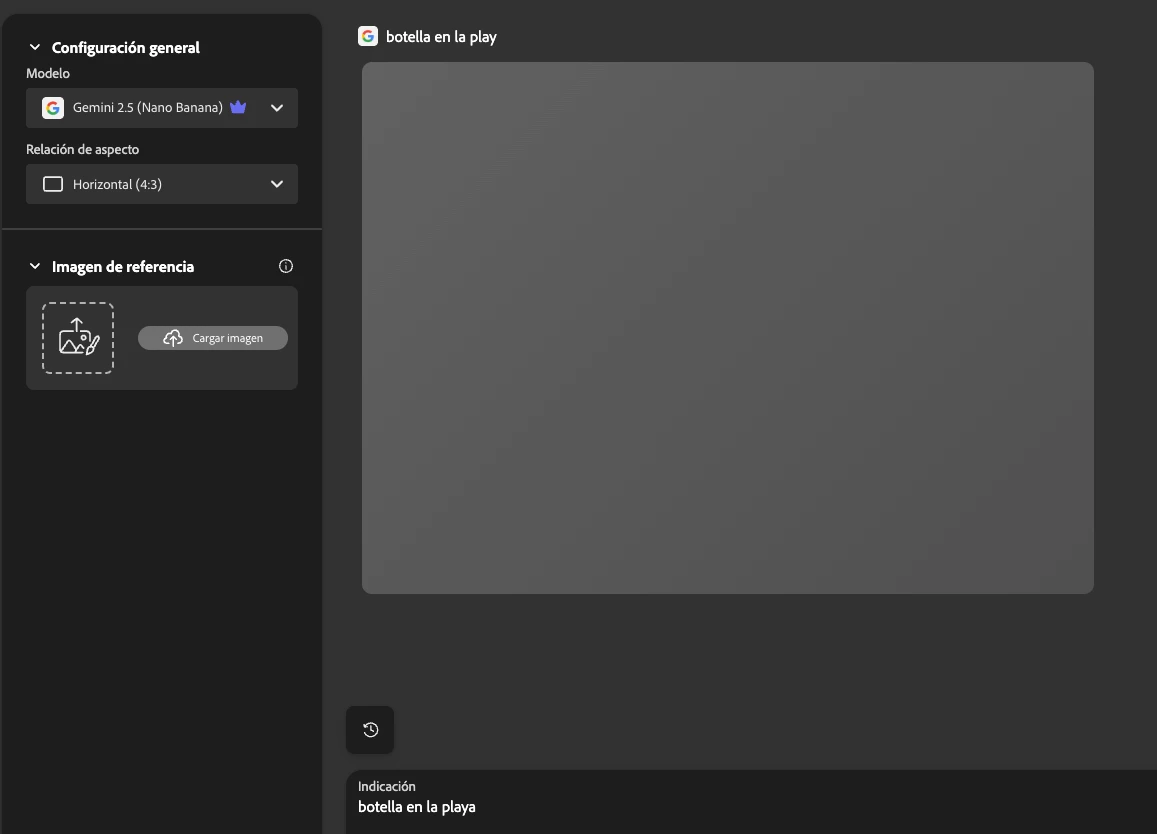
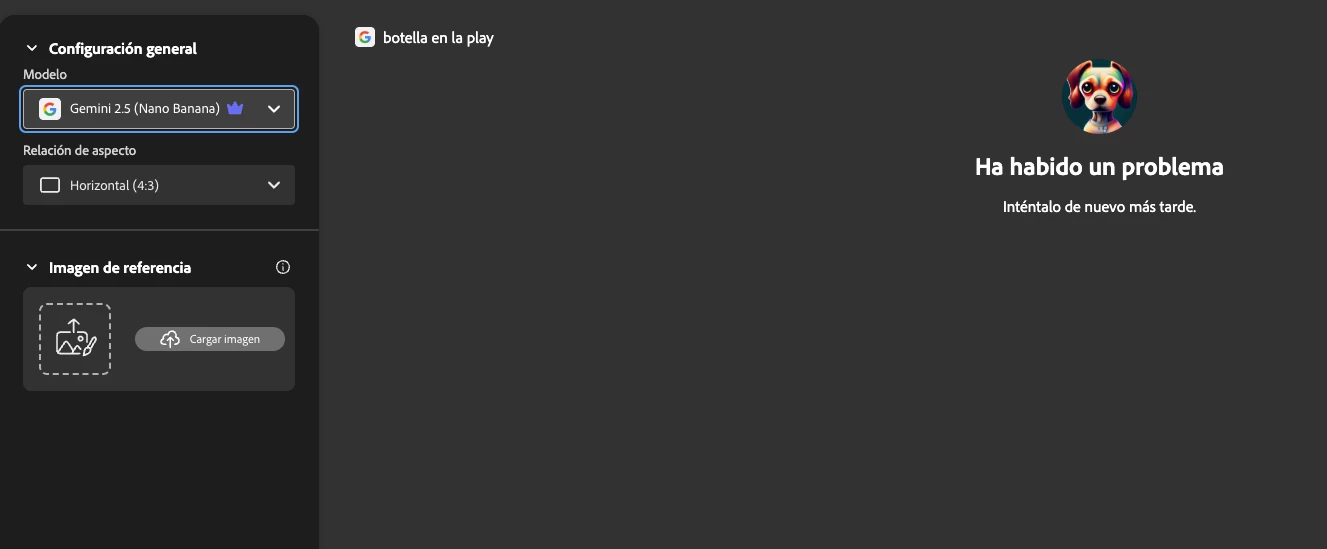
Además, al intentar generar imágenes directamente desde Firefly, ocurre lo mismo: no se generan las imágenes solicitadas.

Agradecería mucho su ayuda para resolver este problema lo antes posible.

Saludos
4 replies

Participant
November 3, 2025

Todo sigue igual, me sigue saliendo el mismo error

Community Manager
November 3, 2025

Hi @Alvaro Baez,

Thanks for reaching out. Based on your query, it seems that you are receiving the prompt “We’ve detected a problem and can’t complete your request at this time. Please try again later.” while using Generative Padding in Photoshop and while generating images from Firefly. Could you please confirm if this is the issue you need assistance with?

Please also confirm whether multiple users in your organization are experiencing the same issue or if it is limited to your account.

If the issue is limited to you, please try the following troubleshooting steps:


Sign out and sign back in:

In both the Creative Cloud desktop app and the Firefly website, sign out of your Adobe account and then sign back in using the same ID associated with your subscription.

Test on another network:
Try connecting through a mobile hotspot or a different Wi-Fi network to rule out local firewall or DNS-related issues.

If the issue persists after these steps, please try following the instructions in the following documents:
https://adobe.ly/3Wxn6AV
https://adobe.ly/4nzzsn6

If the issue still persists, please ask your IT admin to remove your account from the Admin Console and then reassign your license. They can follow the steps mentioned here:
https://adobe.ly/4nLXFqw

If you are unsure who your admin is, please refer to this document:
https://adobe.ly/3Wxn8Zz

If the issue affects multiple users, please have your IT admin verify that all Firefly-related domains are whitelisted on your organization’s network. They can refer to this document for details:
https://adobe.ly/3JG3F60

Hope this helps. Please try these steps and let us know if the issue persists, and whether it is affecting only your account or multiple users in your organization.

 
Regards,
^AN
droopydog500
Community Manager
Community Manager
October 30, 2025

Hi @Alvaro Baez,


Does all Generative AI fail (all models/all functions) in Photoshop and on Firefly web or just Generative Fill?


Since you are getting errors in both Photoshop and Firefly web, I would try next to connect to a different network (like through youir mobile phone) as a test or ensure that these domains can pass through your router/firewall: Domains to be allowed for Adobe apps & services to function correctly.


    droopy


Adobe Community Expert (not an Adobe employee)
Participant
October 30, 2025

Estoy utilizando la v27.0 en un Macbook Pro con chip Apple M1 Pro con macOS Ventura v13.7.2, y aun asi sigue con el error, como me pueden ayudar???

droopydog500
Community Manager
Community Manager
October 30, 2025

Hello @Alvaro Baez,

Thank you for your message. 


What version of Photoshop are you running?  And what OS and version are you on?  Please update the the latest version of Photoshop and reboot, if you are not running the current version.

Thanks,
    droopy

Adobe Community Expert (not an Adobe employee)