Participant
September 27, 2026

Firefly Video generation fails with “Something went wrong” on every model and browser

  • September 27, 2026
  • 3 replies
  • 27 views

[PII removed by moderator]

I have an active Adobe Firefly Pro subscription with Premium features enabled and 4,000/4,000 generative credits available.

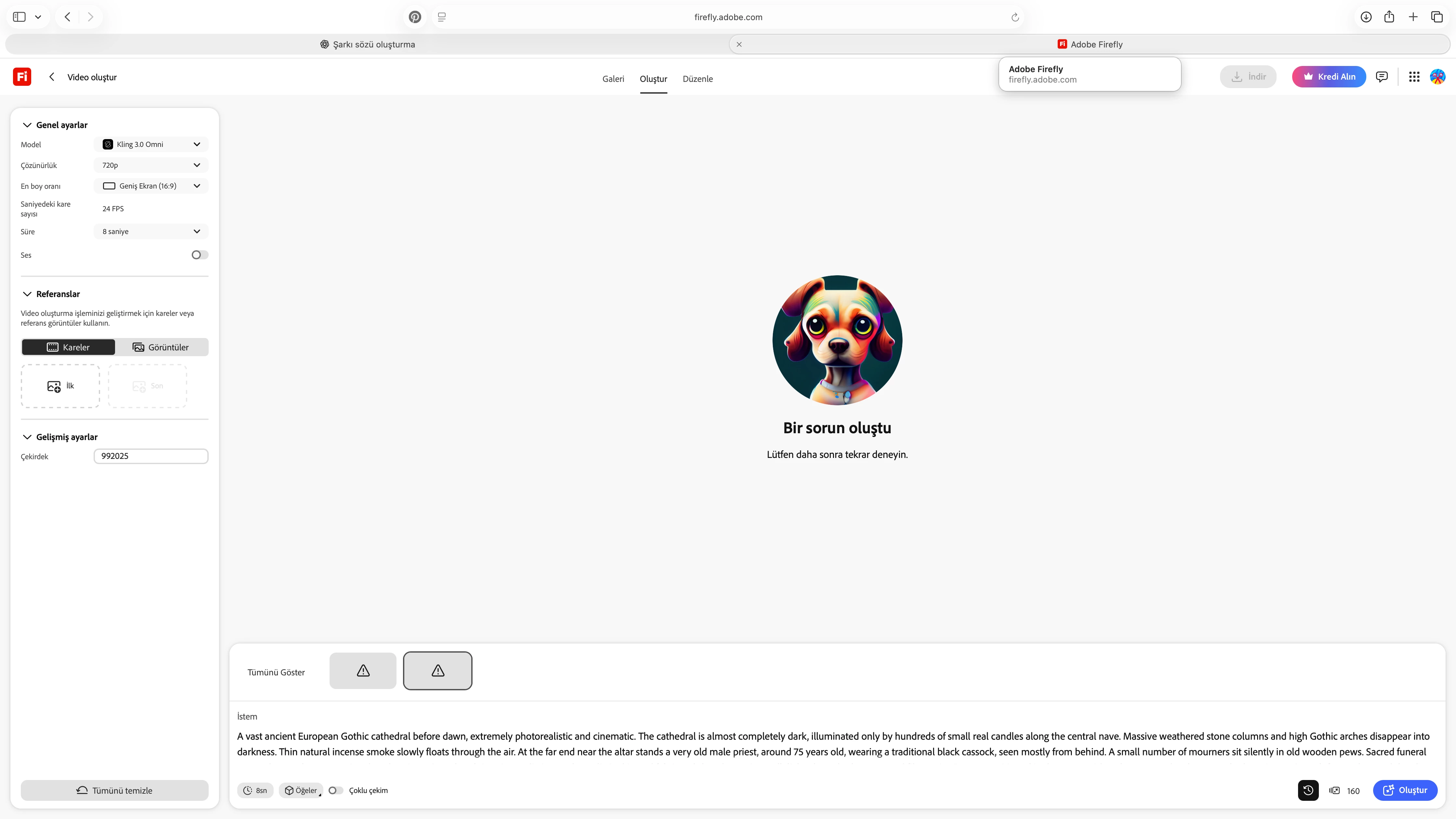
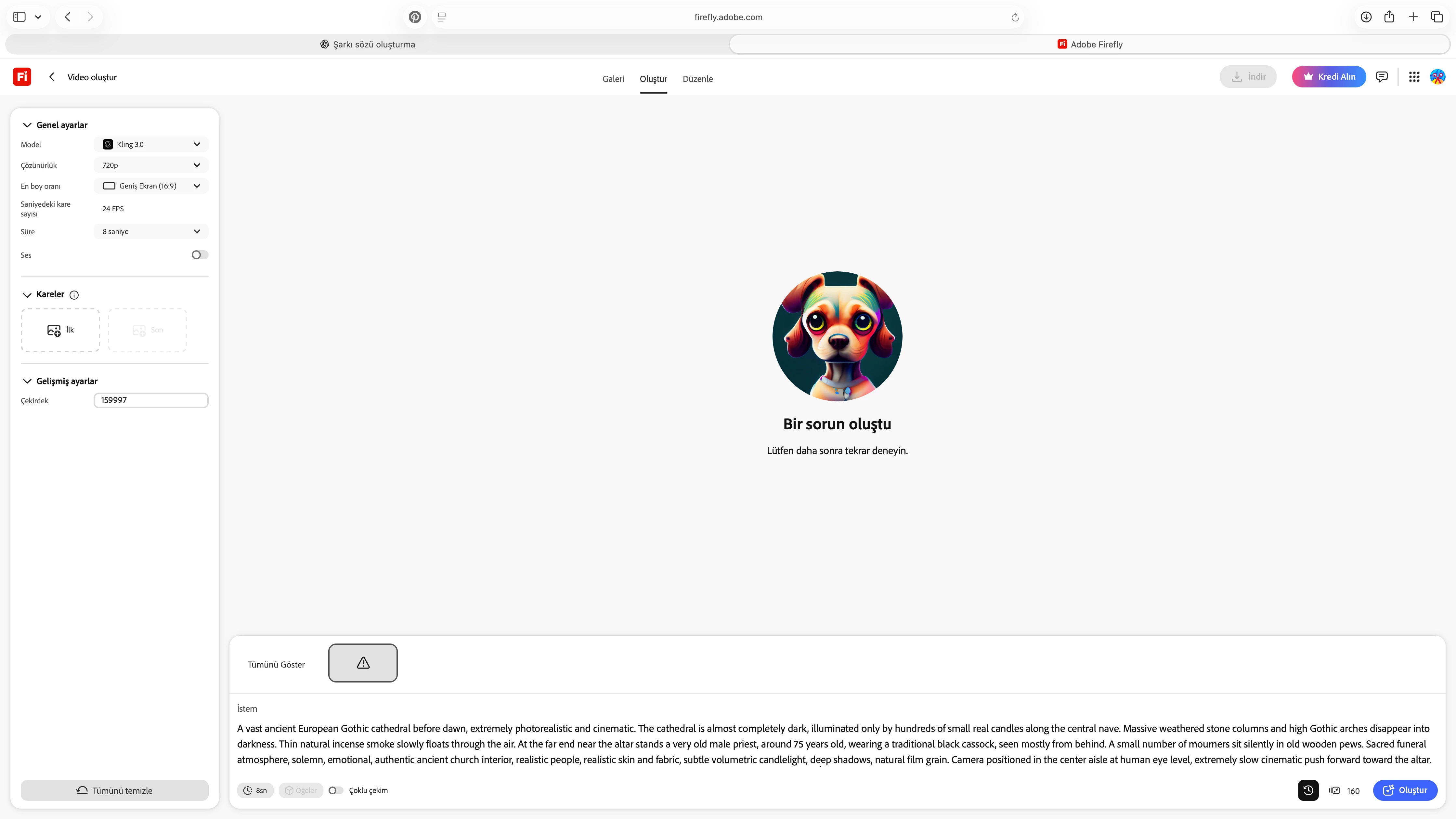
Firefly Video generation fails on every attempt with the message: “Something went wrong. Please try again later.”

I tested multiple video models including Adobe Firefly Video, Google Veo 3.1 Fast, Kling 3.0, and Kling 3.0 Omni. The same error occurs with all of them.

I tested both Safari and Google Chrome, refreshed the session, reopened Firefly, and also tried a very short simple prompt: “Ancient Gothic cathedral interior, candlelight, slow cinematic camera movement, photorealistic.”

I tested 720p, 16:9, 24 FPS with no reference images. The problem occurs with both 5-second Firefly Video generation and 8-second third-party model generation.

Failed attempts do not appear to consume my credits, and my account still shows 4,000/4,000 credits.

Since the issue occurs across different browsers, prompts, and both Adobe and third-party video models, please check whether Firefly Video generation is correctly provisioned/enabled for my account or whether there is an account-level/backend issue.

Please escalate this to the Firefly technical team if necessary.

    3 replies

    N8.
    Community Expert
    September 27, 2026

    Thank you  ​@Delightful_knightbb91 for sharing the details and the screenshots. 
    I was able to generate a video. 

    After getting a new plan, log out of the creative cloud app to reset the functions of Firefly. Log out then back in to the Creative Cloud App, after you get a new subscription or change subscription.

    If this doesn’t resolve the issue, please tag me.
    Nate

    Participant
    September 27, 2026

    I have the same problem. The only models that seem to work are Adobe’s.

    N8.
    Community Expert
    September 27, 2026

    Help us. Help you.​@Marvelous_socialitec5e4 


    We want to assist you and help resolve the challenges you are encountering. When things are not working as expected it is frustrating.
    Could you provide more information to proceed. Without the requested information it is difficult to assist you resolve the issue.


    Steps to take
    This behaviour has been caused by interference from browser extensions in the past (such as ad blockers). Can you try in private browsing/incognito mode or in another browser as a test?

    Could you create a full screen video of your workflow showing us what is happening? This would help considerably.

    Provide your prompt and reference image(s) if there are any?

    Which model(s) are you using?
    Consider clearing cache, cookies, and using a different browser.

    Could you give us more information: what msg are you receiving? Are the images your own photos/ images? Were the images generated by another AI Source, if so which one(s)?
    >>Make sure to remove person details: email address, name... before posting<<

    Nate