

Participant
Oct 29, 2026 1:35 AM UTC
Open for Voting

Getting a 414 error message when I try to generate an image, someone help?

I input my description and reference images, and this message keeps popping up when I try to generate an image.  What do I do?
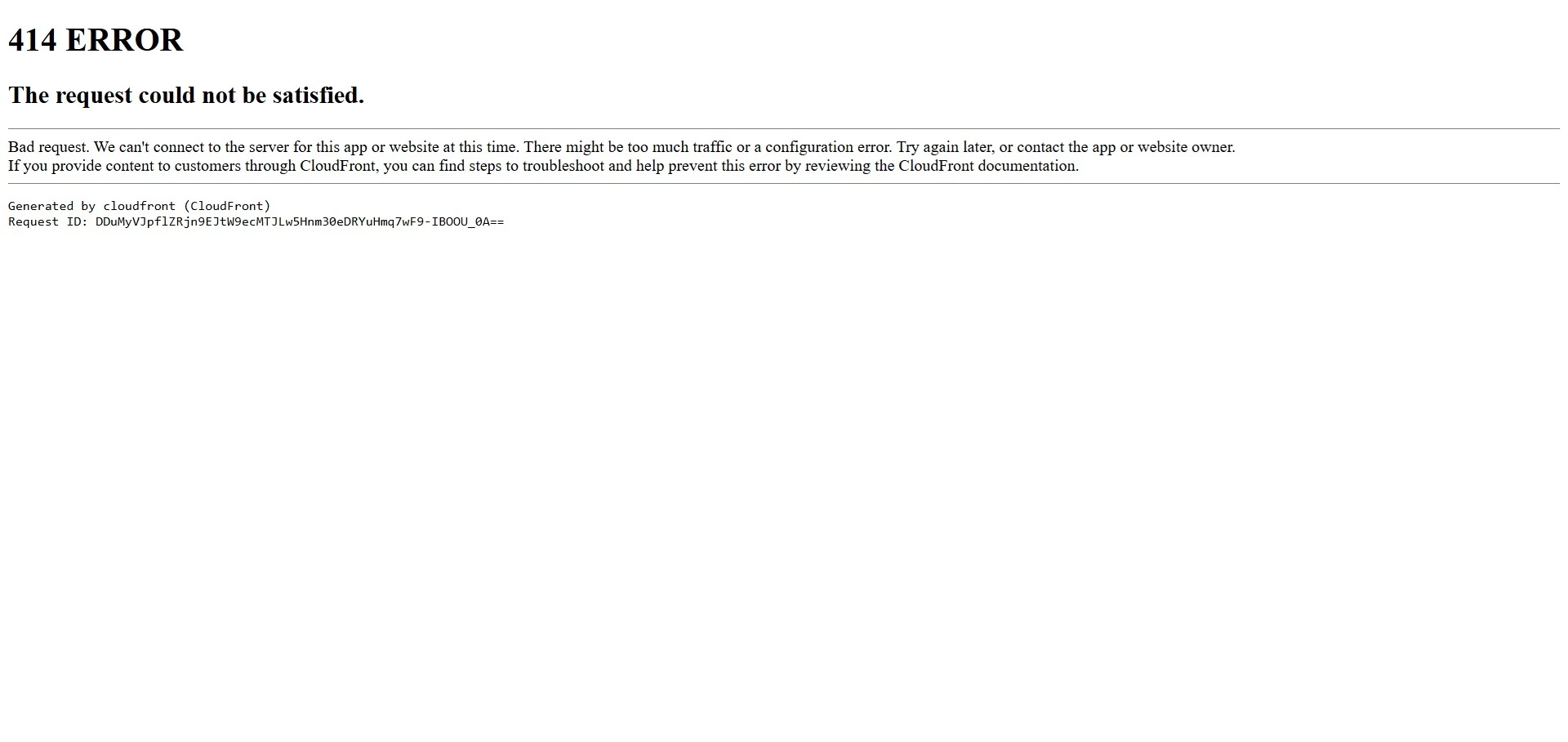
414 Error - The Request could not be satisfied


6 replies

Participant
Nov 7, 2026 12:27 AM UTC

I have the same too; try to generate image.

[profanity removed by moderator]

Translate
N8.
Community Expert
Nov 9, 2026 9:01 AM UTC

 Could you ​@epic_Enigma2703  create a full screen video of your workflow showing us what is happening? This would help considerably.

Provide your prompt and reference image(s) if there are any?

Which model(s) are you using?


Resources & Suggestions on How to Prompt
Generate images from text descriptions
Writing Effective Prompts
Adobe Firefly Resources

Cheers

Nate


Translate
Participant
Oct 30, 2026 8:12 AM UTC

I have the same problem. I checked it on two browsers (Brave and Chrome). The prompt is short, so that's probably not the cause of the problem. The problem persists even after clearing cookies and cache.

Translate
N8.
Community Expert
Oct 30, 2026 10:47 AM UTC

​@Ewa323787368fct Could you share the prompt that you are attempting to use?
Nate

Translate
Community Expert
Oct 29, 2026 12:25 PM UTC

Hi ​@beautiful_dynamism9ddd,


In addition to ​@N8. Could you please try the following troubleshooting steps?

  • Refresh the page and try generating the image again.

  • Try using an incognito/private window or a different browser.

  • If you're using a very long prompt, try shortening it and generating the image again.

If the issue persists, please let us know which browser you're using, whether this happens with every prompt or just a specific one, and whether you see the error consistently.

We'll be happy to help you investigate further!


Best,

Tarun

Translate
Tarun Saini
N8.
Community Expert
Oct 29, 2026 9:24 AM UTC

Hey ​@beautiful_dynamism9ddd 
Based on a Google Search could you try this: 
 

  • Trim the URL: Delete extra parameters from the end of the web address (everything starting from and including the ?) and press Enter to load the base page.
  • Go to the Homepage: Navigate to the main website and re-click your target link rather than using a bookmarked or long shared link.
  • Clear Cache: Clear your browser cache and cookies if the error is triggered by a looping redirect.

Nate

Translate
