Participant
May 20, 2024

Going from uploaded image to Express page doesn't load

  • May 20, 2024
  • 3 replies
  • 441 views

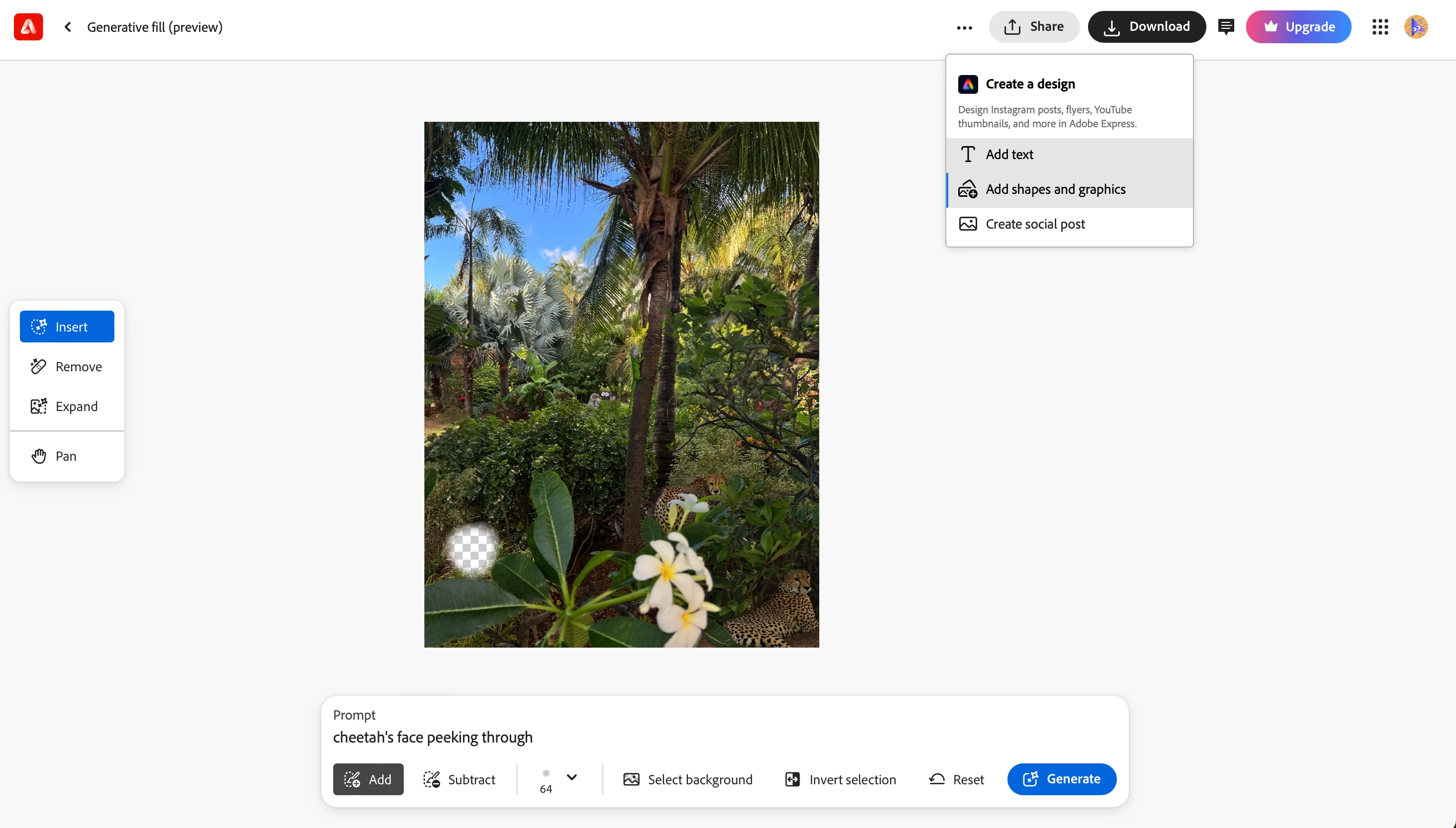
Going from Genfill preview in FF to Express page load fails. Steps below:


I trialed Photoshop and decided to browse Firefly after getting an email with subject "Welcome to Adobe Firefly, your new way to create". 


Clicked upload image in the email CTA

Uploaded my image

Did some adding and removing with genfill

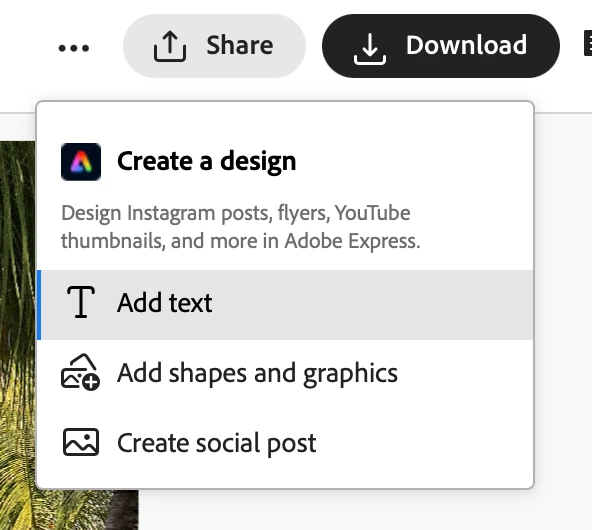
clicked the three dots to edit and add text in Express

The pages never load. I'm stuck on https://firefly.adobe.com/loading-express with a logo animation.

Tried this with one of Firefly's images instead of my own and it works as should. With own image, I get no where.


So—something is broken. I have noticed this pattern where links from tutorials and emails (whether it takes me to Photoshop or Firefly, Express) simply do not work or load. 


3 replies

Kartika Rawat
Community Manager
Community Manager
May 21, 2024

Hi all! Thanks for writing in. I tried it on my end, but not able to reproduce it. Are you still getting an issue? Have you tried re-accessing Firefly? https://firefly.adobe.com/


Let us know if this issue is still happening. Happy to help.

Thanks again,

KR


droopydog500
Community Manager
Community Manager
May 20, 2024

This might be related to my report in: Firefly: "Image could not be sent to Adobe Express" 


Are you getting this error or is it just timing out:


    droopy


Adobe Community Expert (not an Adobe employee)
laurelhipAuthor
Participant
May 20, 2024

Image is 3.8 MB btw. Dimensions 3024x4032. Maybe "open in Photoshop" would be best for these types of images.