

Participating Frequently
August 27, 2024

Guidelines violation

  • August 27, 2024
  • 9 replies
  • 926 views

I'm uploading my own illustrations - of simple characters - which I just want to render in different materials, yet Firefly says I'm violating the guidelines - I don't understand. Please help.

9 replies

Participating Frequently
May 15, 2025

Thank you for this. I was using one of my own images and it kept kicking out 'guideline violation' and it was frustrating. Inverted and it worked fine. Adobe needs to work on their behind-the-scenes AI. 

Kevin Stohlmeyer
Community Expert
Community Expert
August 28, 2024

@furmston creative studio Update! Converting to line outlines seems to resolve the issues.


Kevin Stohlmeyer
Community Expert
Community Expert
August 28, 2024

I was able to get the "Chill" to run without issue as is. However the other image was failing consistently. 


Participating Frequently
August 28, 2024


here's two more that failed yesterday - as both positive and negative versions

Kevin Stohlmeyer
Community Expert
Community Expert
August 27, 2024

Can you share another that is throwing the violation? Both samples worked for me previously. Thanks!

Participating Frequently
August 27, 2024

It works for some images but still presents the error for others despite the negative version.
Back to the drawing board. Would love to know what it's picking up on that sees it as a violation.

Participating Frequently
August 27, 2024

So weird - thanks for running the test!

Participating Frequently
August 27, 2024

This is becoming really annoying now - it's upsetting my workflow.

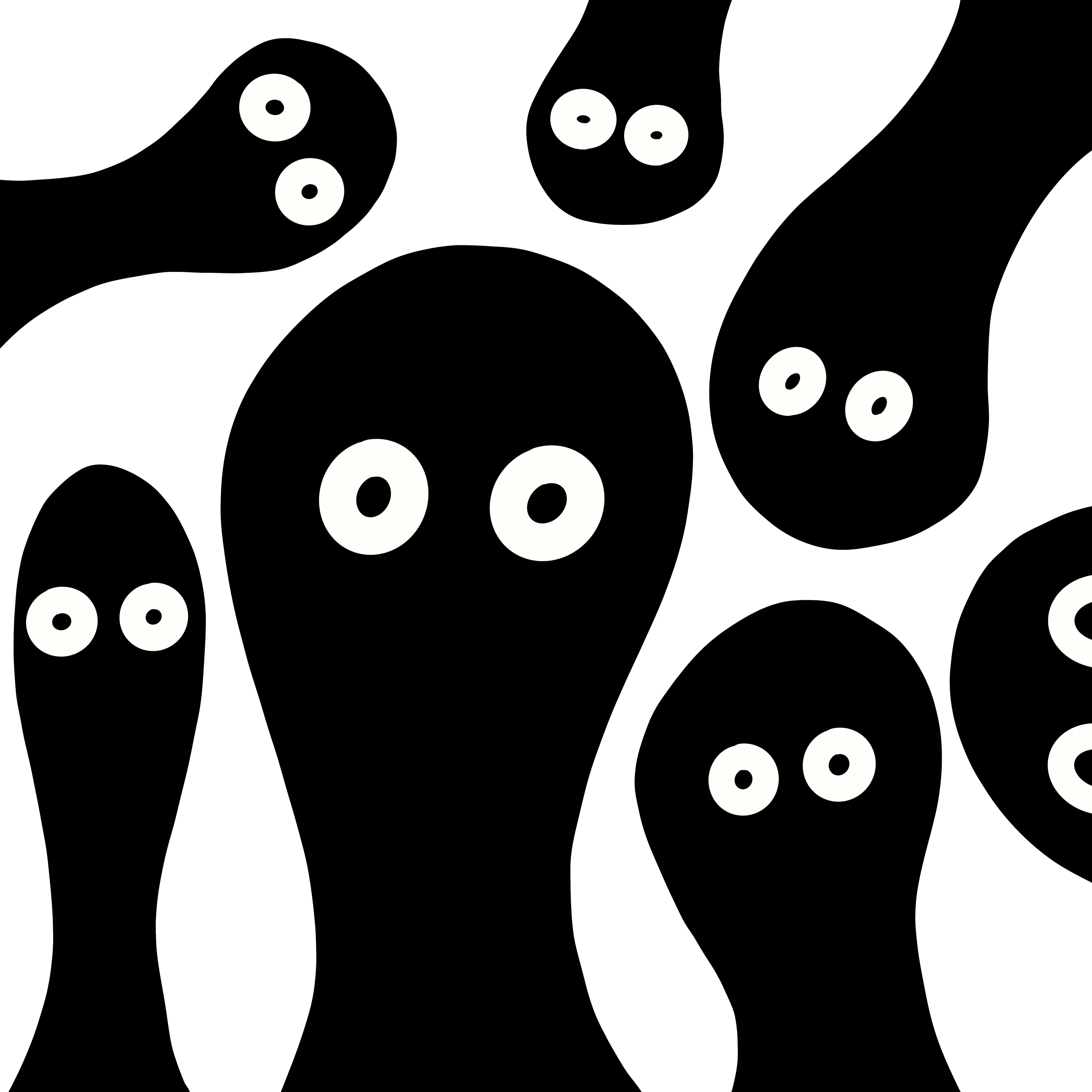
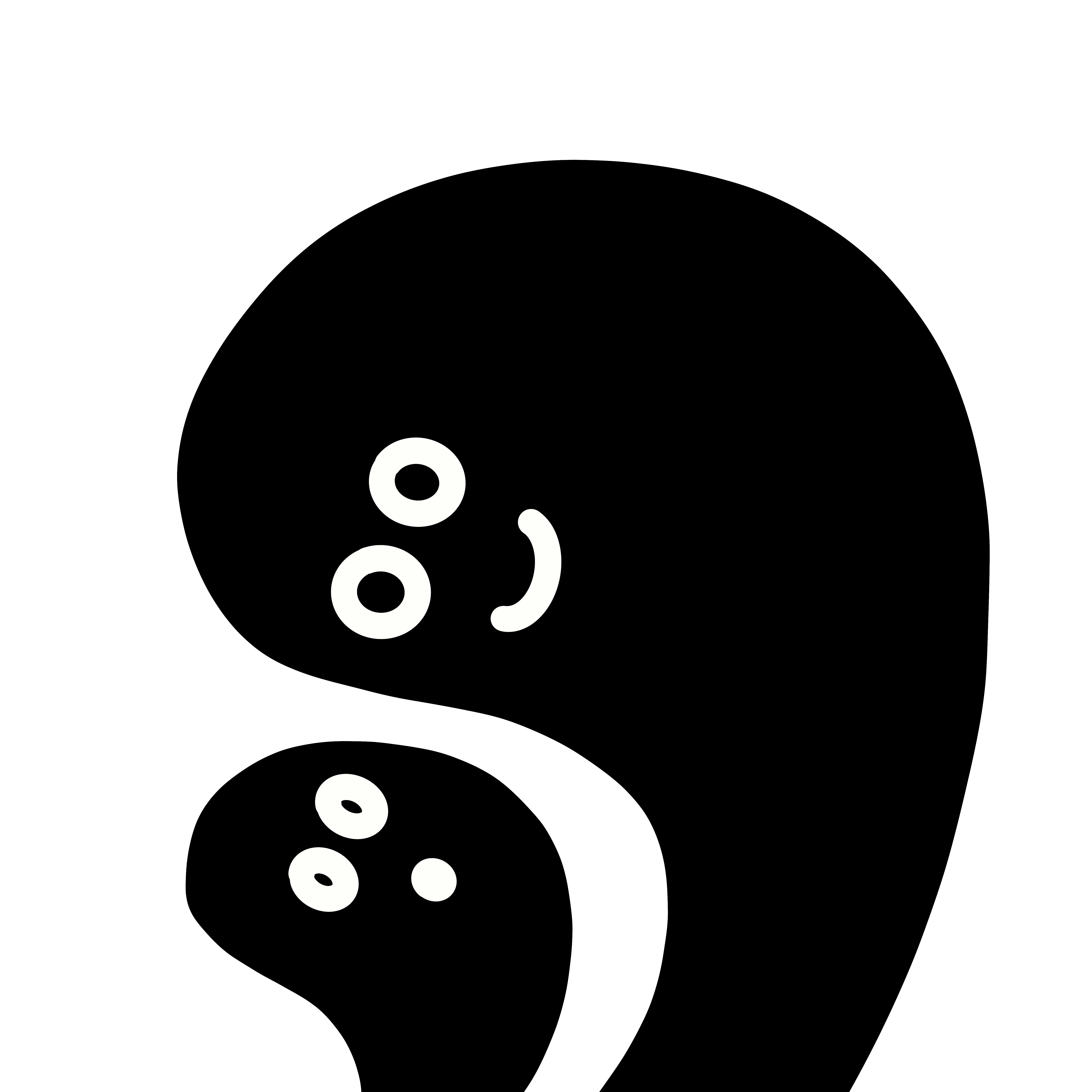
I have a particular illustration style that is owned by myself, and whilst some of the illustrations pass through the system as references ok, some come up with the error - Your reference image violates Firefly user guidelines and was removed. 

I've attached two of my images that were rejected and I'd like to know why

Thanks 

Kevin Stohlmeyer
Community Expert
Community Expert
August 27, 2024

@furmston creative studio I got the same violation. At first I thought it was the overall pixel size, but then I tried to just inverse the image. It ran successfully while inverted:

Id say this is just a glitch in the interpretation matrix...