stevewiggins
Participant
June 19, 2025

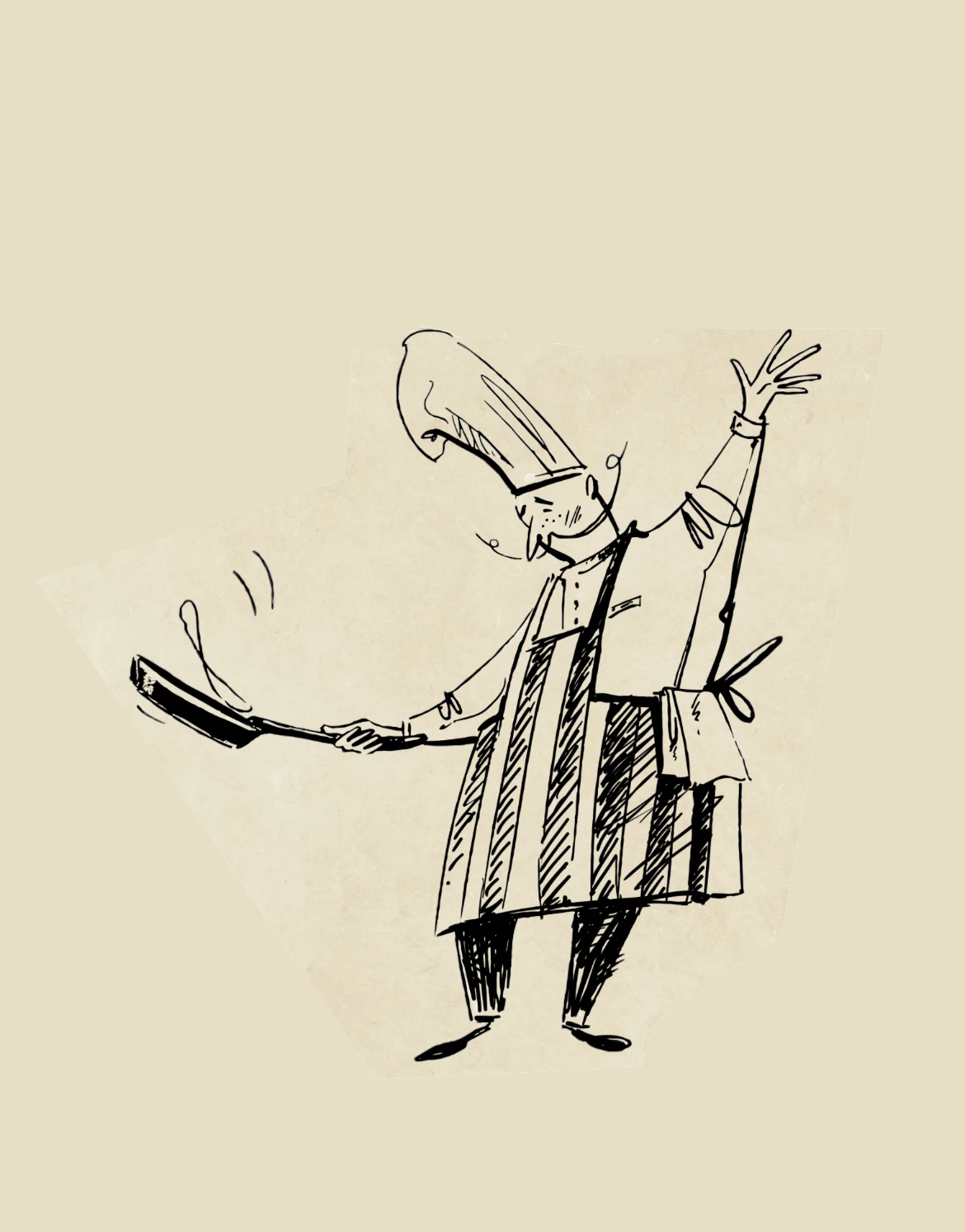
I get a guideling policy violation on this image.

  • June 19, 2025
  • 7 replies
  • 287 views

7 replies

droopydog500
Community Manager
Community Manager
June 22, 2025

Hi @stevewiggins,


I am sorry, I missed your reply. I was able to successfully generate using your image and prompt: https://youtube.com/shorts/7YZ0xGiy6cE.


Did you happen to take a screen shot of the error? If you try again, do yoiu still get it? If so, please take a screen shot of the whole browser window with the error.


Thanks,

    droopy


Adobe Community Expert (not an Adobe employee)
droopydog500
Community Manager
Community Manager
June 20, 2025

Yes, 🐶 are ok, @Atrotter!


    droopy

Adobe Community Expert (not an Adobe employee)
Atrotter
Participating Frequently
June 20, 2025

Thank you! I guess I will try with my dog! haha

droopydog500
Community Manager
Community Manager
June 20, 2025

Hi @Atrotter,


Are you using image to video? Image to video currently will  not generate from keyframes that have children in them. That is a limitation of the model.


    droopy

Adobe Community Expert (not an Adobe employee)
Atrotter
Participating Frequently
June 20, 2025

Im having a similar issue with a picture of my baby sitting outside on grass. I copied a prompt from their "How to" article "Cinematic closeup. The lighting is cinematic, gorgeous, and soft, with beautiful, strong backlight and lens flare. The color grade is warm, sun-drenched, and sunlit morning." modified it just a bit and is telling me that it doesn't meet their guidelines. I just wanted to test this. 😞

stevewiggins
Participant
June 20, 2025
Evidently some bugs that need fixing.
stevewiggins
Participant
June 20, 2025

Thanks for reaching out. Here's the prompt: "The Chef is dancing with the skillet. He is having a lot of fun." And I included the chef image with the prompt.

droopydog500
Community Manager
Community Manager
June 19, 2025

Hi @stevewiggins,


Were you using that image in text to image as a composition reference or a keyframe in image to video?  I was able to use that image as a composition reference and a keyframe so there might be some other problem.


What prompt were you using?  Can you please include a screenshot of the full browser window with the error showing?

 

Thanks,

    droopy

Adobe Community Expert (not an Adobe employee)