


Participant
September 2, 2026

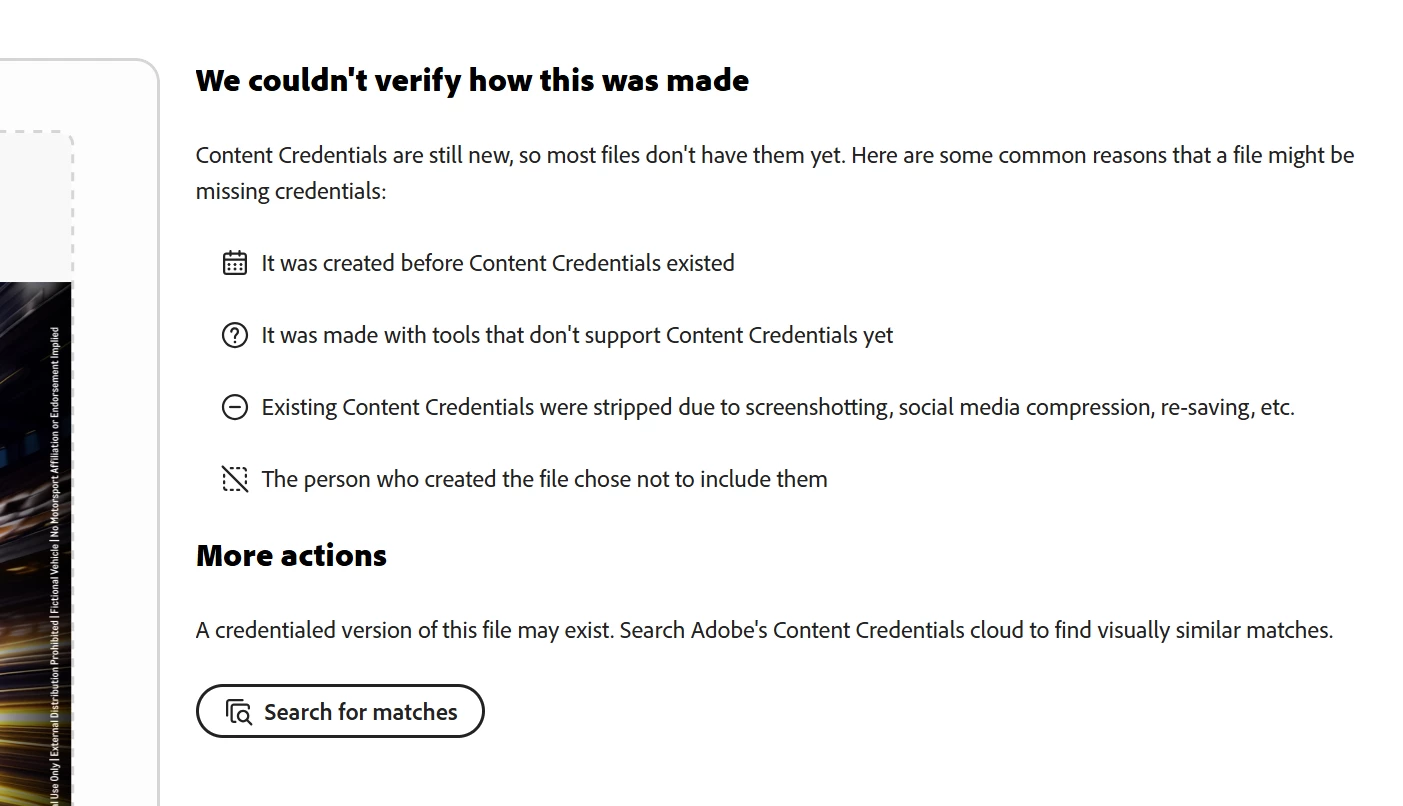
I have applied content credentials to a file multiple time but is shows 'We couldn't verify how this was made' while I inspect.

  • September 2, 2026
  • 3 replies
  • 24 views

I have applied content credentials to a file multiple times in Photoshop but is shows 'We couldn't verify how this was made' when I inspect the JPGs.


    3 replies

    Tarun Saini
    Community Manager
    Community Manager
    September 2, 2026

    Hi ​@kind_Eaglefe6b,


    To help us investigate further, could you please provide a few additional details?

    A few questions:

    • What type of file are you applying Content Credentials to (image, video, etc.)?
    • Which file format are you using (JPG, PNG, MP4, etc.)?
    • Are you applying Content Credentials through Adobe Content Authenticity, Firefly, or another Adobe application?
    • Does the issue occur with a specific file or with all files you try?
    • After applying the credentials, was the file edited, exported, compressed, or uploaded to another platform before being inspected?
    • Are you inspecting the original downloaded file, or a version that has been shared or processed elsewhere?


    Regards,

    Tarun

    Participant
    September 2, 2026

    Sure. Below are the details:

    • File format: PSD file / JPG
    • Content Credentials: Yes. I enabled Content Credentials in Photoshop, then exported the file as a JPEG and used both the Inspect and Apply features.
    • Most of the assets showed the Content Credentials details correctly, but some files did not. These files also could not be uploaded to the Apply section of the Adobe Content Authenticity website.
    • Issue: The issue occurred only with specific files.
    • No
    • Original file: Yes, I am inspecting the original file that was generated using Firefly.

      Thanks,
      Lavanya
    Tarun Saini
    Community Manager
    Community Manager
    September 3, 2026

    Hi ​@kind_Eaglefe6b,


    Thank you for providing those details. Since Content Credentials are displaying correctly for most of your files, but only certain files are failing verification and cannot be uploaded through the Apply workflow, this suggests the issue may be specific to the metadata associated with those files rather than a general problem with Content Credentials.

    As a troubleshooting step, please try the following:

    • Open one of the affected PSD files in Photoshop and re-export it as a new JPEG using File > Export > Export As.
    • Ensure Content Credentials are enabled before exporting.
    • Save the exported file locally and inspect it immediately before making any further edits or processing it in other applications.
    • Avoid opening or re-saving the file in third-party editing tools, as some applications can strip or modify metadata required for Content Credentials verification.


    Regards,

    Tarun