


Participating Frequently
September 15, 2026

I have several times attempted to animate a few still images but, after uploading the reference frame, Firefly then proceeds to discard the reference and make a video based only the text prompt accompanying the image.

  • September 15, 2026
  • 3 replies
  • 35 views

Three times I asked Firefly to remove the hand (by animating it) from the reference image. Each time I received an image entirely disassociated from the reference. 


Ref image (Adobe stock)
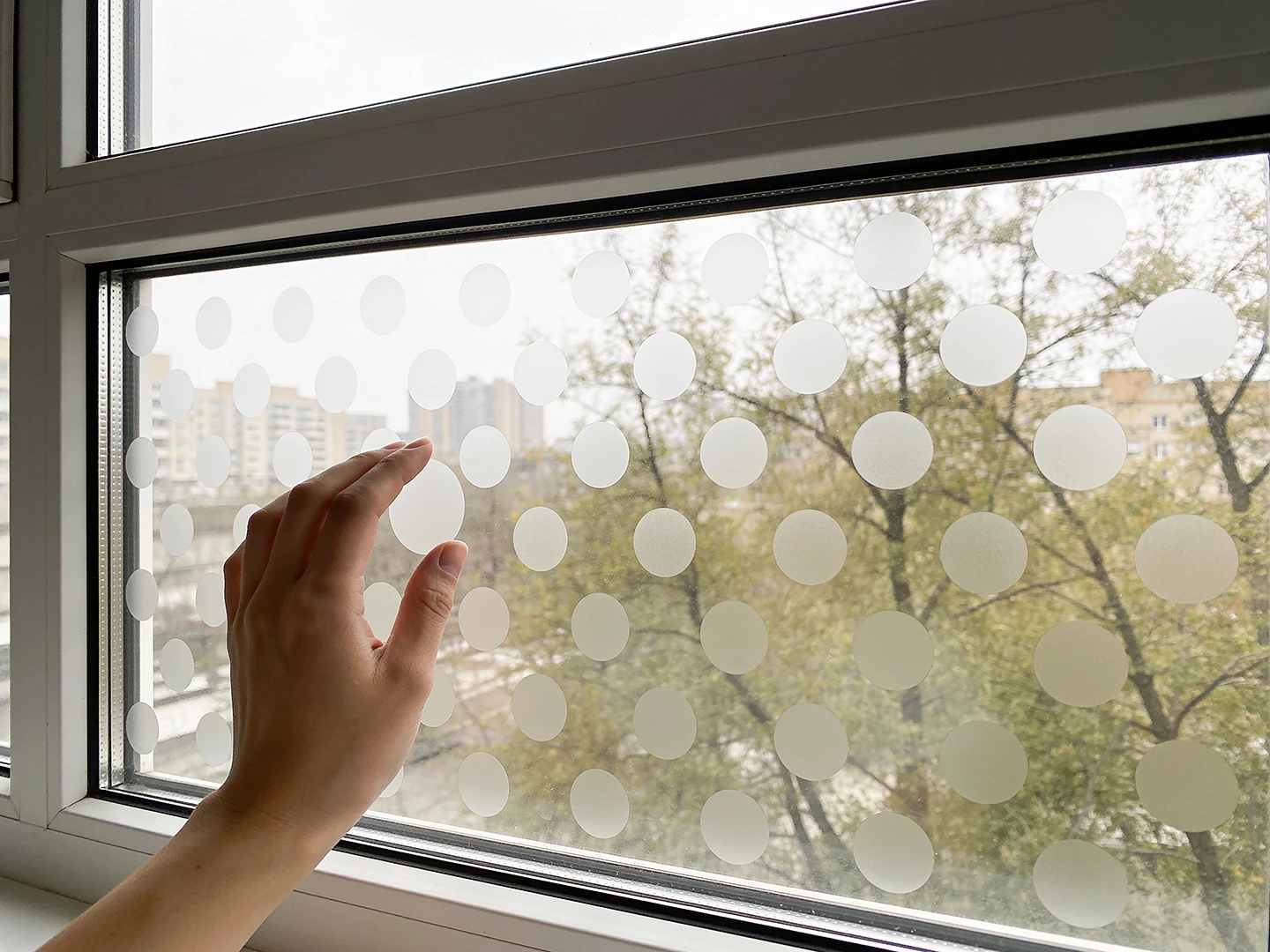
 

PROMPT: After a brief pause, the hand withdraws from the frame entirely toward left.


Result
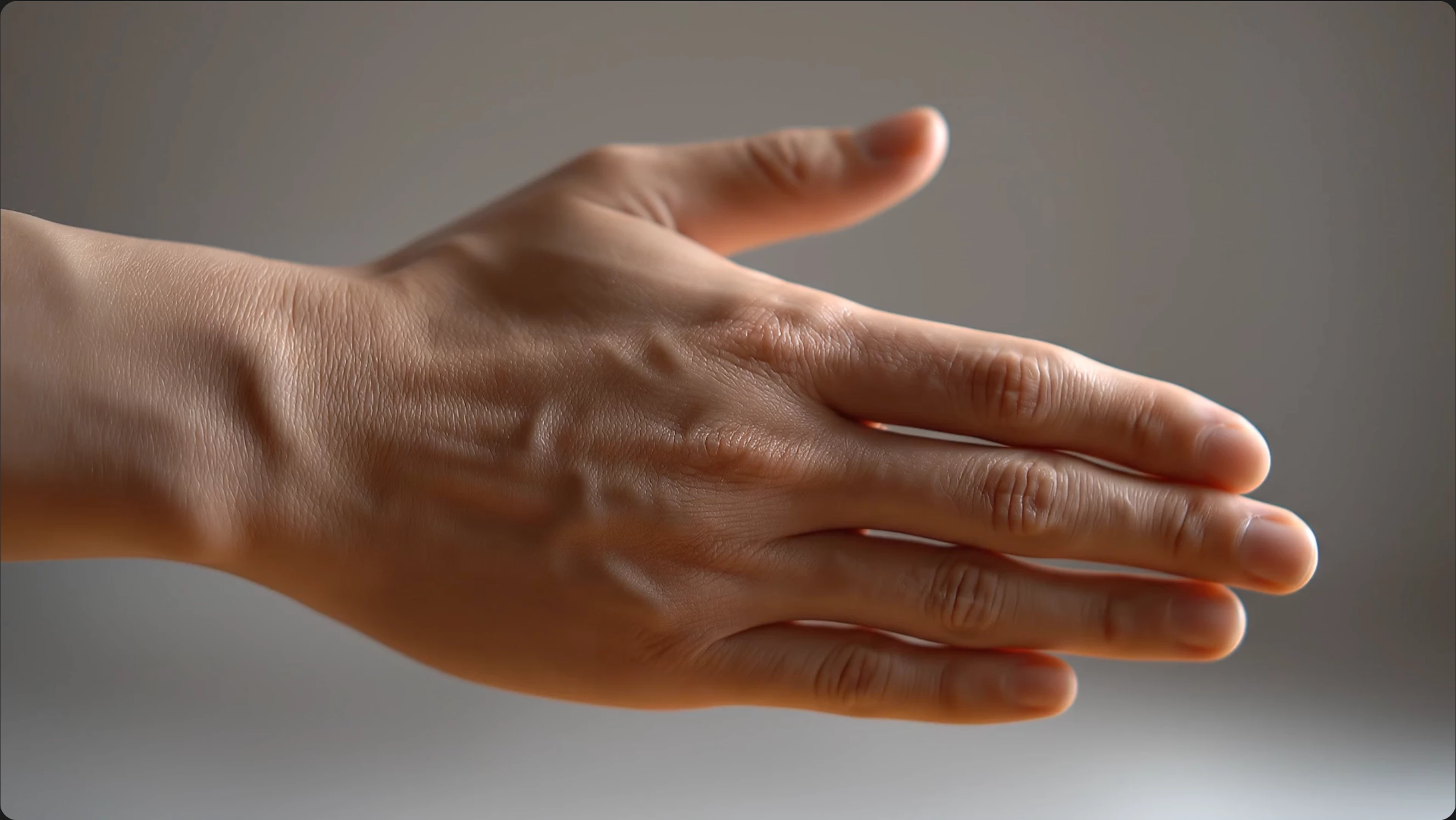
 

Model Veo 3.1 Fast, 6 sec, 1080.


Many thanks for any insights.

    3 replies

    Participating Frequently
    September 16, 2026

    N8., very many thanks for your note. With additional reading and experimentation I discovered there is a pixel dimension restriction for the reference image. The image I uploaded was in excess of 7K pixels on the long side, far exceeding the 2K pixels cited by Adobe documentation. 

    A warning message to the end user might be helpful since I burned through several hundred credits during this adventure. Yikes!

    Nonetheless, thanks again for the prompting advice.

    Tarun Saini
    Community Manager
    Community Manager
    September 18, 2026

    ​

    Hi ​@Max_Shuppert0084 


    Thanks for your response. I’d suggest you share your feedback here https://adobe.ly/3Tfimlk as our product team monitors this page actively.


    Regards,

    Tarun


    N8.
    Community Expert
    September 16, 2026

    Hey ​@Max_Shuppert0084 

    Thank you for sharing the images and the prompt.This helps considerably.

    Prompt I would suggest using.
    use reference image, keep details of the image, the hand moves to the left, the hand moves out of frame, the camera is fixed

    The hand may remove/ move dots.