



Open for Voting
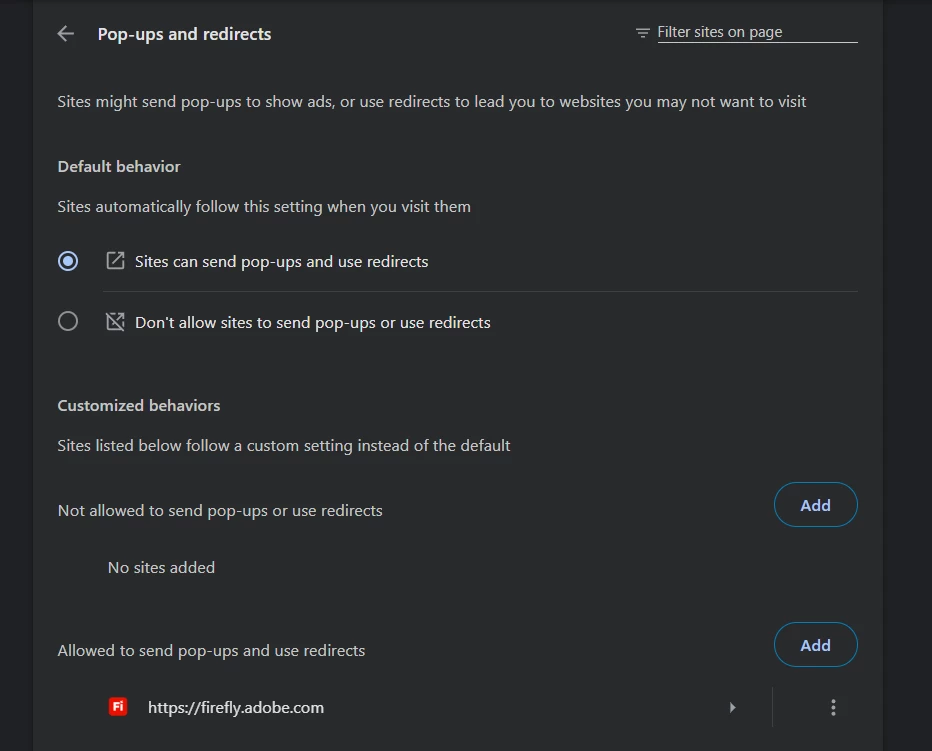
In the section "Generate video" I cannot click anything in the interface - VPN off, browser extensions deleted, cookies/cache cleaned, even with allowed pop-ups it doesn't work.
I cannot click anything, even in the header - buttons don't work. On the 30th of August I started my trial, was able to generate one short video, after that I was not able to click “Edit” and the issues with interface appearted.
This is the second day of my “free trial” and the issue is still not resolved. Gosh, even when I reopened the browser and just clicked “submit a bug” it gave me errors.
The pop-ups momentarily appear (with the desctiption of the new tools) but they dissaper before I can close them and MAYBE this is the reason. I did try to fix pop-up from my side but now I am out of the options on how to troubleshoot it.
VPN is off, browser extensions deleted, cookies/cache cleaned. Incognito doesn’t work.
 AdChoices