Things not working as expected is frustrating. As @Dave Creamer of IDEAS requested could you provide more information; so, the team can proceed to troubleshoot? Without the requested information it is difficult to assist you and resolve the issue.
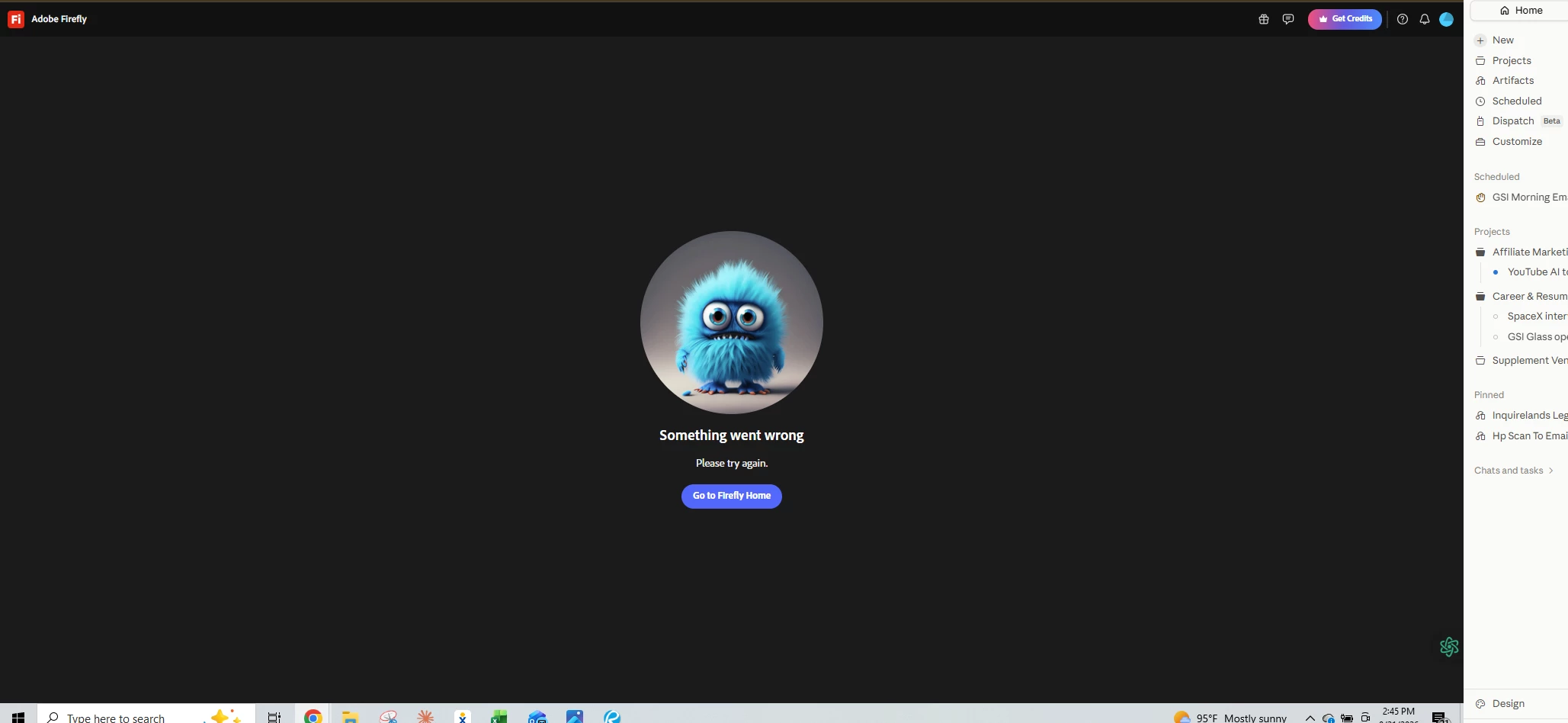
Something went wrong
A Full Screenshot or short video: Please provide a screenshot of your entire browser or application window, including your avatar in the upper right corner. Many errors have multiple causes; seeing the full context is much more helpful than a zoomed-in image of the error message alone. >>Make sure to remove person details: email address, name... before posting<<
System Details: Specify your Operating System (OS) and Browser (including version numbers).
Workflow Context:
Which Firefly function were you using? (e.g., Text to Image, Generative Fill, Text to Video, etc.)
Which model was selected? (e.g., Firefly Image 3, Image 4 Ultra, Imagen 3).
The full prompt you were using.
Copies of any reference images, keyframes, or original images used.
Note: Here’s a useful article explaining the most common reasons that trigger the error you’ve been seeing.
Wouldn’t this be better under the Adobe Firefly forum? Also, more info about what you are trying to do and what you have done to try to resolve it would help.



 AdChoices