Chesthair
Participant
March 25, 2023

P: Issue when changing aspect ratio on reference image, distorted results.

  • March 25, 2023
  • 6 replies
  • 632 views

Hi!


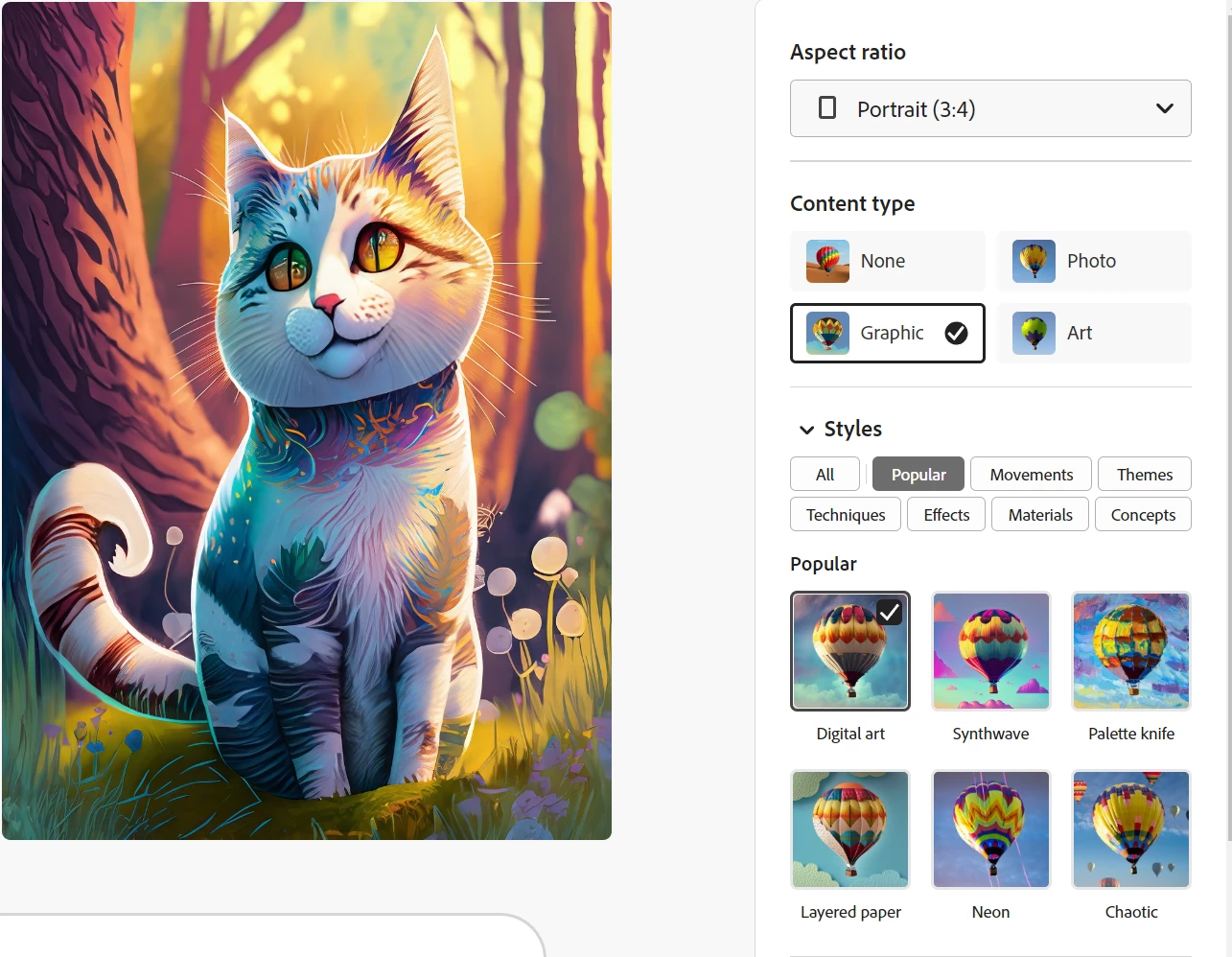
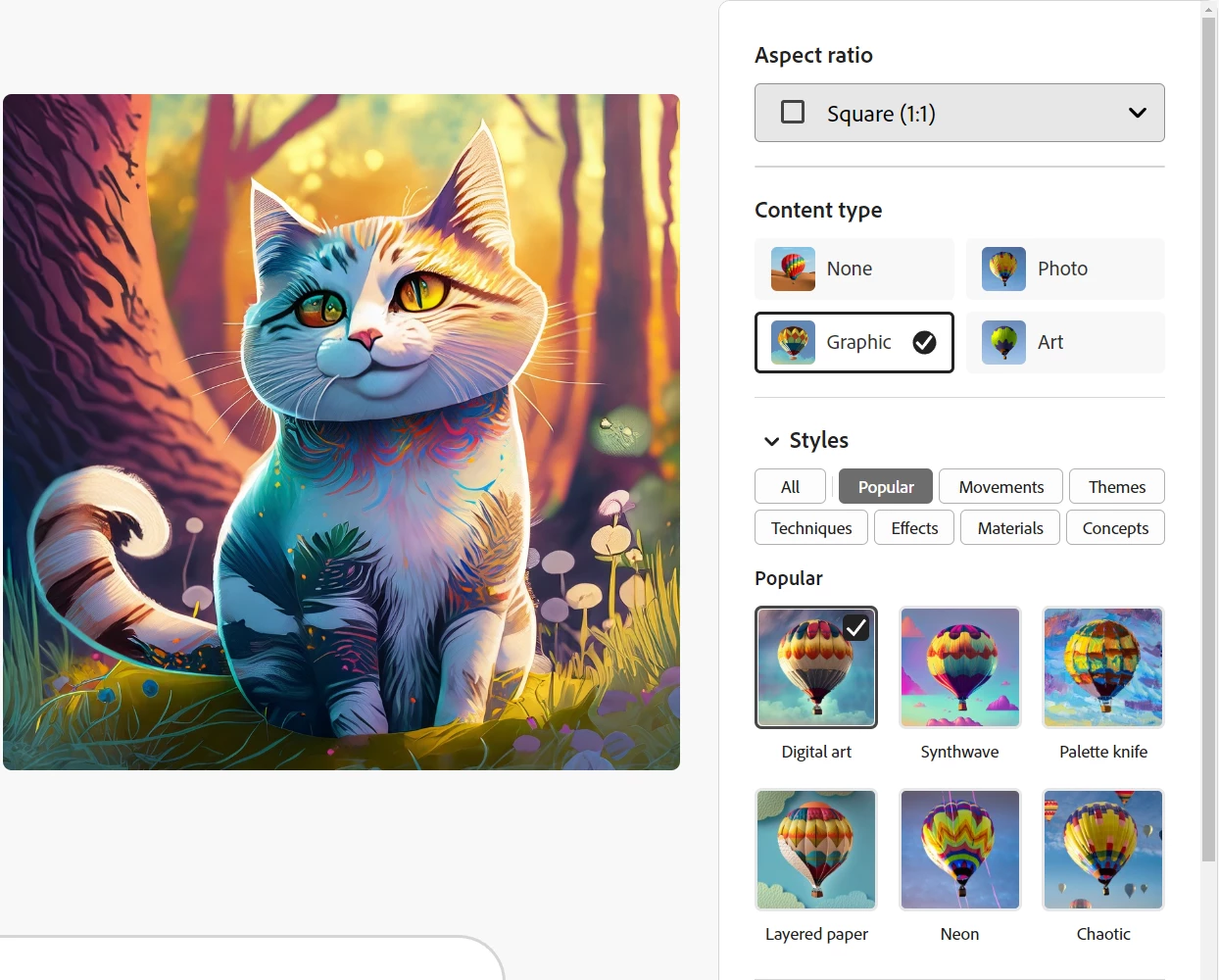
When using an earlier prompt as a reference image, then changing aspect ratio-setting, it will distort the results. (I went from reference-image having used aspect-ratio:"Square" to generating new versions in "Portrait")


I think Firefly should be able to convert/see the referenced objects and visualize them in the new aspect ratio, not just stretch it.


(Examples below)


Thanks

6 replies

Participant
April 9, 2023

happened again

thanks

Participant
April 9, 2023


Participant
April 9, 2023

** update

I think it was caused while I logged out while this tab was still open.

I can't reproduce it.

Participant
April 6, 2023

Hello,

I would like to share an opinion with my short experience.

Changing the aspect ratios of the image while continuing to work with the reference image does not give healthy results. Compresses vertically or horizontally according to the aspect ratio of the reference image.

it will be more functional to fill the necessary parts according to the new size while maintaining the ratio of the picture content.

Screenwriting Ninja
Participant
April 1, 2023

I found the same thing in Chrome Version 111.0.5563.146 (Official Build) (x86_64)


Steps to Reproduce:
1) Create a text prompt
2) Allow 4 images to fully draw keep the default Square aspect ratio and Art filter

3) Choose one of the images and select "Use as reference Image"

4) Hit Generate

5) Change the aspect ratio (before or after the images draw) to something other than Square (like Widescreen 16:9) and the image stretches 


I removed the default Art filter in this example so it's easier to see it's stretched: 

STRETCHED:


ORIGINAL:  

Participant
April 1, 2023

Wechsel des Seitenverhältnis verzerrt Personen. Diese werden gestaucht oder gestreckt.

Tracy.H
Community Manager
Community Manager
March 25, 2023

Thank you for reporting this bug. The team will look into it.