November 23, 2025

The Gemini 3 with Nano Banana Pro doesn't understand my prompt when I use several reference photos.

  • November 23, 2025
  • 3 replies
  • 556 views

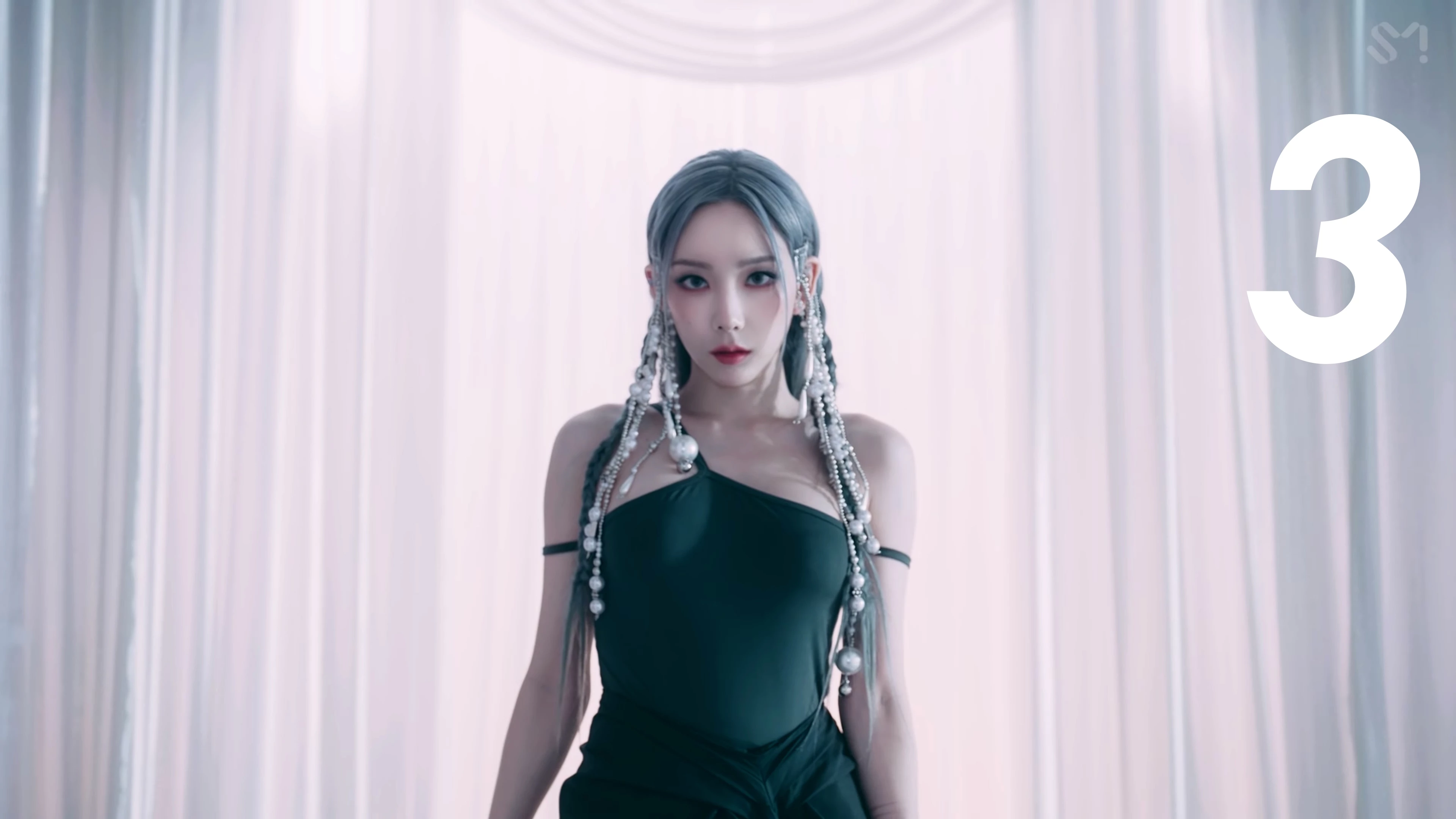
The Gemini 3 with Nano Banana Pro doesn't understand my prompt when I use several reference photos. I tried adding numbers to the reference photos, but it also doesn't get the numbering that I wrote in my prompt.
3 replies

droopydog500
Community Manager
Community Manager
December 8, 2025

Yeah, it might take several tries. My suggestion was to break down the changes into chunks and do them individually.


    droopy

Adobe Community Expert (not an Adobe employee)
Franky A.Author
December 5, 2025

Hello @droopydog500

Thank you for replying, I really appreciate it.

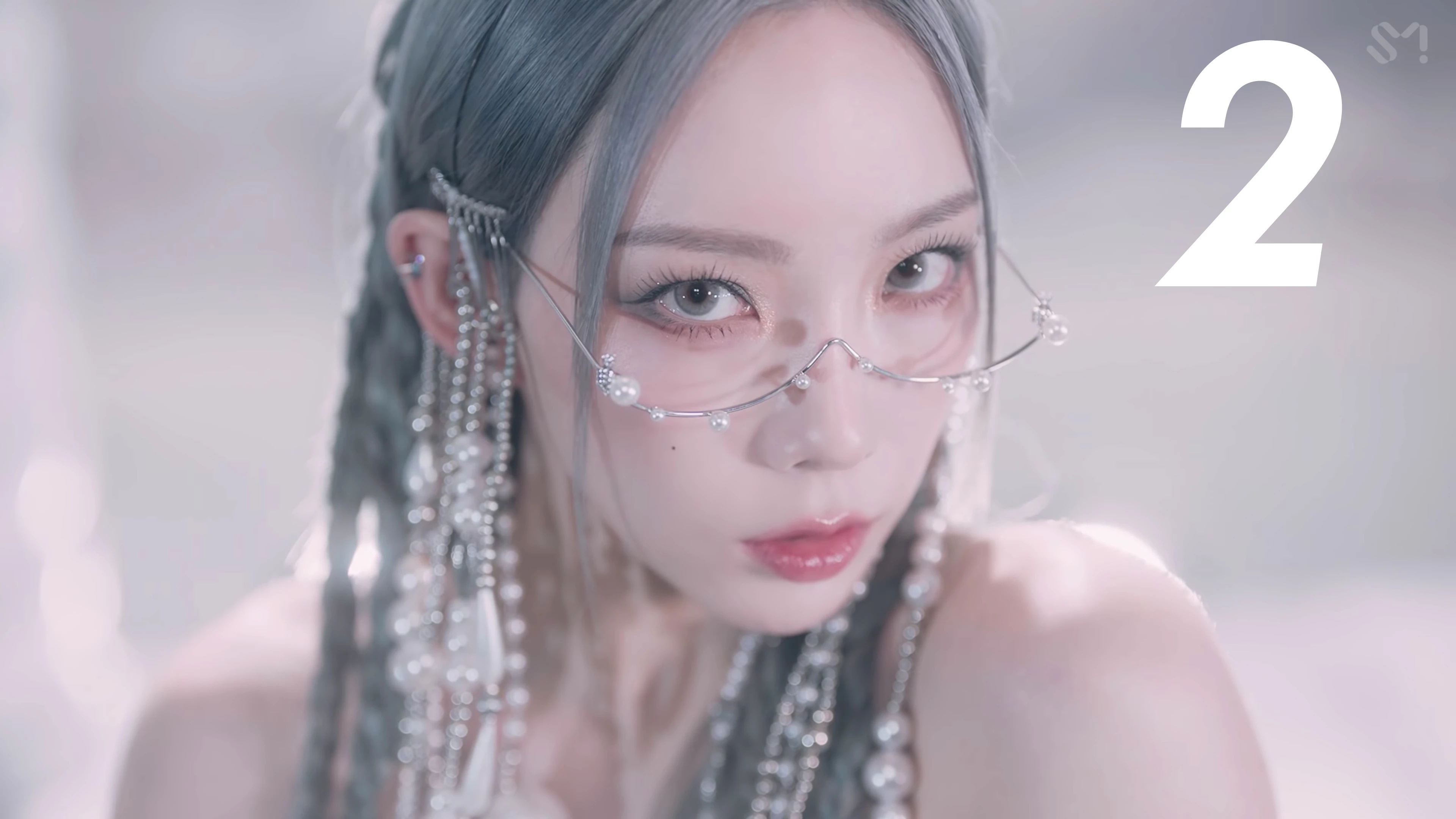
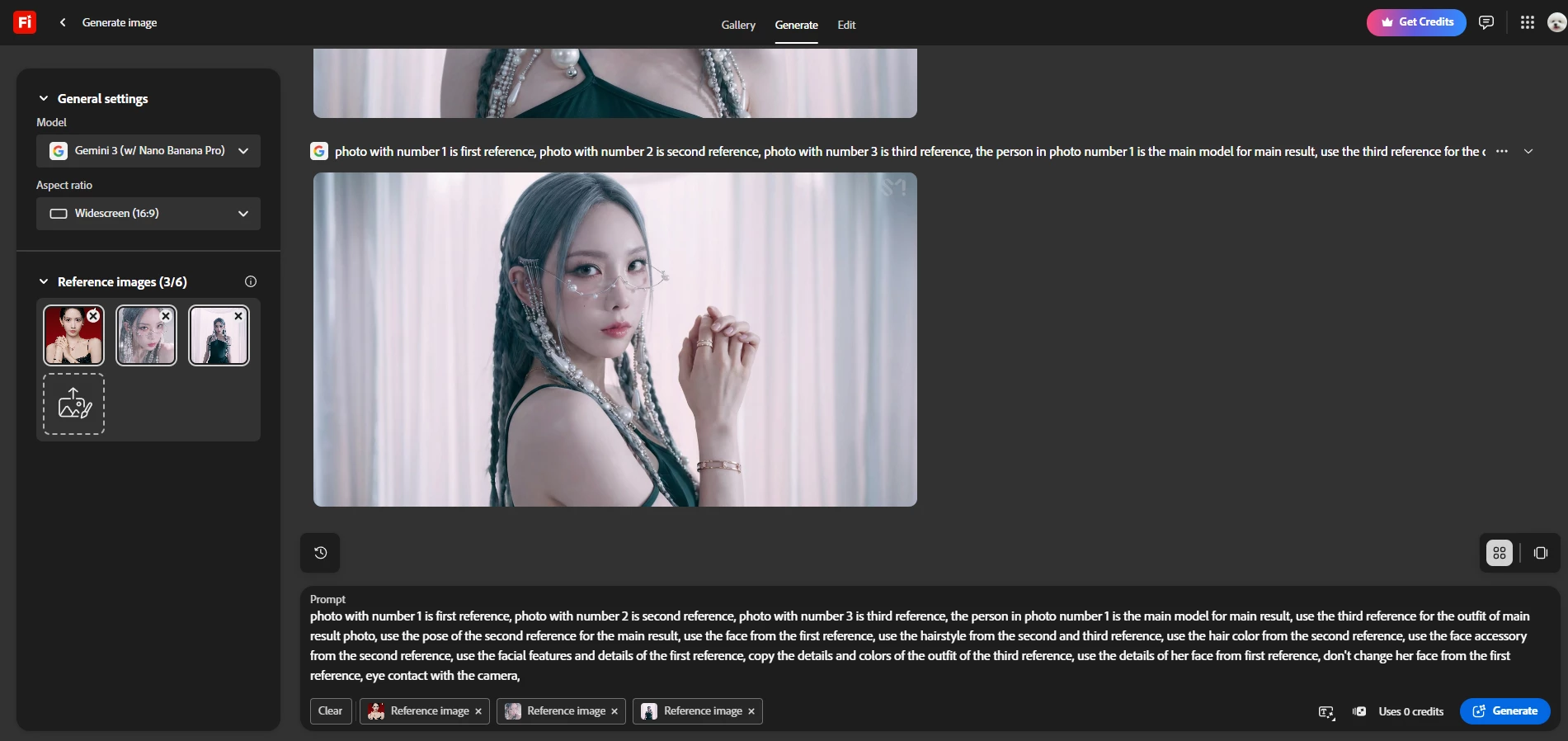
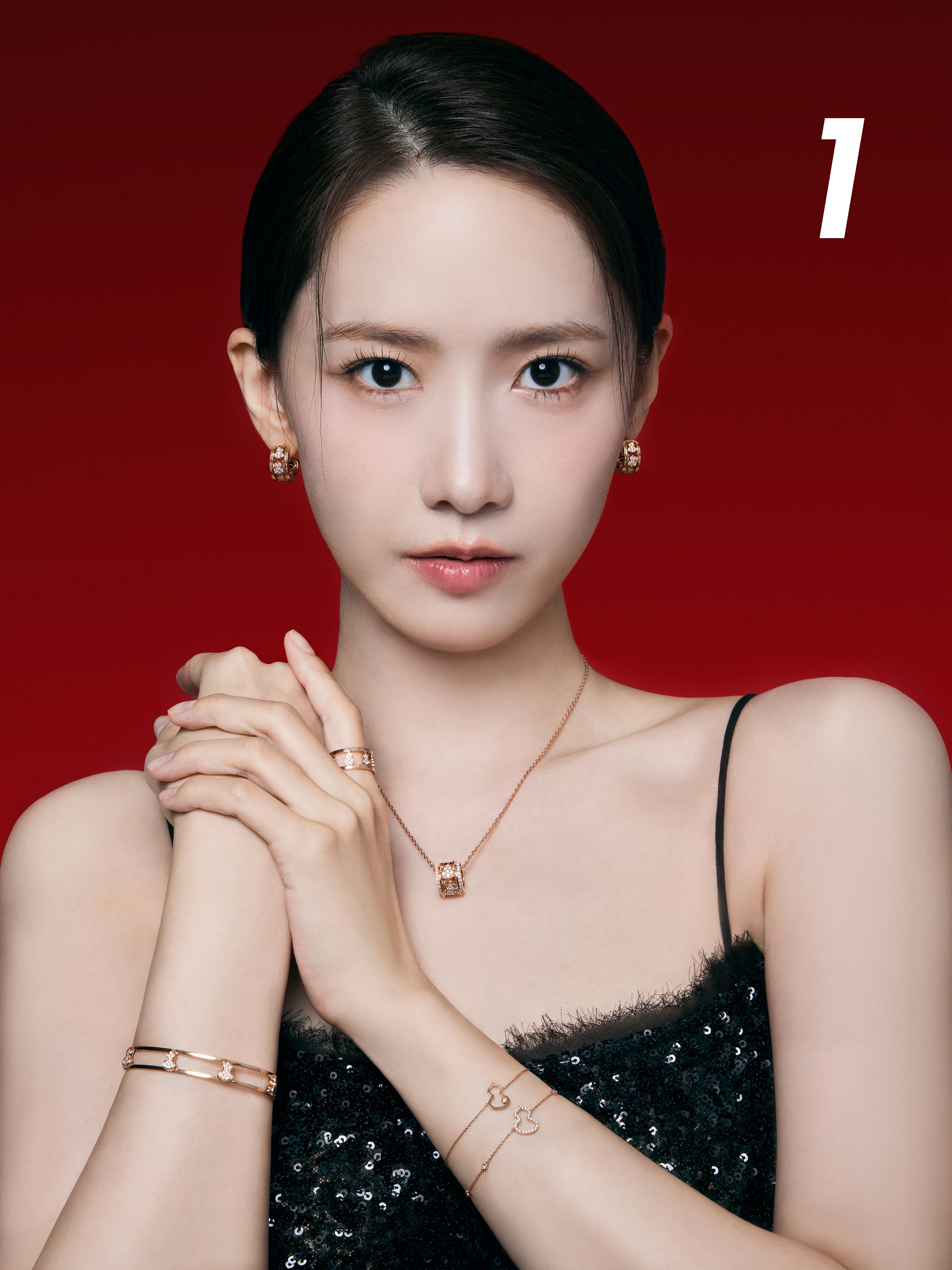
Actually the result I'm trying to achieve is moving the person in first reference to the setting in the second reference with outfit, hairstyle, hair color, pose, and lighting of the second reference.

Looking at the result of your example, it takes the outfit and hair from the second reference to the first reference.


The reference for outfit, hairstyle, lighting, pose, and background that I want to achieve with the person in the first reference.

The reference of hairstyle, outfit, lighting, and background


The generated result after so many times generating the prompt.

The result after so many times generating the images


droopydog500
Community Manager
Community Manager
December 4, 2025

Hello @Franky A.,

Thank you for your message. 


Doing what you want to do here is best done iteratively using two photos at a time. In this case, first changing the outfit with images 1 and 3 loaded, using the prompt: take the outfit from the second image and apply to person in first image. Let's say this produces image "A":

Firefly_take the outfit from the second image and apply to person in first image 254791.png

It picked up the hair change also, but that is ok. 


Now, let's take image A and image 2 and change the hair colour. Prompt: change hair in first image to match hair colour in second image.

Firefly_Gemini Flash_change hair in first image to match hair colour in second image. 254791.png

and so on until you have made all your changes. Trying to do all the changes at once with multiple images is too complex.


Thanks,
    droopy

Adobe Community Expert (not an Adobe employee)