

Thumbnail strip missing in Edit page on Chrome — present in Edge
**Summary**
The thumbnail strip of past images is missing in the Firefly Edit page when using Google Chrome, but displays correctly in Microsoft Edge. The issue is consistent and reproducible.
**Missing UI elements in Chrome:**
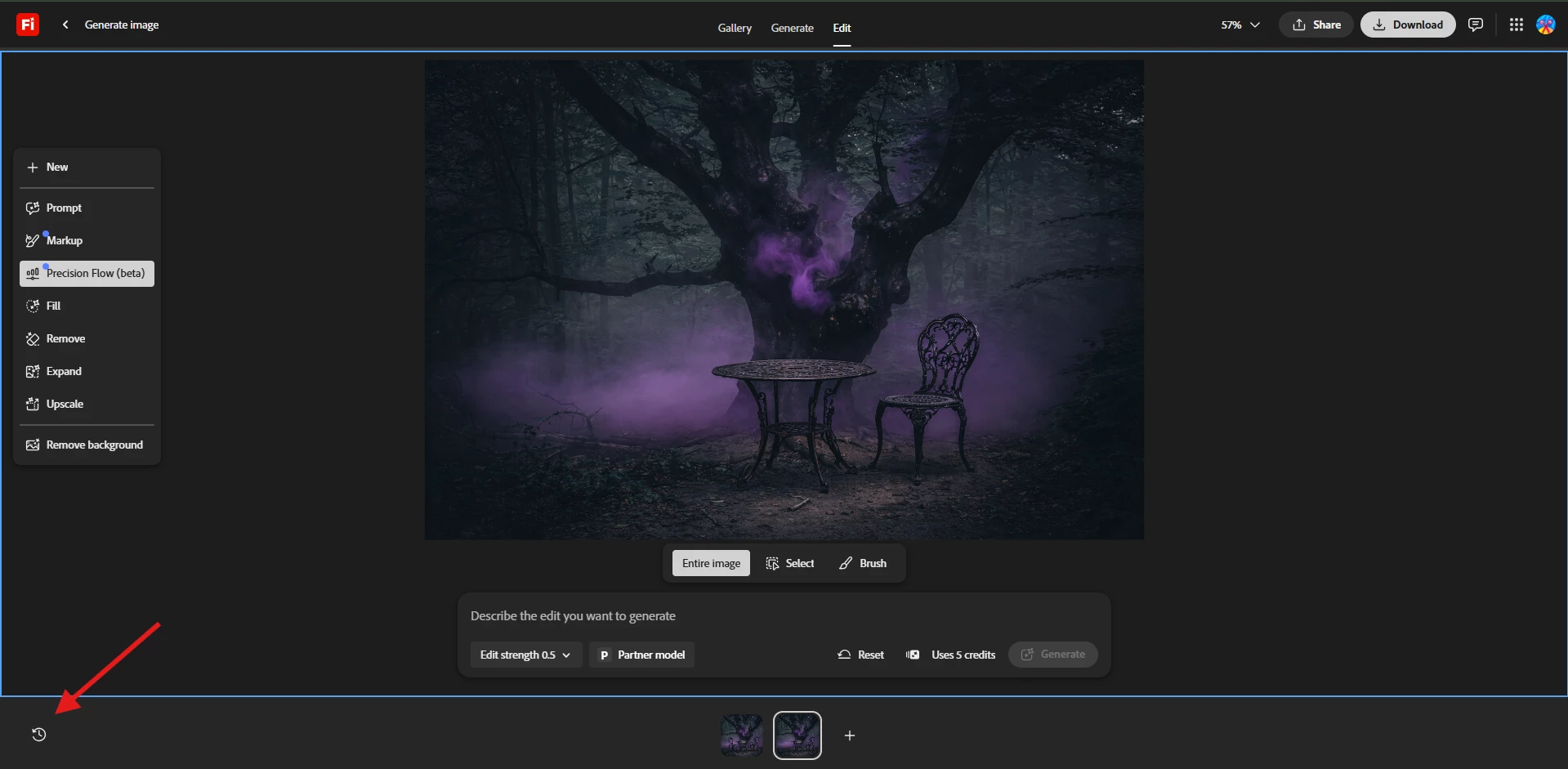
- Thumbnail strip of past images at the bottom of the Edit page
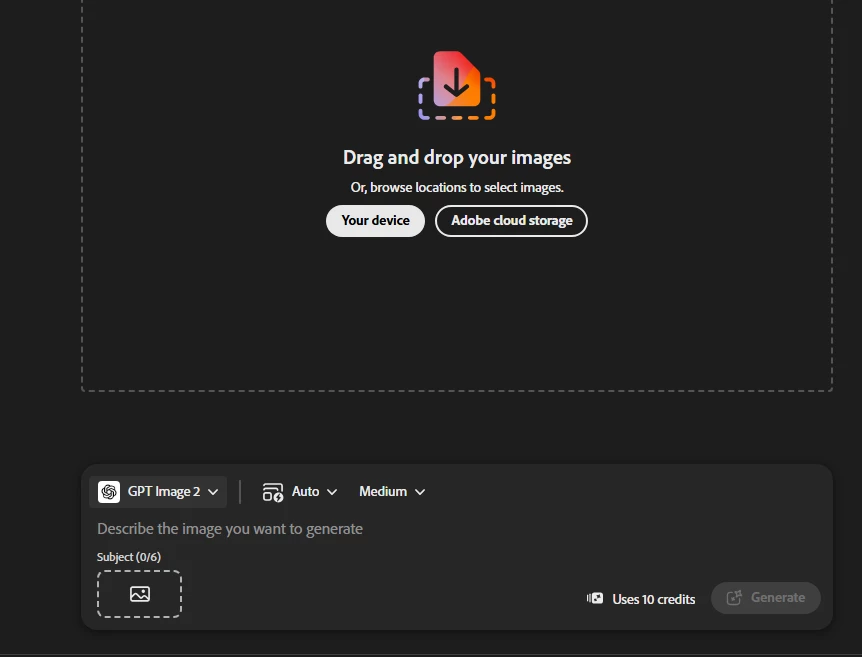
- On the Generate page, only 2 cached thumbnails appear vs a full history in Edge (likely a browser cache difference)
**Steps to reproduce:**
1. Open firefly.adobe.com in Google Chrome
2. Navigate to the Edit image page
3. Observe there is no thumbnail strip at the bottom of the page
4. Compare the same page in Microsoft Edge — a full thumbnail strip of past images is present
**What I've already ruled out:**
- Not an extensions issue (tested in Chrome Incognito — same result)
- Not an account/login issue (My Stuff page looks identical in both browsers)
- Not a failed network request issue (checked Chrome DevTools Network tab filtered to firefly.adobe.com — no red/failed requests, 527 requests loaded successfully)
- Not a cache issue
**Console warnings observed in Chrome DevTools:**
- "An instance of SAM.js already exists, but is not compatible with the requested version 10.0.804. Because of this, a new instance of SAM.js will be created. Loaded versions: 10.0.754"
- "[CommunityAdapter] MobX store not yet initialized. Call openSubmissionModal() first or check isStoreInitialized"
- "A valid locale code was not provided. Self-localizing elements should now provide a localeCode. Defaulting to en-US"
**Environment:**
- Affected browser: Google Chrome 147.0.7727.117
- Working browser: Microsoft Edge 147.0.3912.72
- OS: Windows 11 Pro
**Screenshots attached:**
- Edge Edit page (showing thumbnail strip)
- Chrome Edit page (thumbnail strip absent)

 AdChoices