



rudy_kuhn
Participant
April 11, 2026

Unable to cancel a plan. I have multiple plans and don't need them anymore. I follow all the steps to cancel a plan, but the last page remains white and I'm unable to cancel any of my plans.

  • April 11, 2026
  • 2 replies
  • 43 views

I go to my account page. I see all 5 plans. I click on “Manage plan”. 
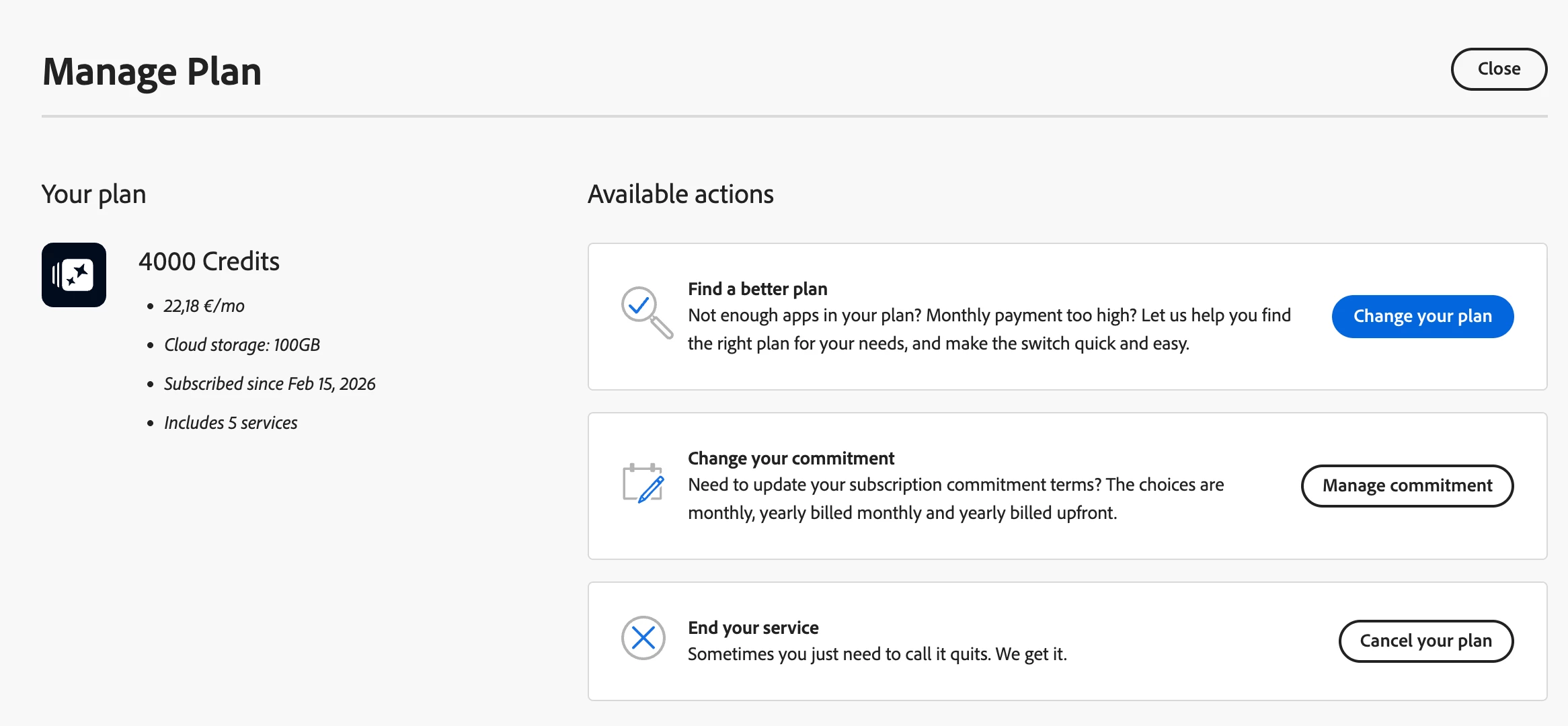
I click on “Cancel your plan” and then nothing happens. I get the next screen and the wheel will spin for hours without ever showing the page. 
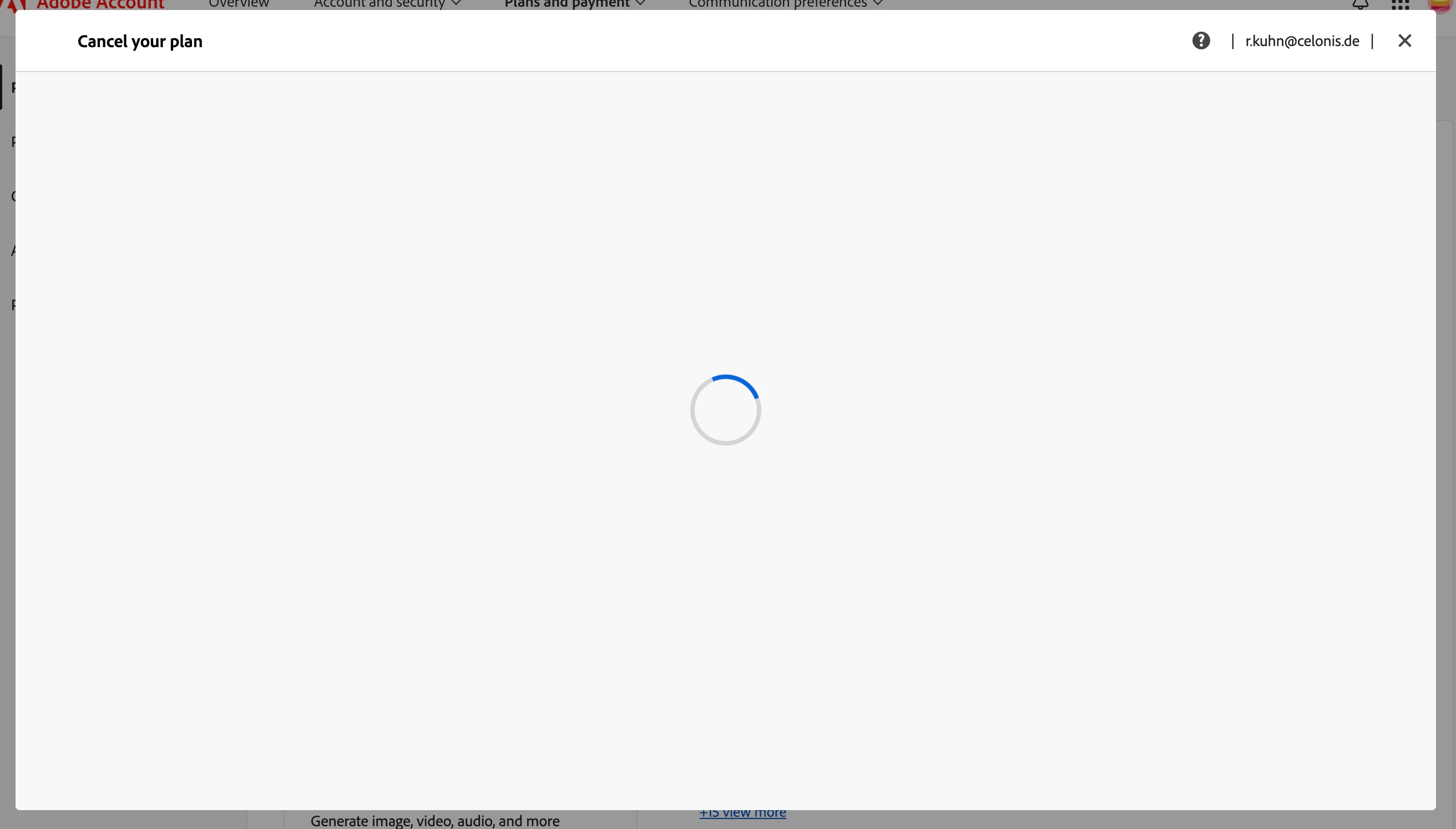
 

Please help me to cancel all my plans. My project is finished and I don’t need any plan at the moment. 

    2 replies

    June 10, 2026

    Hey ​@rudy_kuhn 
     

    Since this has to do with your private account we are unable to assist you.
    You will need to login to your Creative Cloud account that you want to cancel and chat with support.
    https://helpx.adobe.com/support-logged-in.html?promoid=4JW79DZL&mv=other
     

    Cheers

    Nate

    UndermaxOk
    Participant
    April 11, 2026

    Me too!

    rudy_kuhn
    rudy_kuhnAuthor
    Participant
    April 11, 2026

    Try a different browser. Safari instead of Chrome worked for me. 

    UndermaxOk
    Participant
    April 11, 2026

    Hello!
    I have tried with: Chrome, Microsoft Edge, Firefox, and none of them have worked for me, and the same thing happens. I currently do not have Safari available, anyway it seems shameful to me that this functionality does not work since they are literally playing with our money. What I will do is contact support, but they are only available Monday to Friday during business hours, so in the meantime, I will have to wait.