



Open for Voting
When I select the curated Firefly boards from the Get inspired section, hovering on the link icon neither shows a tooltip "copy link" nor does it show a soft message "link copied" when you click it.
Here are the steps I followed:
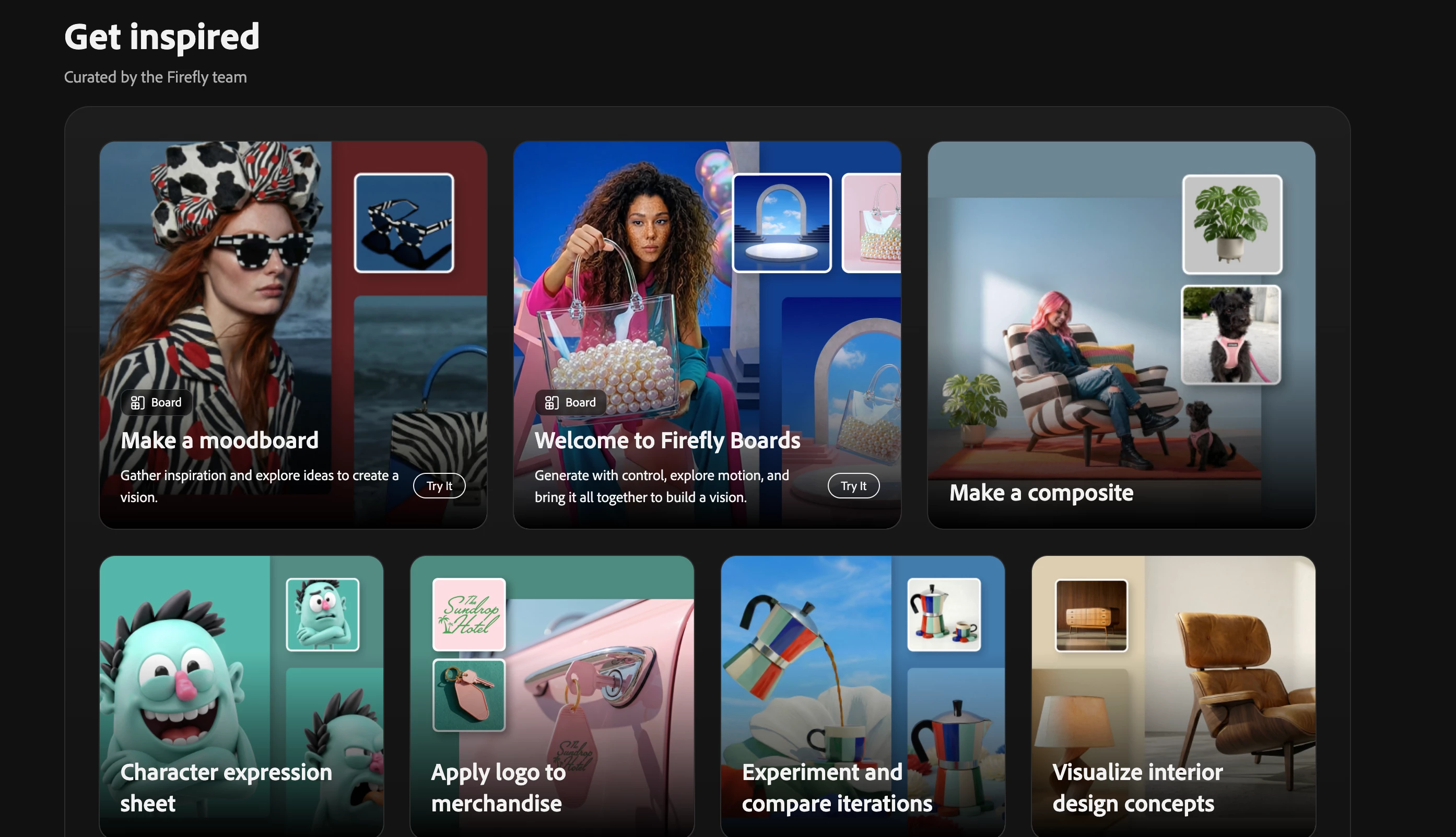
- In Firefly Boards homepage, select a curated board from the Get inspired section.
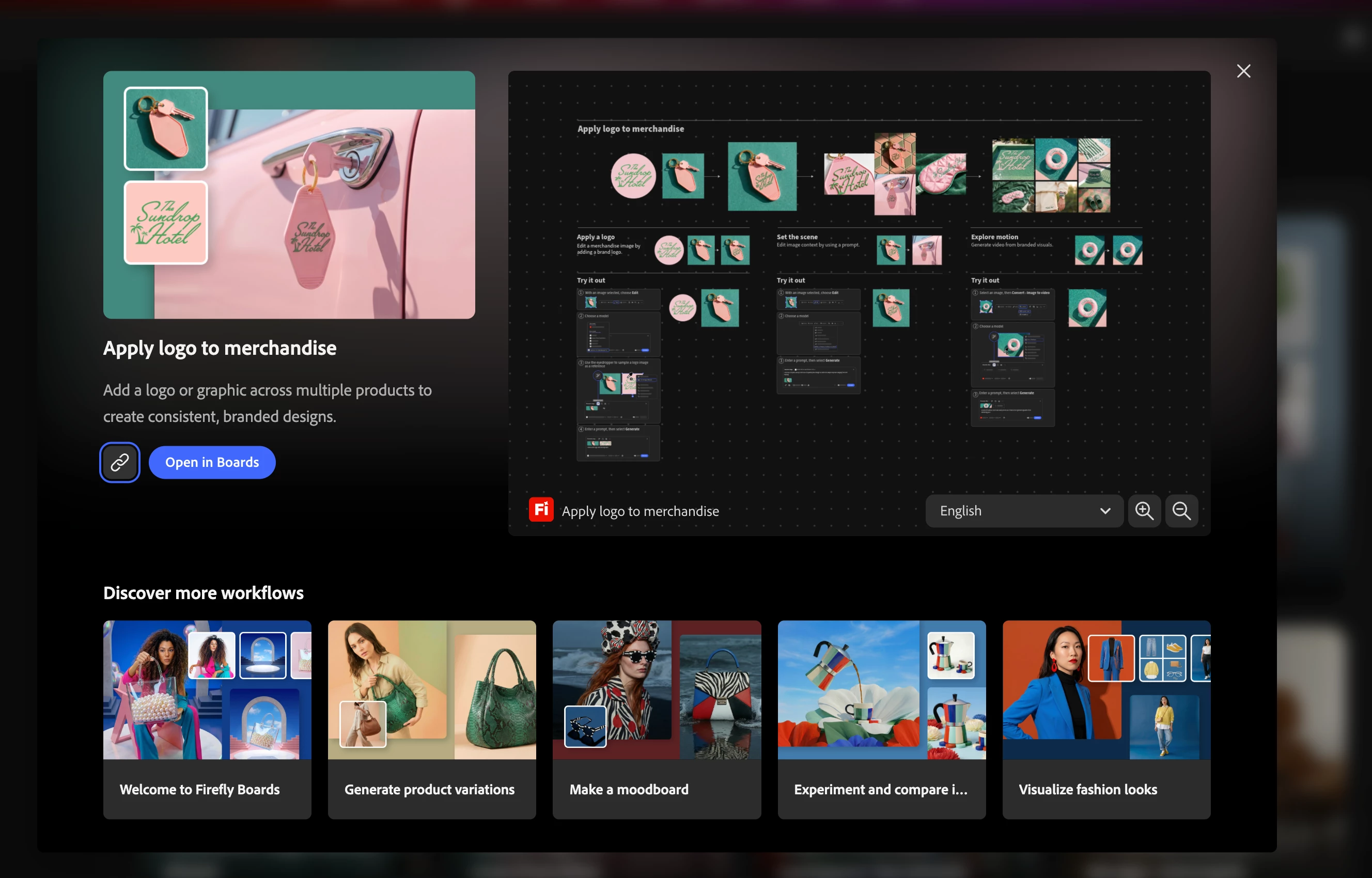
- In the window that appears, hover over the link icon next to Open in Boards CTA.
- Select the link icon.
Current result: Hovering over the link icon neither shows a tooltip "copy link" nor does it show a soft message "link copied" when you click it.
Expected result: It shows a message saying link copied when you select the icon and a tooltip shows when you hover over it since it’s an icon.
 AdChoices