
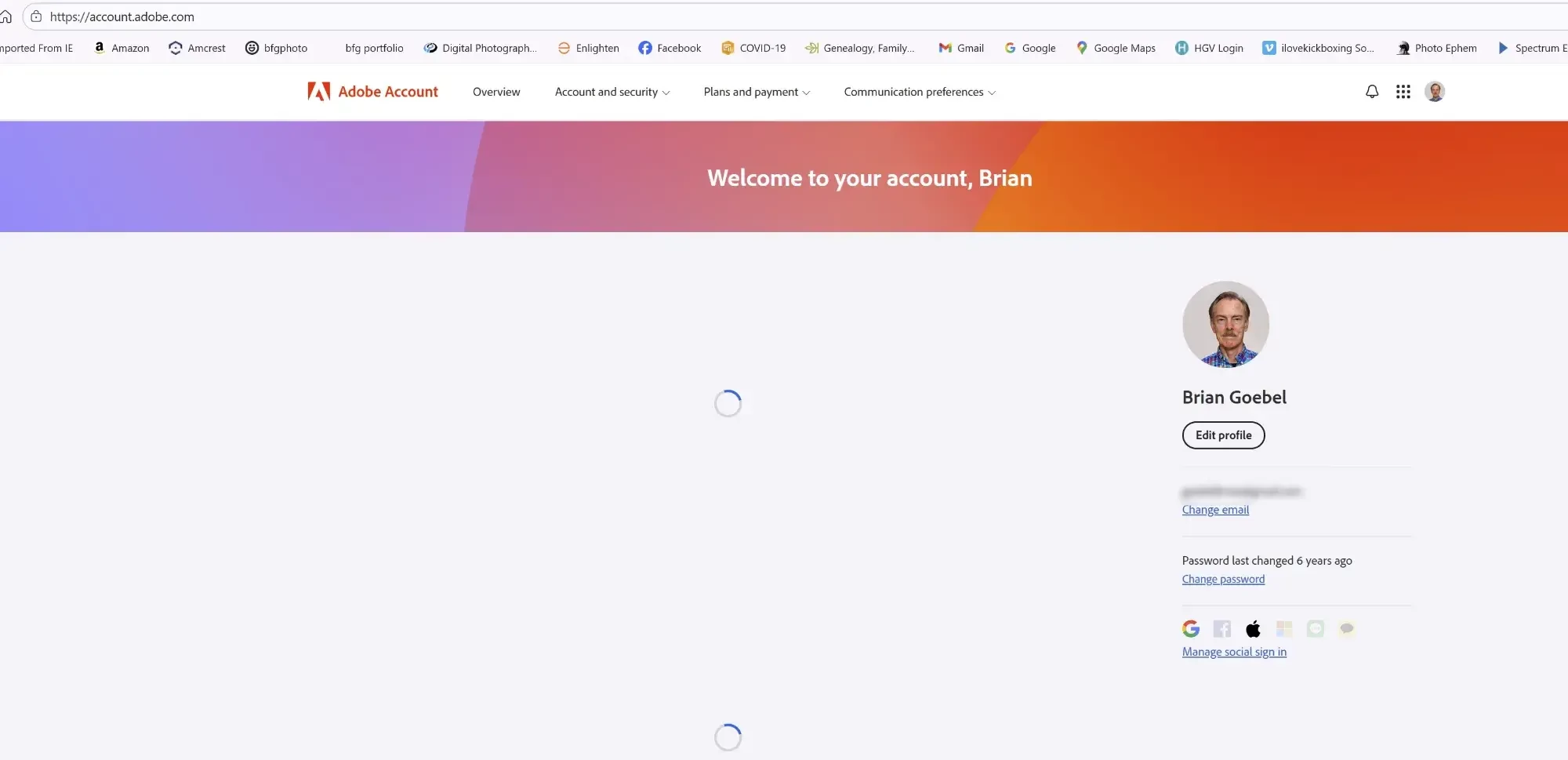
Whenever I click on "Manage Account" I get a blank screen with two spinning circles that never stop spinning. I'm trying to change from a Pro Plan to a basic plan. HELP!
Whenever I click on “Manage account” in the dropdown menu (i.e., the menu that drops down when I click on my profile photo on the top right), I get a screen that says “Welcome to your account, Brian.” But there are two spinning circles, as if something is trying to load, but nothing ever loads. See first screenshot in attachment 1.
I am trying to change from $19.99/month plan to the $9.99/month plan. But I can’t do that when the screen never loads properly.
ALSO, I am experiencing a similar error when I go to www.adobe.com. I get a screen with a lot of empty boxes. It looks like something is trying to load, but it never does. See screenshot in attachment 2.
In summary, I can’t load the “Manage account” screen from Firefly. I can’t load the initial page in www.adobe.com. And I am not able to switch from the Firefly $19.99/month account to the $9.99/month account.
Thank you for your help with this.
[PII removed by Community Manager - HT]


 AdChoices