droopydog500
Community Manager
Community Manager
May 7, 2024

Wrong favourite image shown when returning to a favourite image generation page

  • May 7, 2024
  • 5 replies
  • 548 views

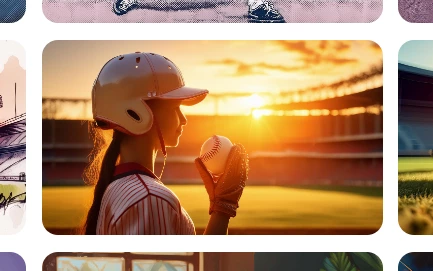
I have this image in my Favourites:

When I click on it, it takes be back to the generation page. The other three images look ok, but rather than the favourite image being displayed, it displays some other image I generated after this original favourite. I had not favourited the image being shown:
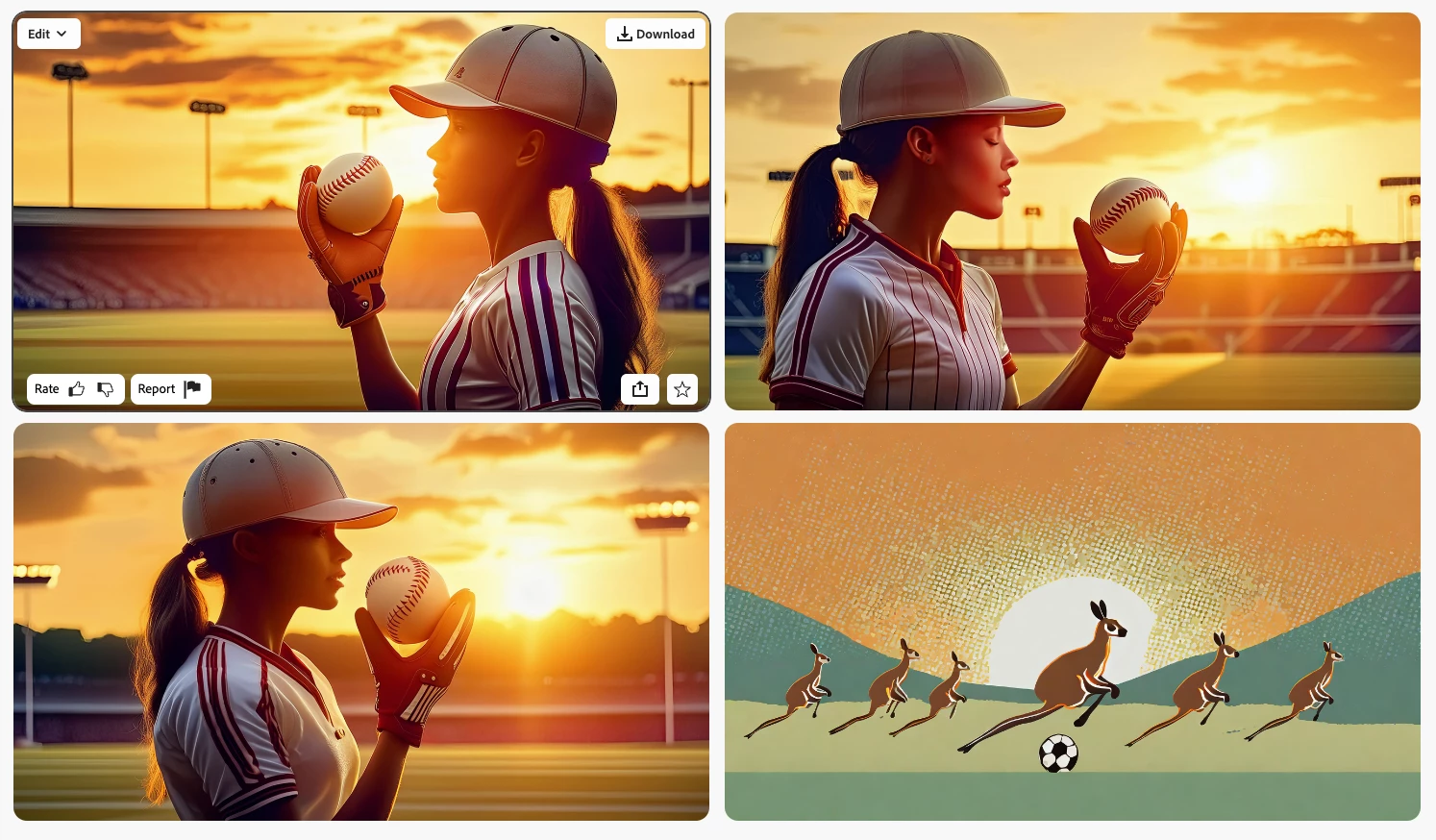
The same wrong image is shown every time.


Mac Studio

MacOS: 14.4.1 (23E224)

Microsoft Edge: 124.0.2478.51 (Official build) (arm64)

5 replies

droopydog500
Community Manager
Community Manager
July 11, 2024

Not sure this is the right thread for this discussion. What I pointed out back in May was a problem that was resolved where the wrong image was being inserted in the quad view. Not a differently generated one, but the completely wrong image generated with a different prompt.


I think what you guys are referring to is there is no guarantee that an image regenerated from a link (either via the favourites or save a link) will generate exactly the same image. True that if you want the exact image, you MUST save the image. It is not discussed much, but Favourites also saves the favourited image, not just the prompt/references/styles. You do not have to go back to the generation page from Favourites. You can download the image by using the download button in the lower left corner of the favourited image from the favourites page.


    droopy

Adobe Community Expert (not an Adobe employee)
Kevin Stohlmeyer
Community Expert
Community Expert
July 11, 2024

I think of Favorites more as "favorite recipes".

If you want to save the exact image results and the prompt used - save to a library.

The benefit is you have the same image each time you recall it and it is not tied to your browser/cache/at risk.


That being said - this may be an answer: If I open my favorites in Firefly Model 2 (which it was built in) it appears ok and I see the original with three new versions. 

If I run it in Model 3 it gets wonky and doesn't honor my original option at all.

July 11, 2024

Hey Droppydog,
As mentioned in the Discord discussion, saving a link to a Google File or Word document saves us the hassle of losing our favorites. Time consuming yes. Prevent measure definitely. 

droopydog500
Community Manager
Community Manager
May 7, 2024

Appears to be only images favourited today, based on limited testing.


Here is another one:

The original was favourited today. The wrong image was generated but not favourited yesterday.


Another:


Another:


Based on this last sequence, possibly this is a display error as you can see images displayed before are coming back in their old positions.

Adobe Community Expert (not an Adobe employee)
Dave Gustafson
Inspiring
May 7, 2024

I have seen this also yesterday. The favorite main image changes randomly on the favorites that work, but that's a different issue that I have posted.