


Open for Voting
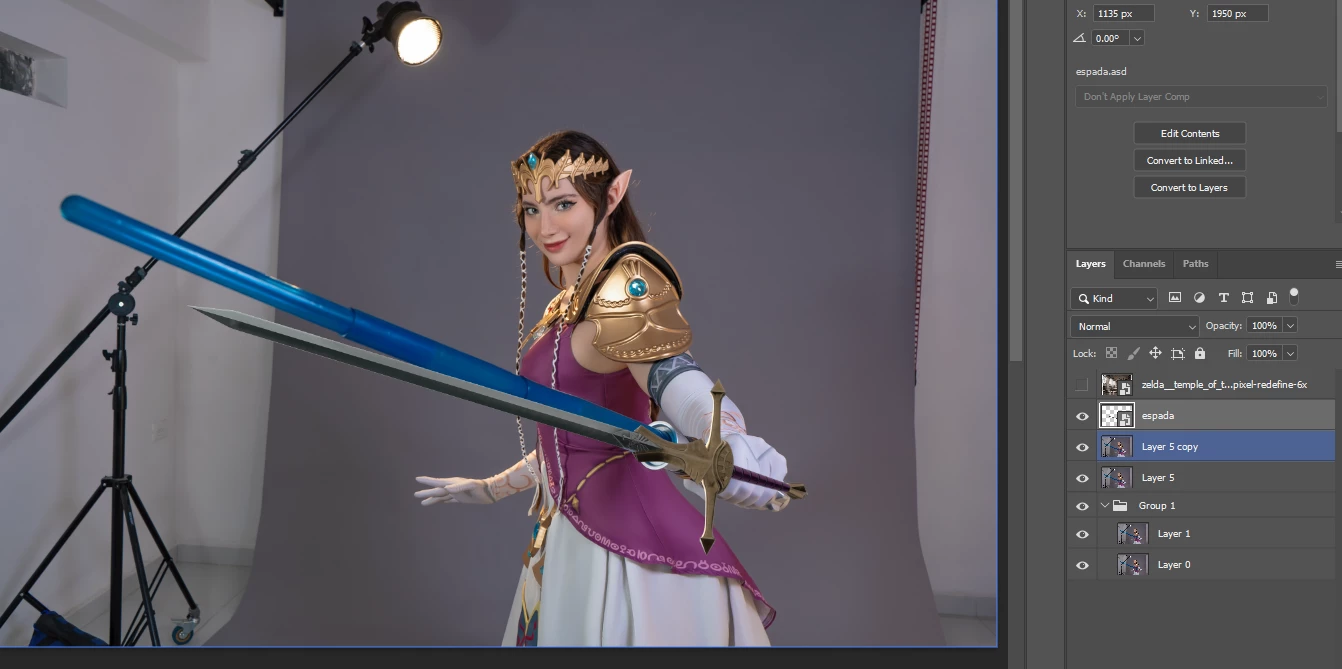
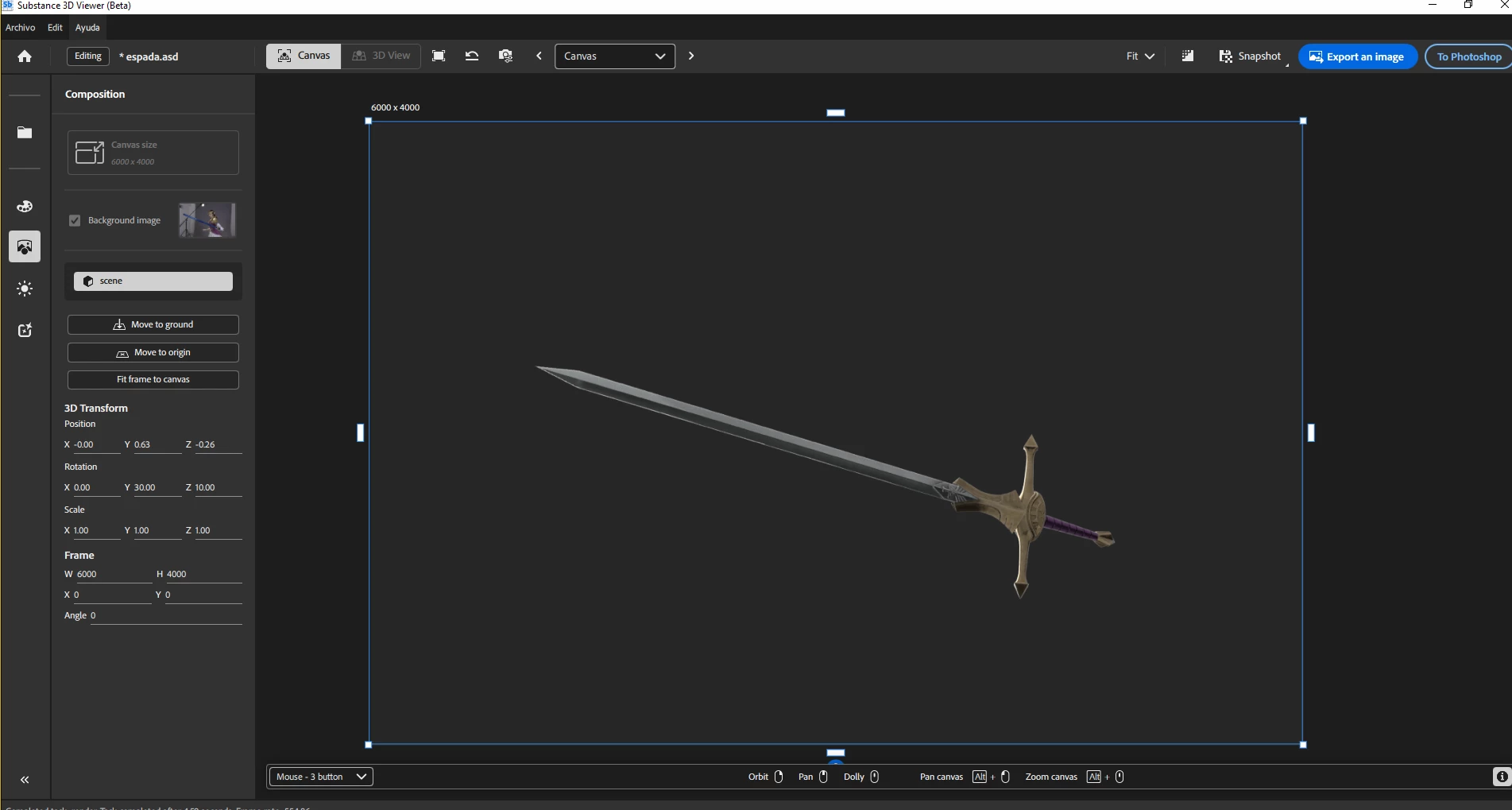
Background image not showing when editing a 3d object from Photoshop to Substance Viewer
I'm trying to edit the position/angle of a 3d objetc and when open in Substance Viewer doesn't show background image
also the toggle "background image" appears disable so I can't turn it on/off
what am i Missing? is there a config I have not set yet? is this a bug or is my sistem?
I'm running Photoshop Beta and Substance Viewer in Windows 10 64bits
Ryzen 7 PRO 4750G
NVIDIA Geforce RTX 3080 12gb
96 GB RAM
all the drivers are updated
 AdChoices