


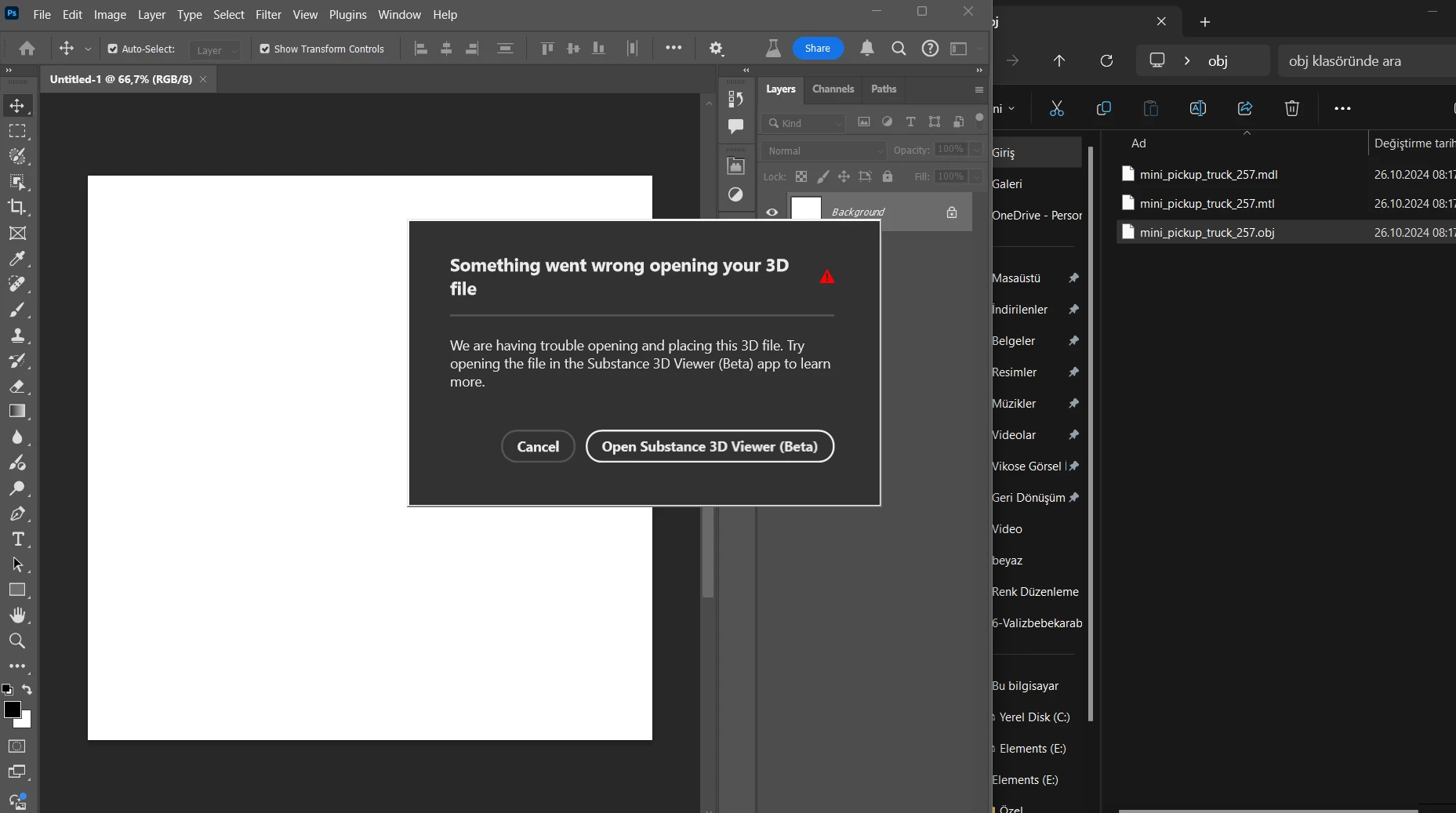
When I drop the 3d object on the photoshop screen, it gives the warning “something went wrong opening your 3d file” also i have already installed and opened Substance Viewer 3D Beta same time with photoshop beta.
"Export to Photoshop" in Viewer will appear if you place 3d object into photoshop. Then you need double click Smart Object icon or "Edit Content" from Property panel. You need to create a connection between Ps and Viewer. Did you try this?
Yes I tried. when I click on “open substance 3d viewer beta” to open it, substance viewer 3d opens and there is no connection between photoshop beta and substance viewer 3d. it's as if I opened substance viewer 3d without photoshop beta. also there is no “to photoshop” button in the top right corner of susbtance viewer 3d.