Legend
November 8, 2024

3D object not available when working with large distances/scales

  • November 8, 2024
  • 4 replies
  • 660 views

@DaciaSaenz 

I've an issue with large distances/scales, which is often the case in Google Earth Studio.

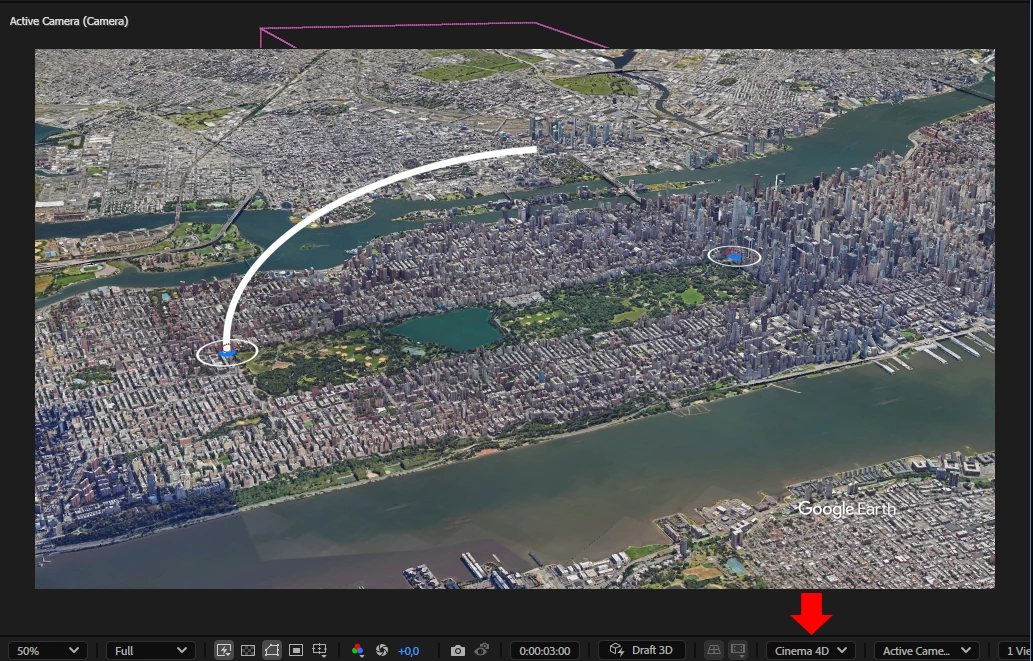
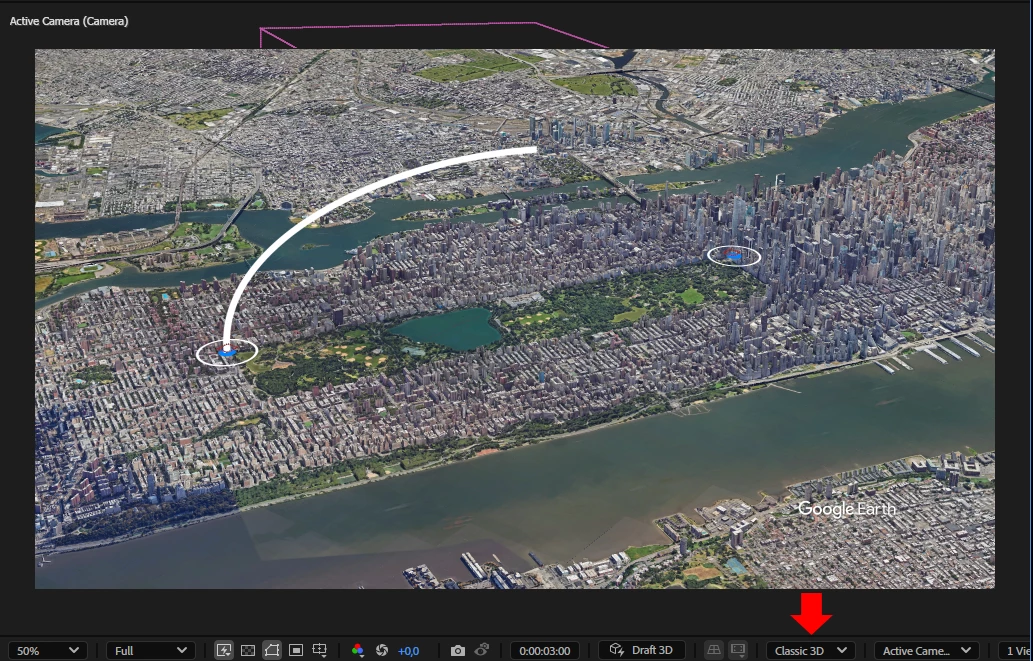
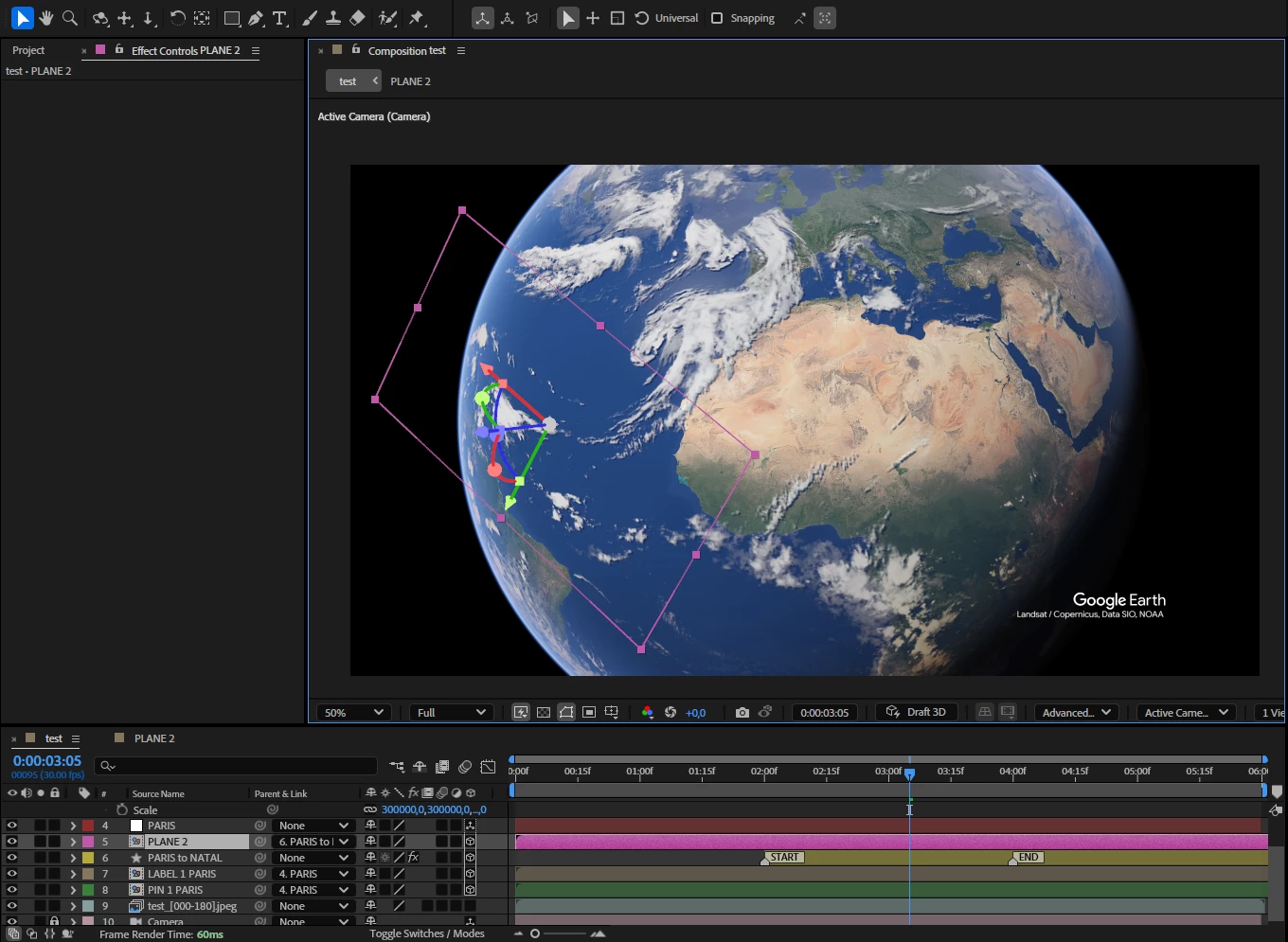
Depending on the render engines, even shape layers don’t display,

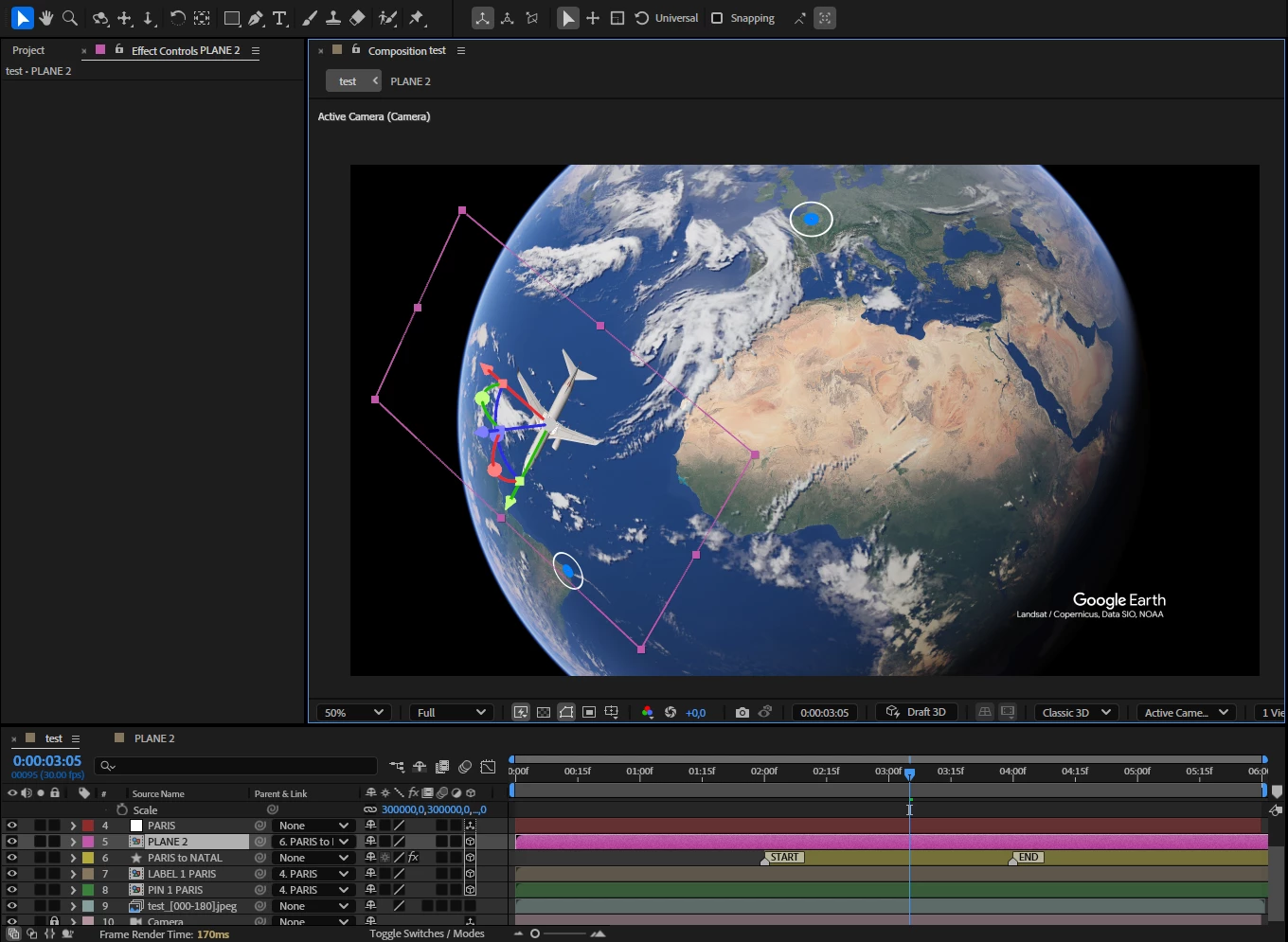
and for 3D object models, I have to disable collapse transformations,

then they only appear in the Classic 3D and Cinema 4D engines


Using reasonable distances/scales: Best renderer -> Advanced 3D
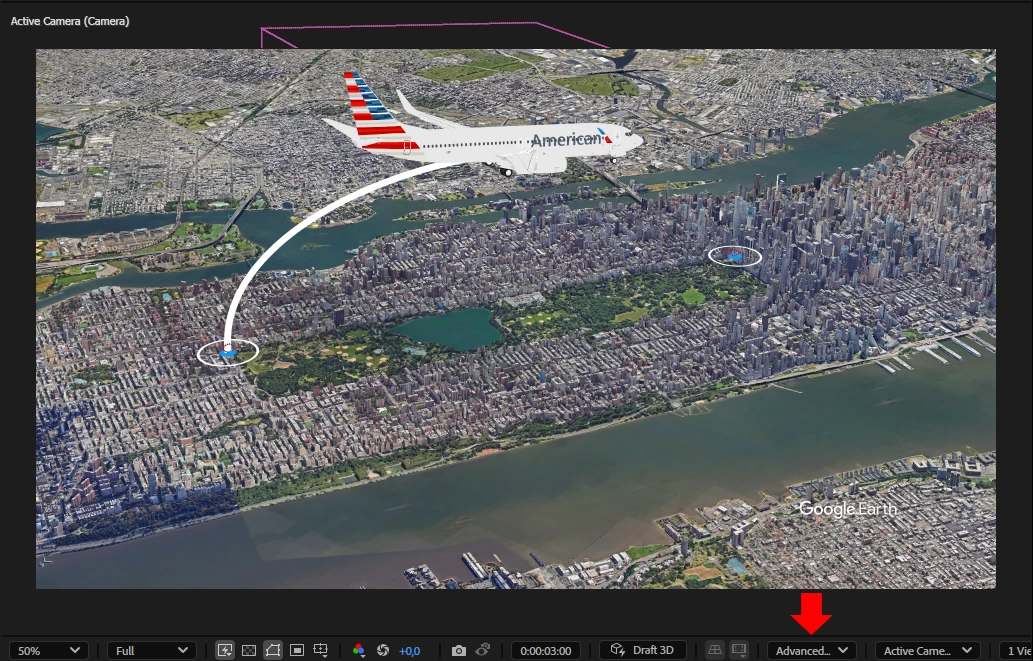


Using large distances/scales: Best renderer -> Cinema 4D
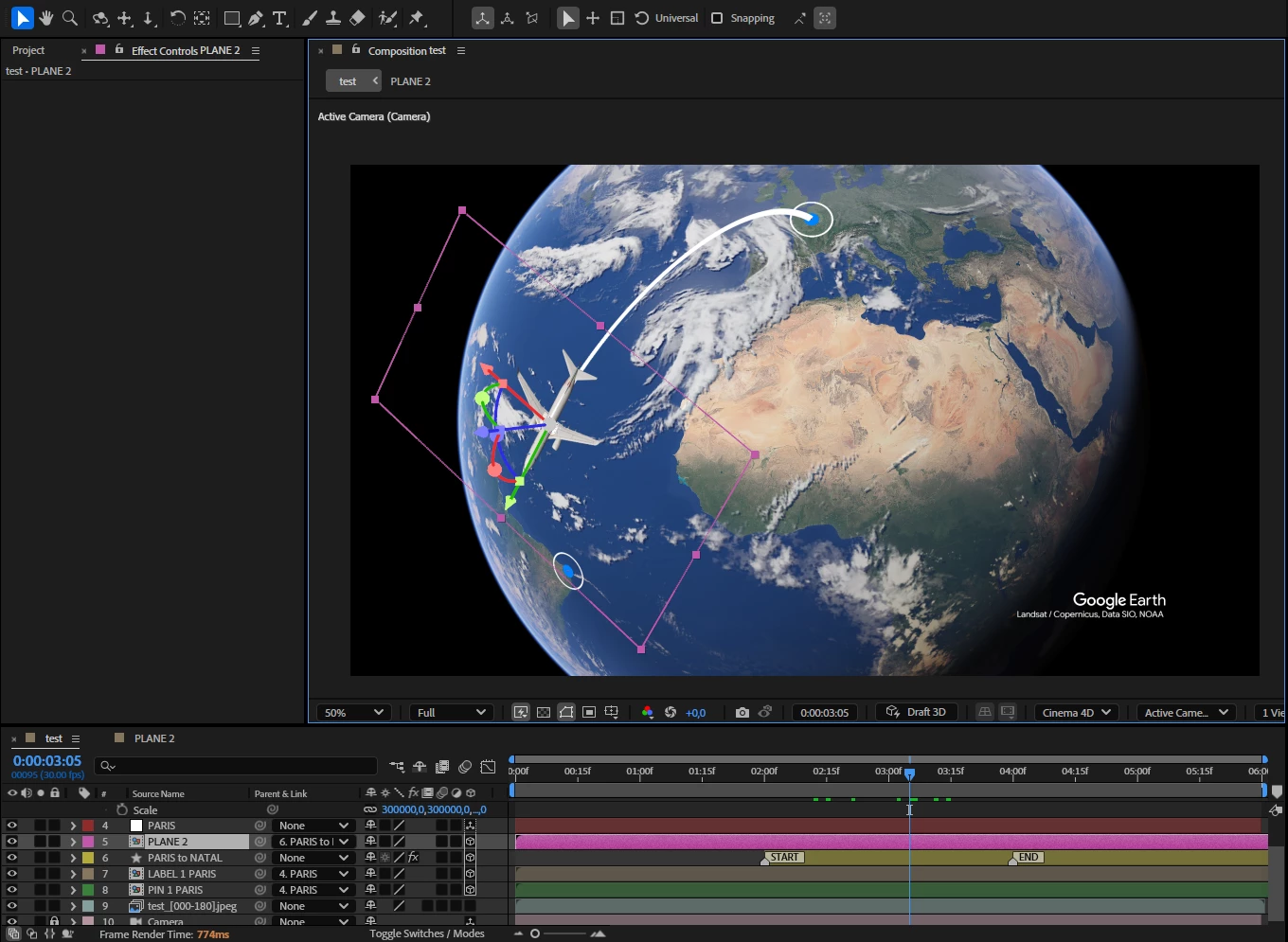


* For large distances/scales, I have to disable collapse transformations on the 3D object,

which I don’t need to do for reasonable distances/scales.

4 replies

Community Manager
November 19, 2024

Thanks for the helpful bug report!


We are able to reproduce here, and we're investigating the fix.


I’ll ping this thread when I have any new info.


- Steve Minns, AE Engineering Team

DaciaSaenz
Inspiring
November 15, 2024

Thank you so much @Airweb_AE

Project recieved and getting some help from Devs to investigate. 


- Dacia Saenz, AE & PR Engineering Teams
Airweb_AEAuthor
Legend
November 13, 2024

@DaciaSaenz This project might be more interesting for analyzing dropout.


[PROJECT FILE] 

DaciaSaenz
Inspiring
November 12, 2024

Interesting... so it seems like maybe there is a bug with Collapse Transformations perhaps? 


Can you please collect your project and share with me? 

Please feel free to DM a link to your project if you do not feel comfortable sharing it publically. 

WeTransfer, Dropbox, Google Drive... whatever works best for you,

Dacia

- Dacia Saenz, AE & PR Engineering Teams