Participant
September 5, 2026

3D rendering is slow and/or full of artifacts

  • September 5, 2026
  • 1 reply
  • 15 views

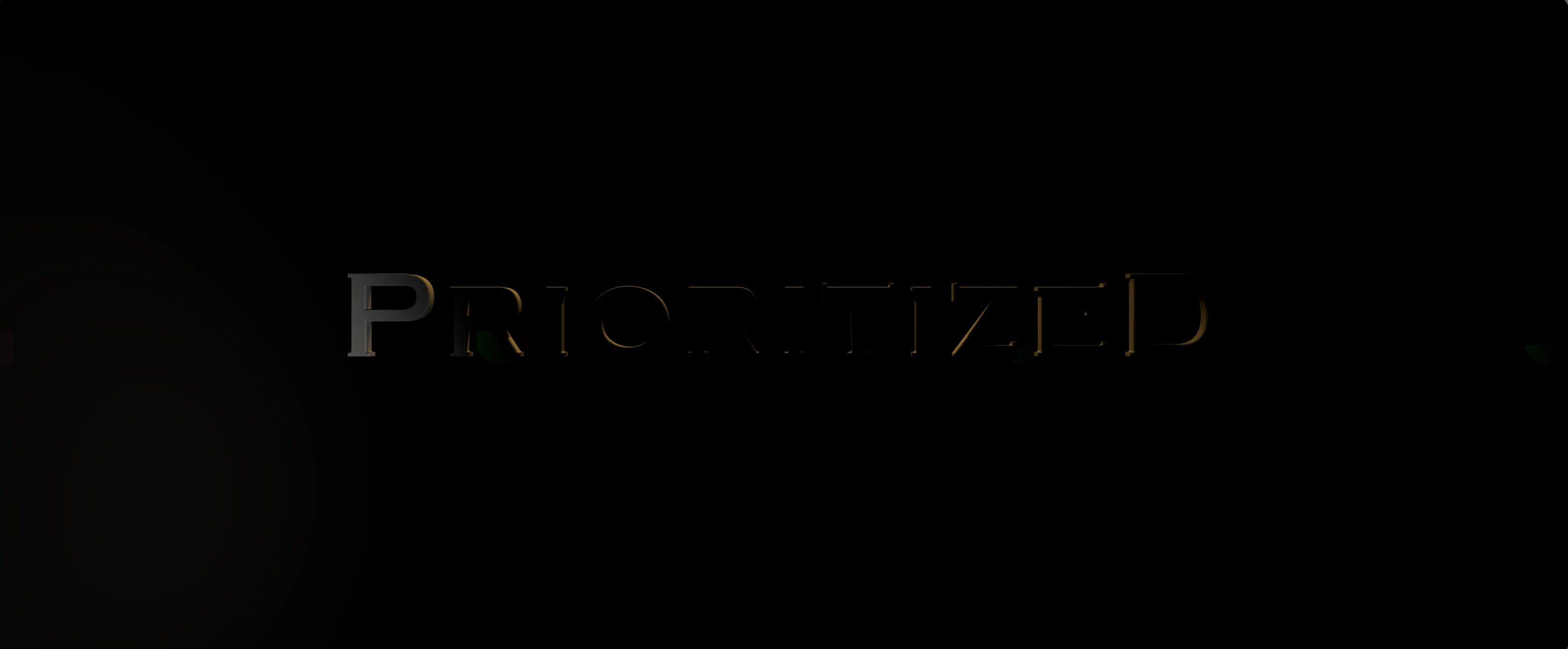
simple 3D scene, 2 lights, background plane, text with extrusion and bevel. Preview is good, render with any Adobe engine is bad. Can see colour banding and random colour block artifacts in the output. Lighting is completely different on the render, illumination in a different spot entirely. Switching to C4D render looks as expected (sooooo slow)

Won’t render cleanly with any of the adobe renderers.

 

Render with Adobe advanced
Preview and C4D version


    1 reply

    Nishu Kushwaha
    Community Manager
    Community Manager
    September 7, 2026

    Hi barkbud, thanks for writing in sharing the screenshots.

    A few details that would help investigate this:

    1. Your exact AE version (Help > About) and OS.

    2. Your system specs and version of the GPU driver.

    3. Does this reproduce in a brand new project, or only in your specific project?

    4. If possible, sharing the project file (via DM if you'd prefer not to share it publicly) and screenshot of the export settings would let us test on our end and pass to engineering.

    Looking forward to your response.


    Thanks,

    Nishu