Carl Holmgren
Inspiring
August 21, 2023

AE 23.6 (Mac) Crash - Changing Timecode/Time Display Manually

  • August 21, 2023
  • 10 replies
  • 547 views
  • App Version: After Effects 23.6


  • Platform and OS Version: MacOS Ventura 13.5


  • Basic steps to reproduce the problem:
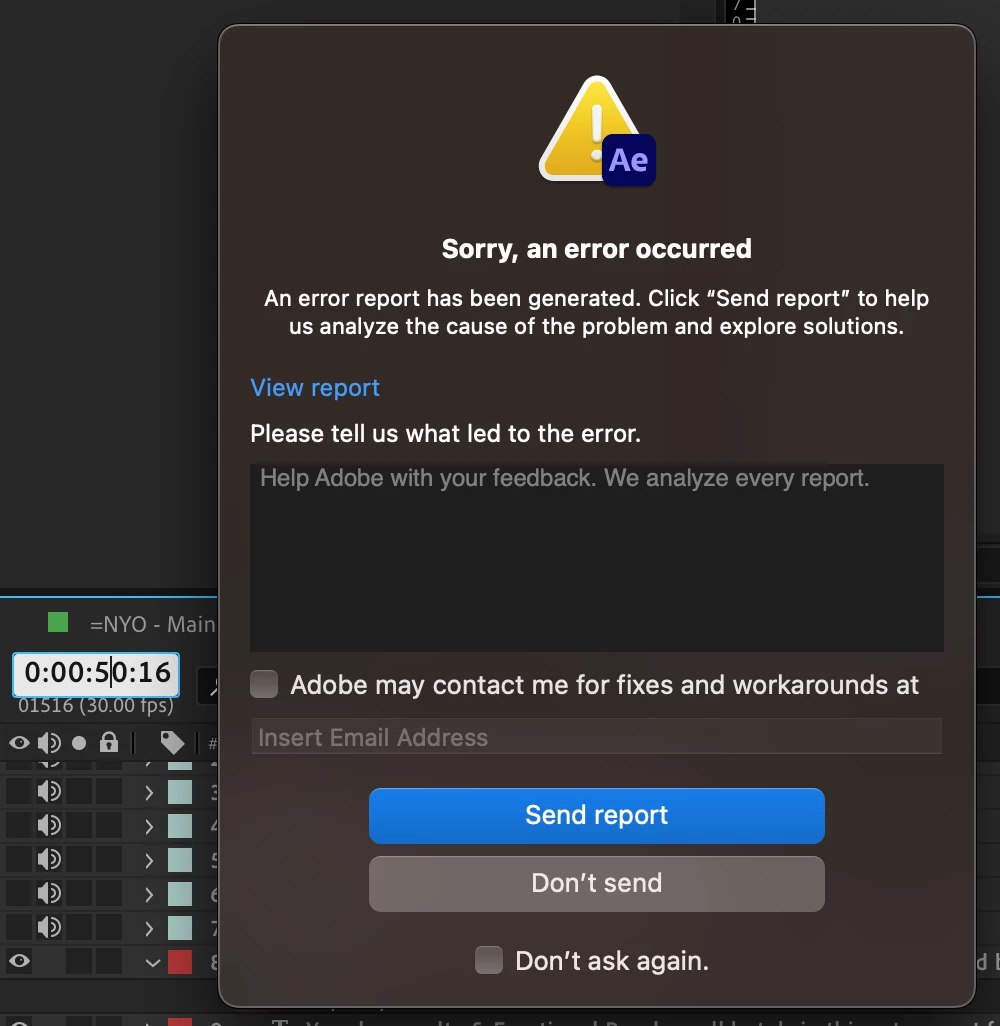
    Happens sometimes when I change the timecode/time display manually (entering numbers especially if I want it to be exact). Been happening quite a lot recently and it already came to the point that I've lost my progress a couple of times as well, kinda pisses me off. Never have I experienced this bug on the previous versions.


  • Actual Result:


Hope this can be fixed soon. Thanks!

This topic has been closed for replies.

10 replies

Carl Holmgren
Inspiring
November 18, 2023

Update: Can confirm that this bug is already resolved.

Carl Holmgren
Inspiring
September 15, 2023

Just an update. Crash is still happening until now. Had around 2-3 crashes and lost tons of progress.
I hope this problem is something that is in the works to being fixed. Thanks in advance!

Carl Holmgren
Inspiring
August 29, 2023

Gotcha! Thank you very much.

August 29, 2023

Thanks Carl - I have the crash report and have written up a bug internally to track. Will be reaching out to Apple to see if they can help us on what's going on as the crash is the OS shutting AE down unexpectedly.


Carl Holmgren
Inspiring
August 29, 2023

Note that the latest problem happened on another new project I'm working on.

Carl Holmgren
Inspiring
August 29, 2023

 
With latest AE & MacOS. The problem still persists.
Sent an error report as well.

Carl Holmgren
Inspiring
August 22, 2023

Oh I forgot to send a report when I updated it to MacOS 13.5 (as shown in the screenshot I provided). Still happens.


I'll be updating it now to 13.5.1 and will keep you posted if the problem still persists.

August 21, 2023

Thanks. I was just able to find the crash. This is happening due to an OS-level bug related to rendering. The report indicates you are running Mac OS 13.4.1 - can you upgrade to the latest MacOS release and see if this is still occuring? 

Carl Holmgren
Inspiring
August 21, 2023

Did that already.

August 21, 2023

Next time this happens, please fill in that error report with your email address (if you haven't been), and then we can look up the crash on our backend by your email address to see what's going on.